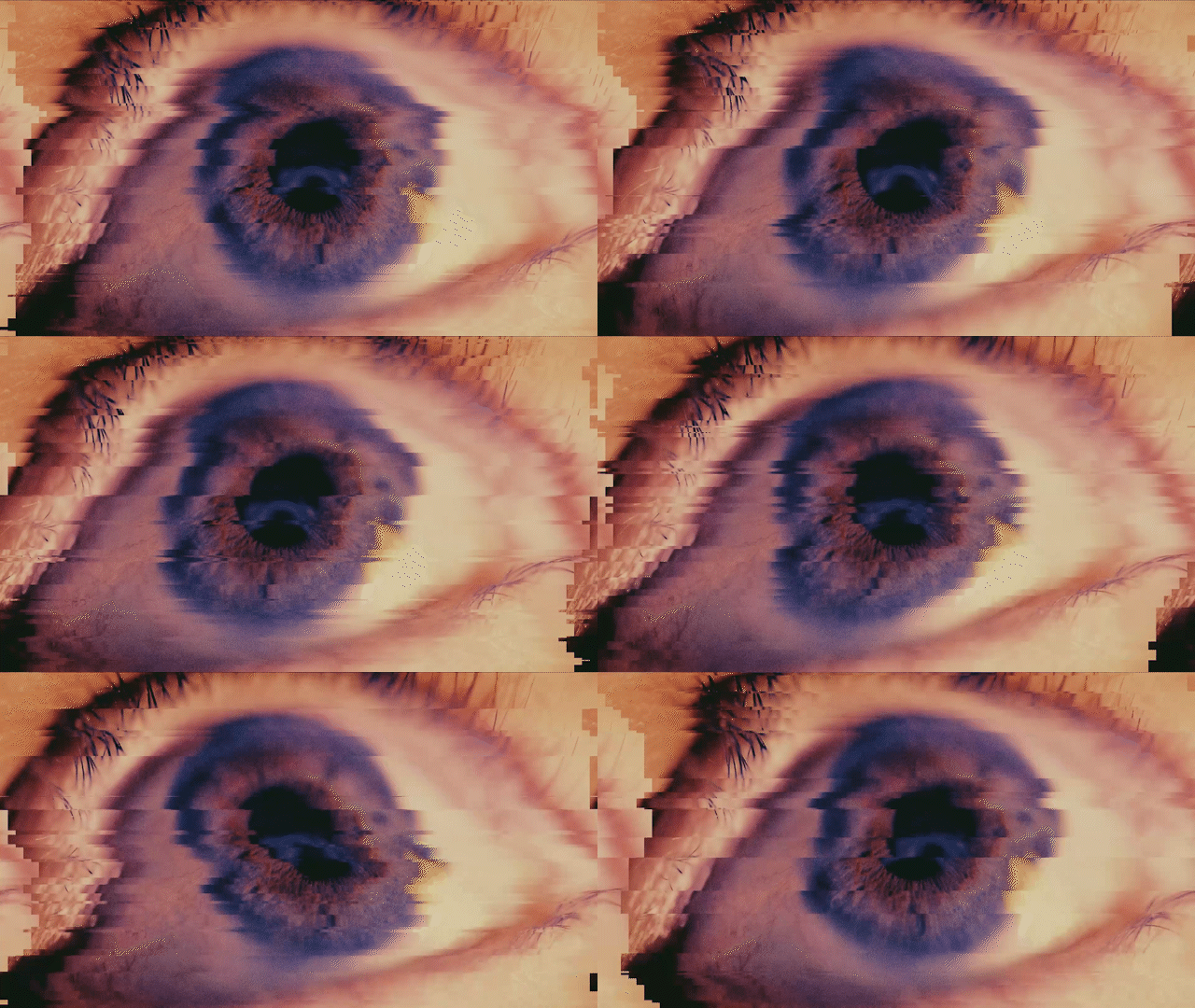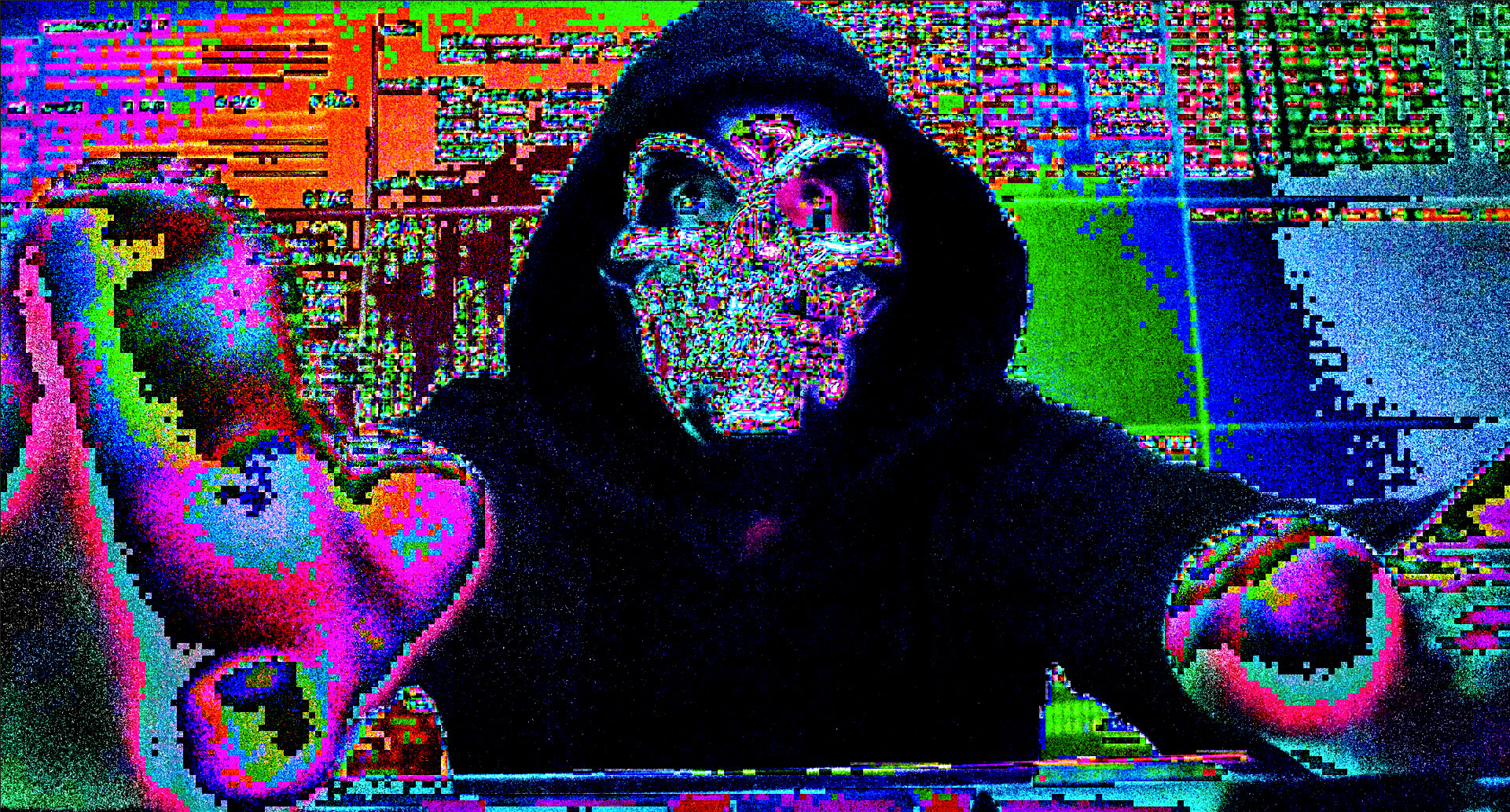
Jlitch adds JPEG-compression glitches to video. It compresses each frame as JPEG, measures the image data lost to compression, then blends that error back over the footage. The result can range from digital texture and blocky color fringes to soft blobs.
Shape the compression error
Start with a preset such as Ultrasound, Grainy Rainbow or CMYK Blobs, then adjust the effect. The Quality control ranges from 1 to 100; lower values create more compression error and a stronger glitch. Amplification boosts the error; Error Gamma shapes its curve. Choose RGB, YCbCr, LAB, HSV or Luminance to change the colors in the artifacts. Error Threshold removes small errors, while Invert Error reverses the error map.
Control texture and motion
Texture adds grain before compression, which can produce noisy artifacts that change from frame to frame. Error Blur softens the error into blobs. Temporal Smoothing averages the error across neighboring frames to reduce flicker.
For a layer-driven effect, use Source to measure the error on another layer and blend it onto the current one. Blend modes include Add, Subtract, Multiply, Screen, Overlay, Difference and Error Only. Error Only displays the isolated compression error; Blend Amount sets its strength from 0 to 2.
Hosts, installation and licensing
The Jlitch documentation explains installation for After Effects and Premiere Pro on Windows 64-bit or macOS with Intel or Apple Silicon; the product listing specifies macOS 12.0 or later. It requires no GPU. For an aescripts purchase, the Manager App can install it. Manual installation uses a .aex file on Windows or a .plugin file on macOS; copy it to Adobe's shared MediaCore plug-ins folder and restart the host. The effect appears in the Pixel Sorter Studio category.
The aescripts compatibility table lists DaVinci Resolve versions 18-21. The Jlitch documentation gives manual installation steps for After Effects and Premiere Pro and describes license registration in Resolve, but does not give Resolve installation steps.
A trial is available and displays a red X over the image without a license. The product listing's EULA grants one installed copy for one computer; multi-user or multi-computer use requires an appropriate license for each user and copy.