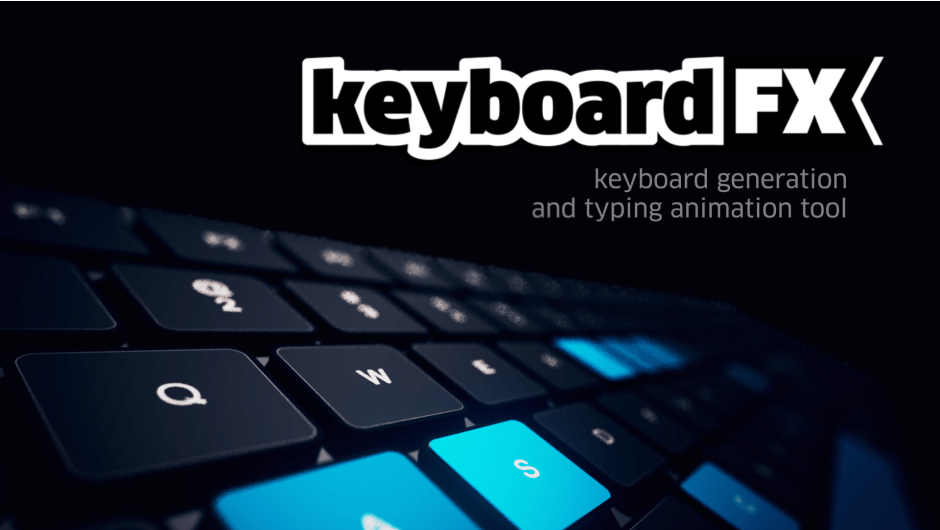
What keyboardFX creates
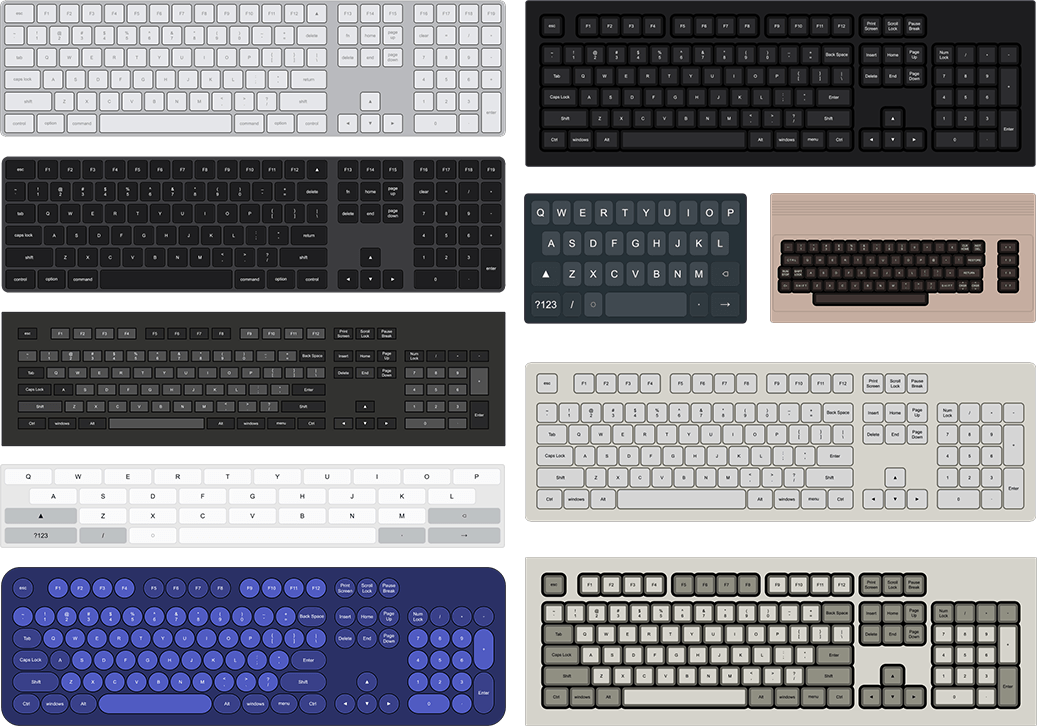
keyboardFX generates customizable keyboards and typing animations for After Effects. Choose a QWERTY, AZERTY, or Dvorak layout, then use the animation presets or adjust the keyboard controls. It suits motion graphics and interface sequences that need visible typing, highlighted shortcuts, or mobile and tablet keyboards.
Control the typing sequence
Enter text and generate a keyboard. In Speed Slider mode, characters appear at automatically spaced intervals, and the Type Speed control changes the pace of the sequence. For precise timing, Using Markers creates a layer marker for each generated character. Move a marker to change when that character appears and its key lights up. After generation, the controls are available in the Effect Controls panel on the keyboardFX shape layer.
Animate special keys and device keyboards
Non-alphanumeric keys use special codes with the key name inside double curly brackets. The {{HOLD}} code can illuminate a key combination or a section of the keyboard. keyboardFX detects changes between lowercase and uppercase text, inserts {{SHIFT}} codes, and updates the keyboard layout. Mobile and tablet keyboards include a symbol page and can switch between ABC, case, and symbol states as the text changes. Function, modifier, navigation, and numeric keypad keys can also be illuminated.
Add physical key movement
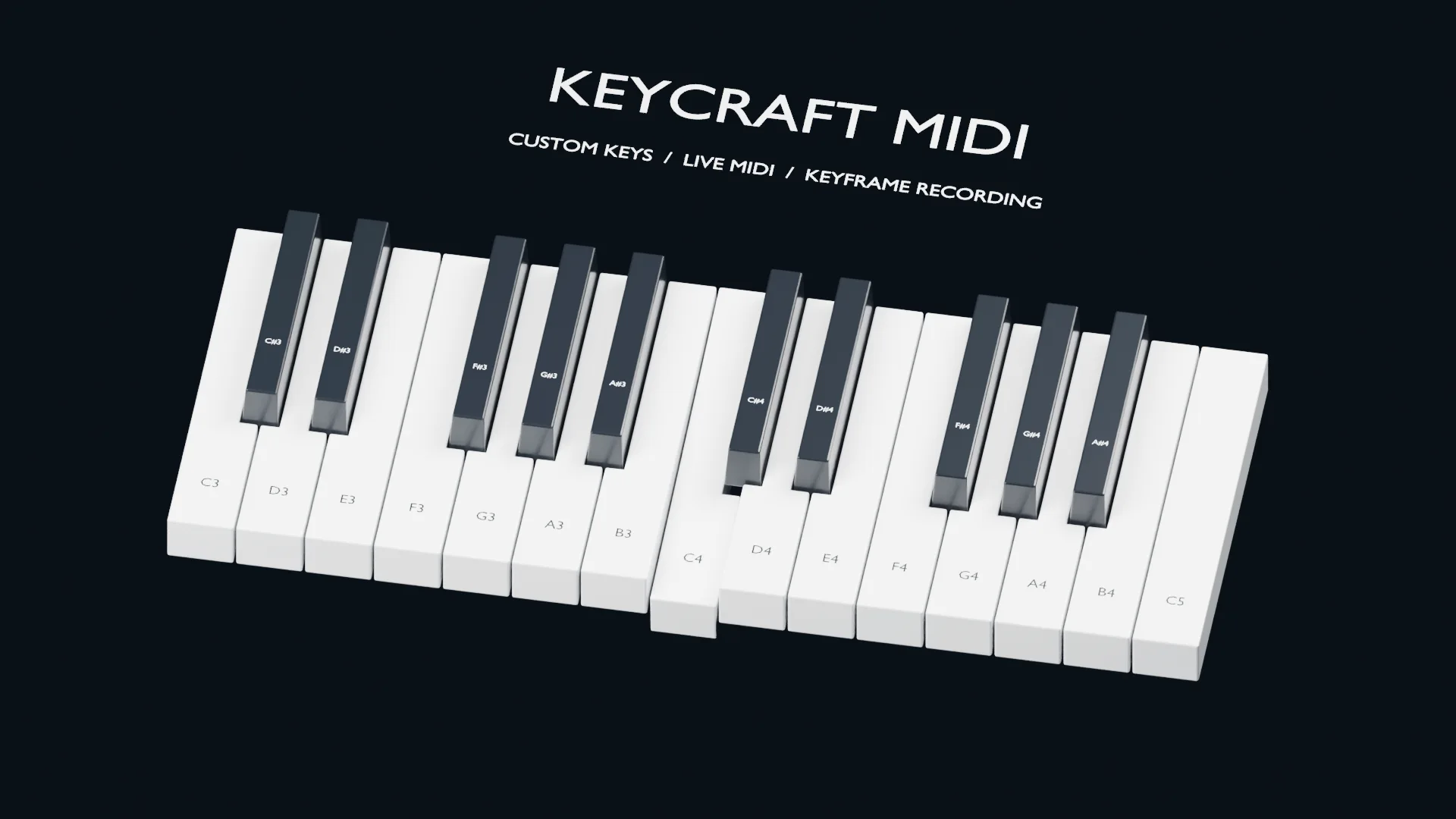
When 3D is enabled, Simulate 3D key presses moves illuminated keys toward the backplate, with each label following its key. Use this when the keys themselves should move as part of the typing animation.
Compatibility and license
The product page lists compatibility with After Effects 2027, 2026, 2025, 2024, 2023, 2022, 2021, and 2020, and includes a free trial. The posted EULA grants one copy for use on one computer at a time and excludes shared-use or multi-user configurations. It permits one archival copy on storage other than a hard drive, solely for reinstallation; additional copies or users require an appropriate license for each.