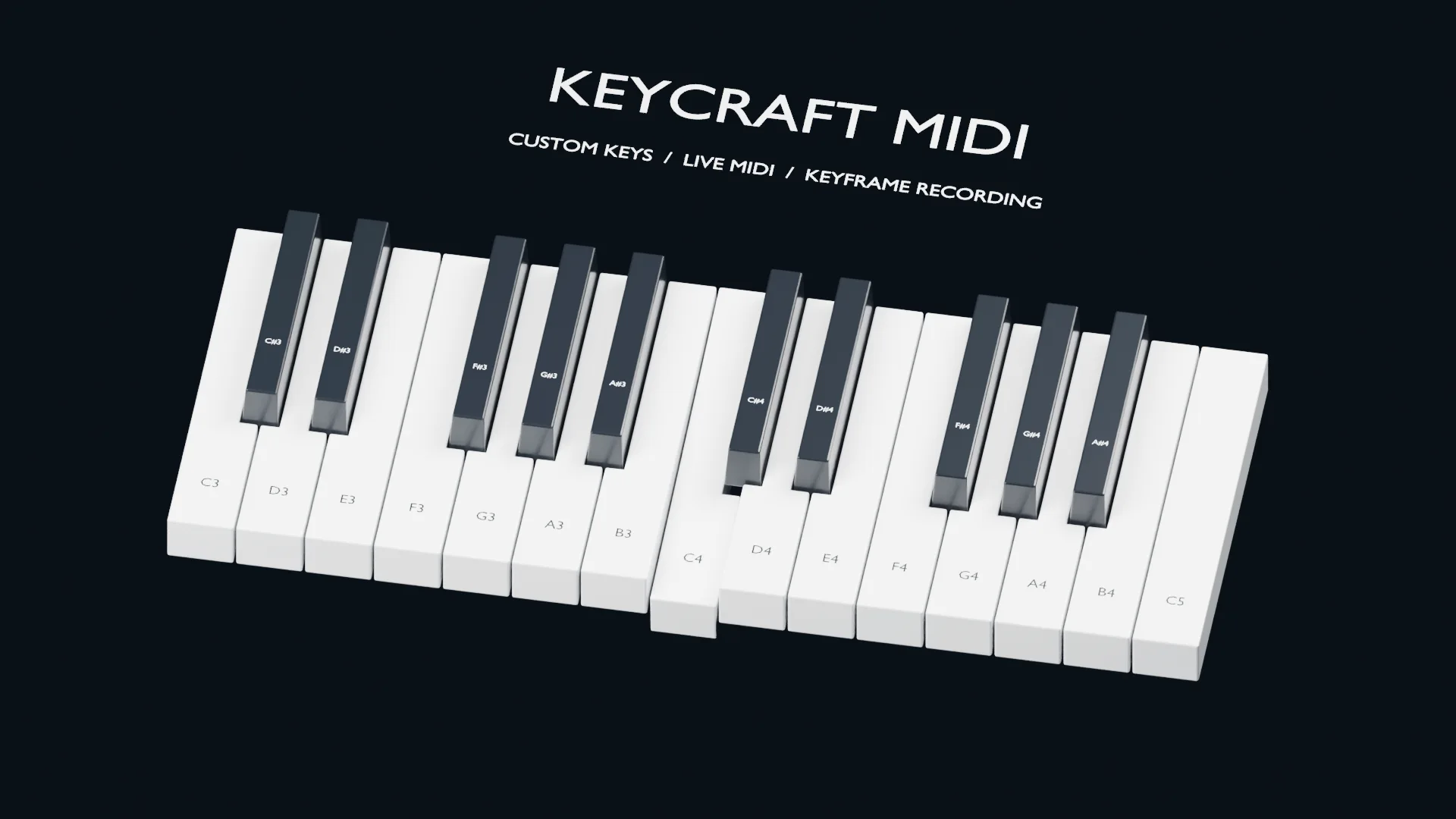
KeyCraft MIDI is a Blender add-on by Steveryino for building labeled piano or synthesizer keyboards and animating them from MIDI input. Version 1.4.0 is listed for Windows x64 and Blender 4.2 or newer. The listing says it was tested in Blender 5.1.2; Blender 4.2 compatibility is based on API review.
Shape and configure a keyboard
Choose a starting MIDI note and a range of 1 to 128 keys, or use a 25, 49, 61, 73 or 88-key preset. The feature list describes Piano, Synth and rounded Waterfall shapes, with controls for key dimensions, gaps, bevels and press travel. Optional labels use scientific pitch notation and can display sharps or flats. Keys pivot at the rear and respond to a Press value from 0, released, to 1, fully down.
Version 1.4.0 release notes also mention creating organ and isomorphic keys, applying KeyCraft to existing keys, and using multiple keybeds with MIDI channels.
Connect MIDI and record animation
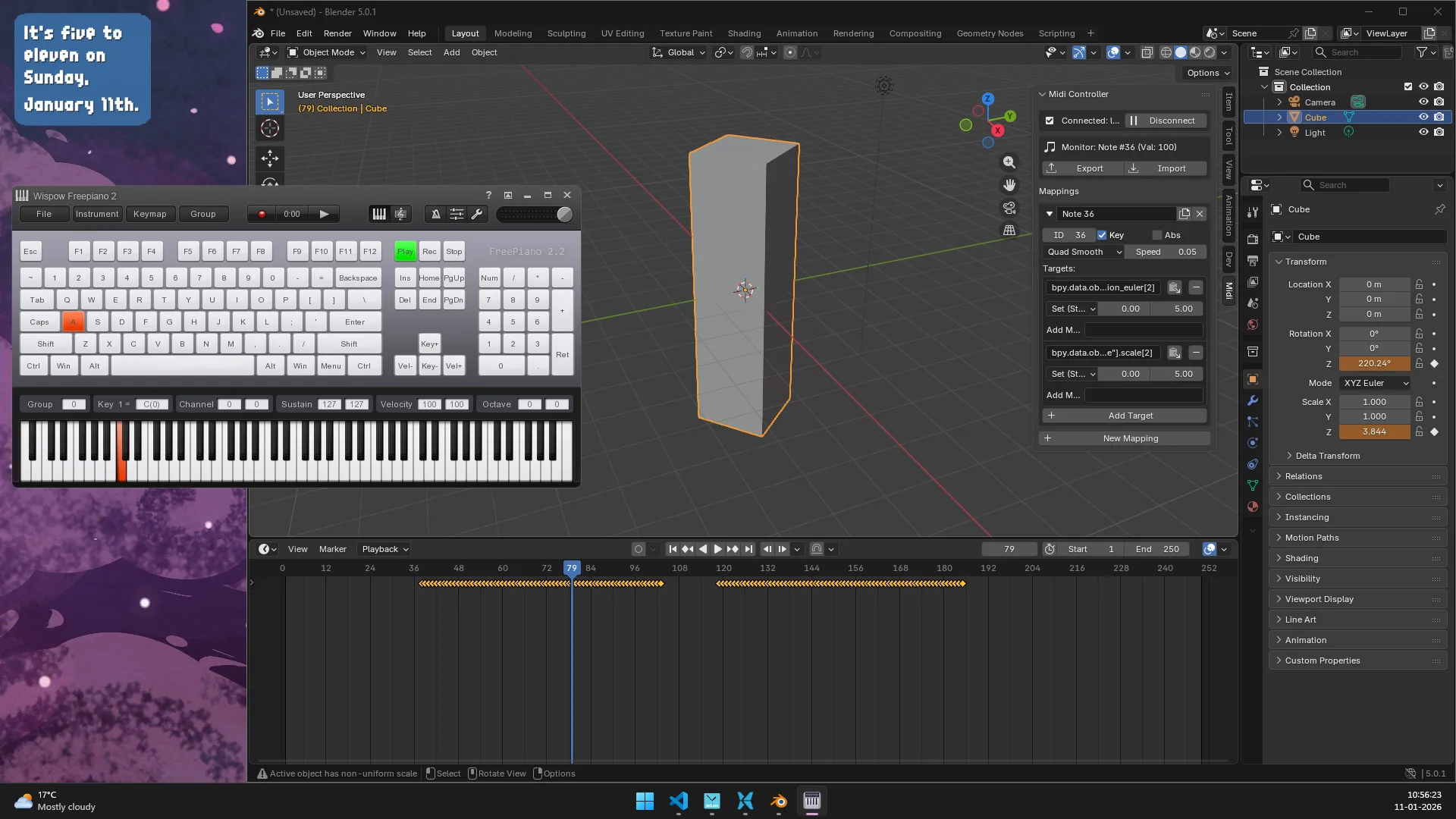
Open the KeyCraft panel in the 3D Viewport by pressing N. Choose the range and dimensions, then create the keyboard. On Windows, refresh the MIDI Input list and select a controller port. Set its channel and transpose as needed; Learn Lowest Key can align the controller's range with the keyboard model. Keep the Timeline stopped while connecting and playing.
Enable Record to Keyframes before connecting to capture a performance. When recording ends, the add-on creates editable Blender Press and Velocity curves. These include overlapping notes, idle periods and short taps, and can be edited or rendered as regular Blender animation. The listing says device enumeration was verified on Windows and animation and recording were tested with injected MIDI messages. Physical live-performance timing has not been independently verified, and heavy scenes or rendering can delay live updates.
Requirements and workflow limits
KeyCraft uses Windows' built-in MIDI input API and has no third-party Python dependencies, network calls or runtime downloads. A connected controller needs its usual Windows MIDI driver. The add-on animates keyboard geometry; it does not generate audio or record an audio track. Live MIDI and keyboard regeneration require the add-on. Updating a keyboard regenerates its meshes and label text, so keep a copy before preserving individual mesh edits. The Traditional Add-ons and Extensions packages contain the same tools; enable only one.
See the Blender Extensions listing for release details and the Blender installation instructions. The listing links to the developer's issue tracker.