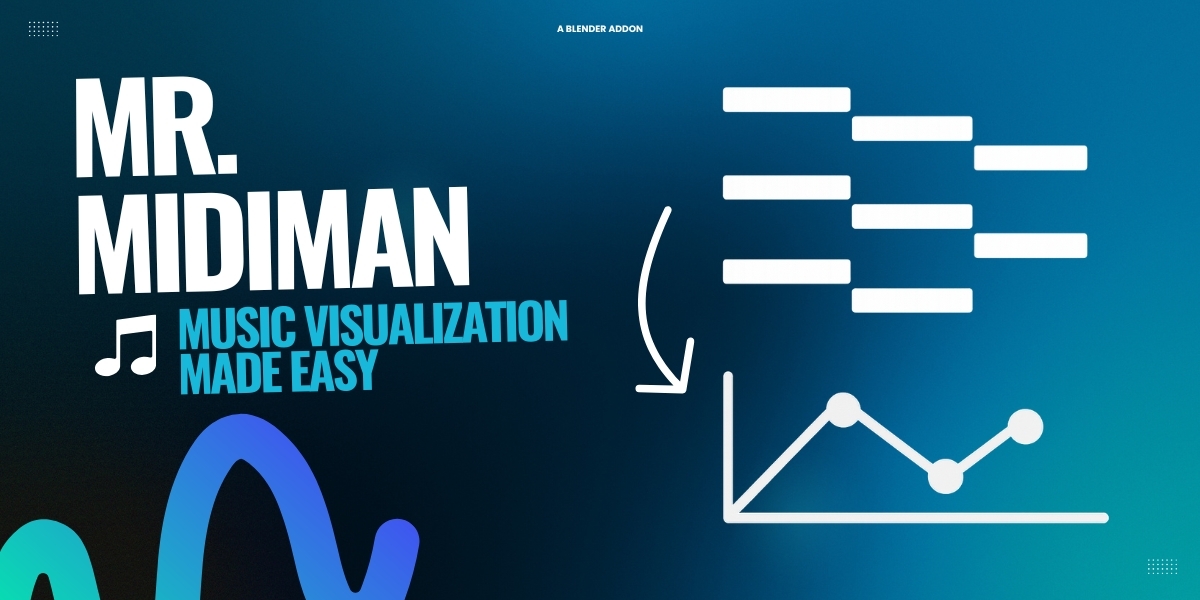
Mr. MIDIman is a Blender add-on that turns MIDI note events into keyframes for music-synced animation. Each MIDI file is loaded into a channel, where you can shape the resulting motion and use it to animate properties in your scene.
How the MIDI animation workflow works
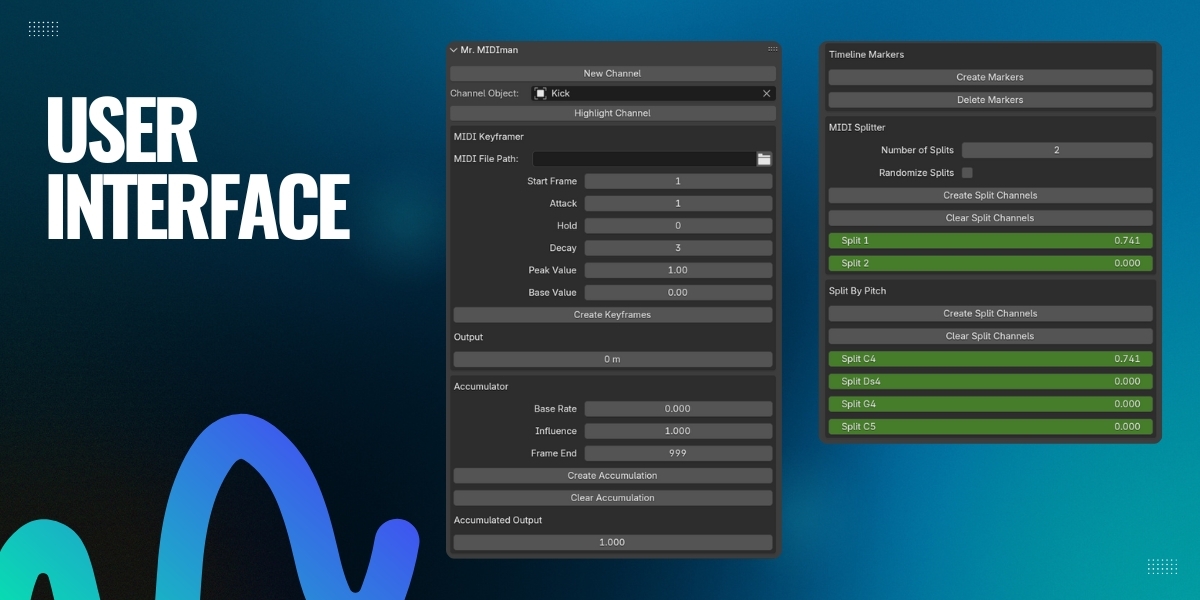
Create a channel, load a MIDI file and set the envelope controls: attack, hold, decay, base value and peak value. Keyframes are generated when the file is loaded and update as you change settings. If automatic updates do not run, use the Create Keyframes button. Set a start frame to position the MIDI events on your timeline.
Each channel is an Empty object in the MIDIman Channels collection. The standard output is Z-location keyframes on that object. Copy and paste the keyframes onto another property, or use Blender drivers to connect the channel output to a scene parameter. Channels keep their own MIDI file and settings, so you can work with separate musical parts independently.
Shape events and distribute notes
The ADSR controls shape each note event with attack, hold and decay timing, along with base and peak values. Custom Curve mode lets you draw a curve template and place it at MIDI note-on events instead. Its output is written to the channel’s Y location; standard ADSR output uses Z location. The template remains available for reuse.
The Accumulator builds a value over time from channel output. The MIDI Splitter routes notes to sub-channels sequentially or randomly, while Split by Pitch creates a separate channel for each unique pitch, up to 16. These outputs can drive different objects or properties.
Timeline Markers places markers at MIDI note-on events for reference while you animate. A separate Paste on Markers panel in the Graph Editor repeats selected keyframes at selected markers. This utility works with any object and animated property, including animation unrelated to MIDIman channels.
Blender versions and installation
The listing requires Blender 4.0 or later. It specifies add-on version 1.1.4 for Blender 4.0 through 4.5, and version 1.4.0 for Blender 5.0 and later. Download the installation ZIP, then in Blender open Edit > Preferences > Add-ons and choose Install from Disk. Select the ZIP without unpacking it and enable the add-on. In the 3D Viewport, press N and open the Mr. MIDIman sidebar tab.
Example MIDI files covering 80 to 180 BPM are included. For custom timing, the developer suggests making a MIDI file in a DAW; a tutorial on creating MIDI files is linked from the product listing. The listing identifies the license as GPL. Check the product page and documentation for current files and instructions.