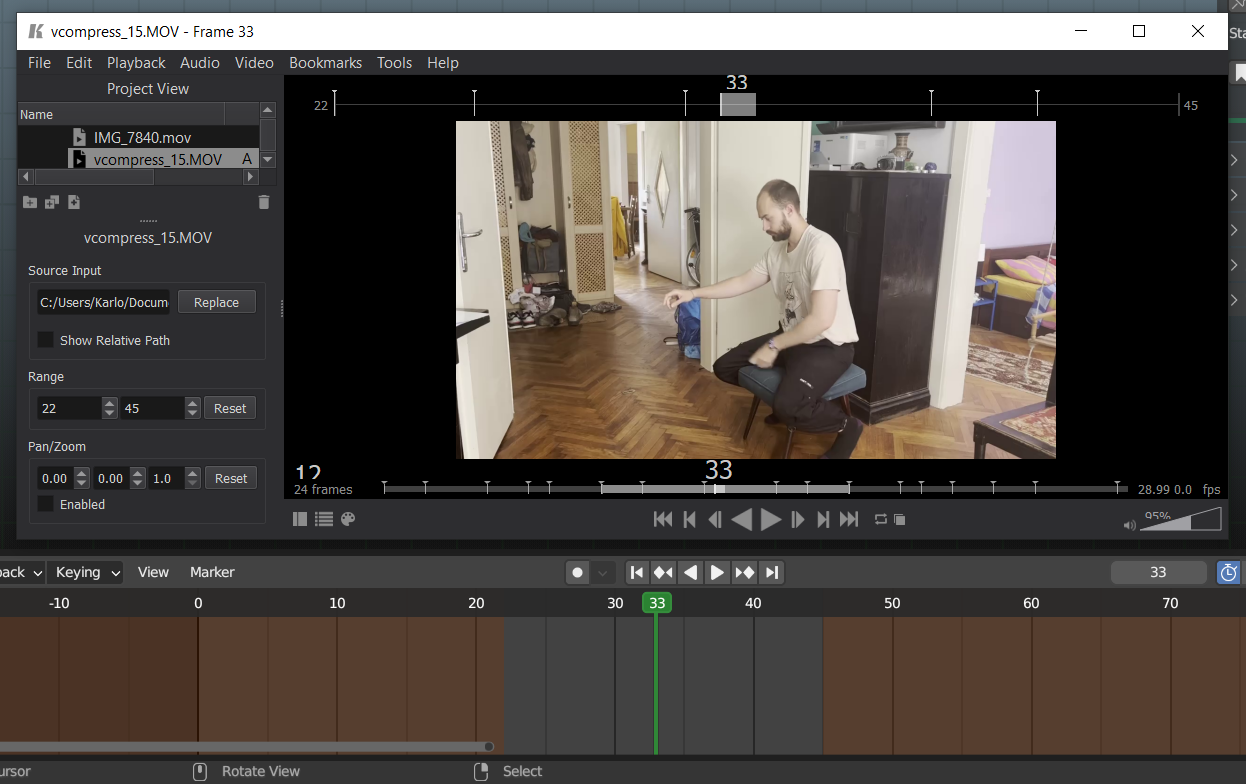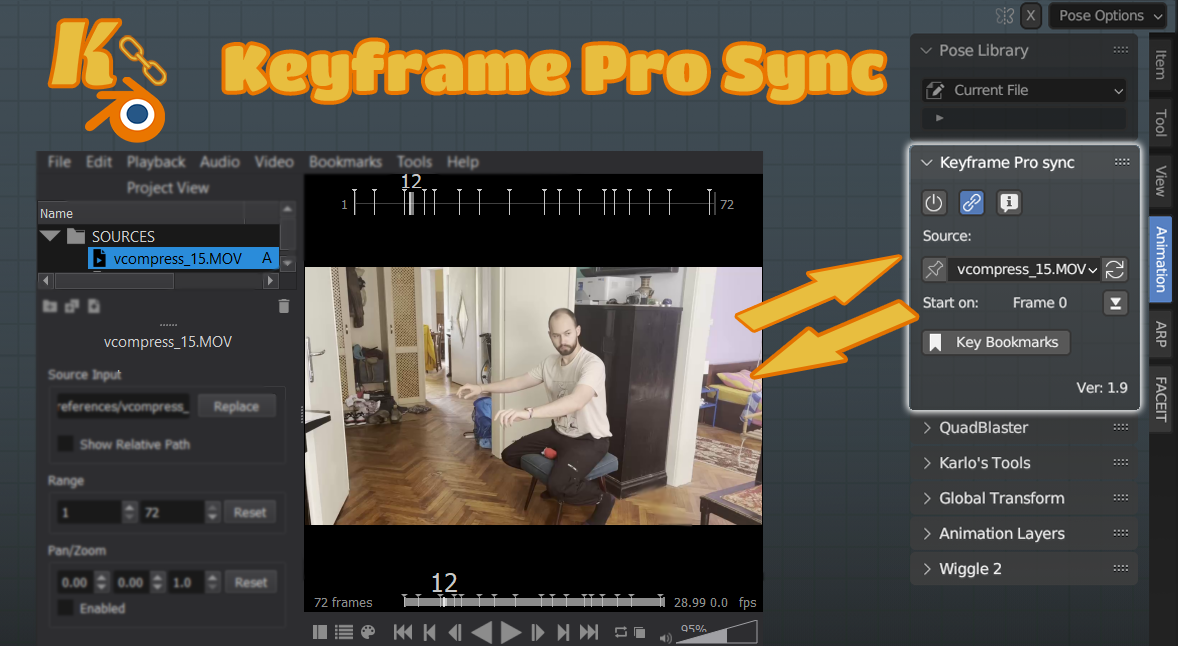
Keyframe Pro Sync is a Blender add-on for animators who use reference footage in Keyframe Pro. It links the two applications so scrubbing and playback can stay synchronized in either direction. You can select footage, connect clips to Blender Actions, import bookmarks, and set timeline offsets from Blender. Keyframe Pro is a separate program and is not included with the add-on; the add-on does not support Keyframe Pro DEMO. The product listing has a download link for the add-on.
Sync footage with Blender Actions
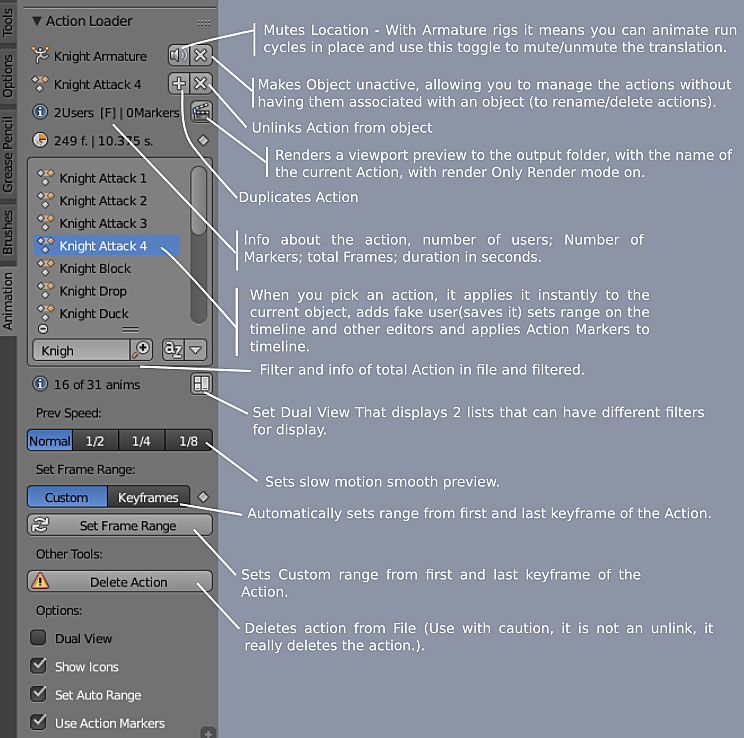
After connecting to Keyframe Pro, choose a clip from the add-on's dropdown. Blender Actions can remember their assigned clips, so changing the active Action can switch the footage in Keyframe Pro. Pin a clip to keep it active across Actions instead.
You can import Keyframe Pro bookmarks into Blender as frame markers in Object Mode or as keyframes when a bone is selected. The add-on also has controls to match Blender's preview range to a clip's length and to set a timeline offset. Pressing the offset arrow sets the footage start point at the current frame. Saving the Blender file stores Action-to-clip assignments and their offsets.
Install and connect the add-on
Download the ZIP, then open Blender Preferences, choose Add-ons, select Install, and pick the ZIP file. Enable Keyframe Pro Sync with its checkbox. Its panel appears in the Animation section of the N-panel. Use the power button to open Keyframe Pro, then open a project or load footage and save it as a Keyframe Pro project. Press the link button to start syncing. The status needs to show Connected for sync to work.
The preferences let you set a custom Keyframe Pro installation path and connection port. If the connection does not start, check that the port matches Keyframe Pro's setting under Preferences > Network > Port. The Info button displays connection and framerate details, and the documentation recommends refreshing the clip list after linking. See the setup and preferences documentation for the control descriptions. Uncheck the link button before closing Keyframe Pro.
Framerate and playback notes
The video and Blender project should use the same framerate. If they differ, the add-on displays a Framerate mismatch warning. You can convert the video or use Match Framerate, which sets Blender's playback rate to the video's rate. For playback with less lag, the developer suggests Frame Dropping in Blender and a larger cache size in Keyframe Pro's General settings. Frame Dropping or playback lag can leave Blender behind Keyframe Pro. If the timelines mismatch, the add-on attempts to resynchronize them when Blender playback stops, which can move Keyframe Pro back a couple of frames.
Compatibility, support, and licensing
The marketplace listing gives Blender 3.3–5.1 as its Blender version range. The product description separately says it was tested with Blender 3.6.2, 3.6.22, and 4.1.1, Keyframe Pro 1.15.1 and 1.15.2, and PythonClientAPI 1.14.1. The add-on includes a version check for Blender compatibility and available updates; it may warn about versions that are untested or incompatible. Internet access from Blender is required for version checking.
The developer describes this as a hobby project and says fixes or support cannot be guaranteed. The listing's description says the add-on is distributed under CC BY-NC-SA, while its details section labels the license GPL. Confirm the license with the developer before redistribution or use where a specific license matters. The product FAQ states that Keyframe Pro DEMO does not have an accessible API library, so the add-on does not support it.