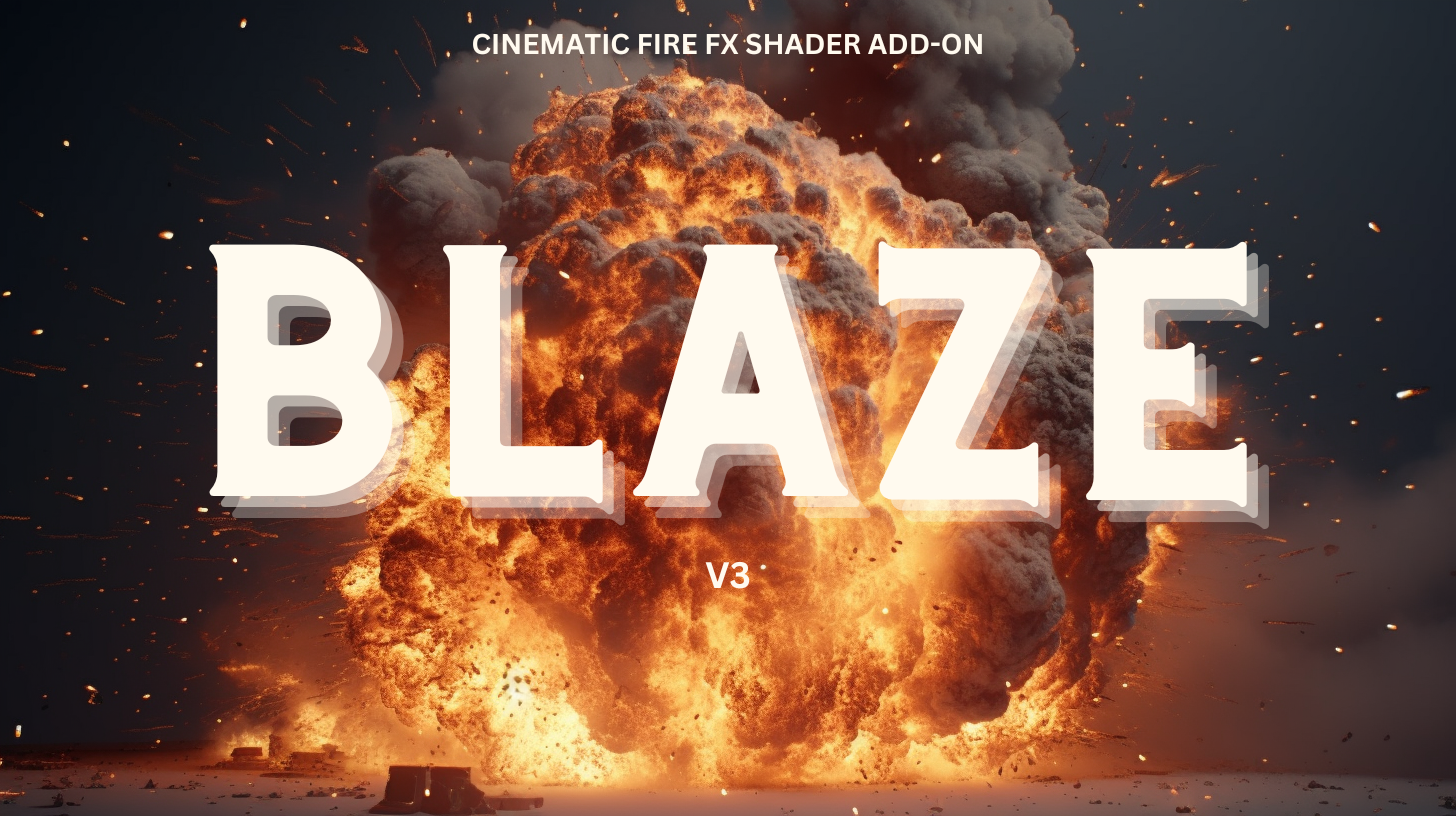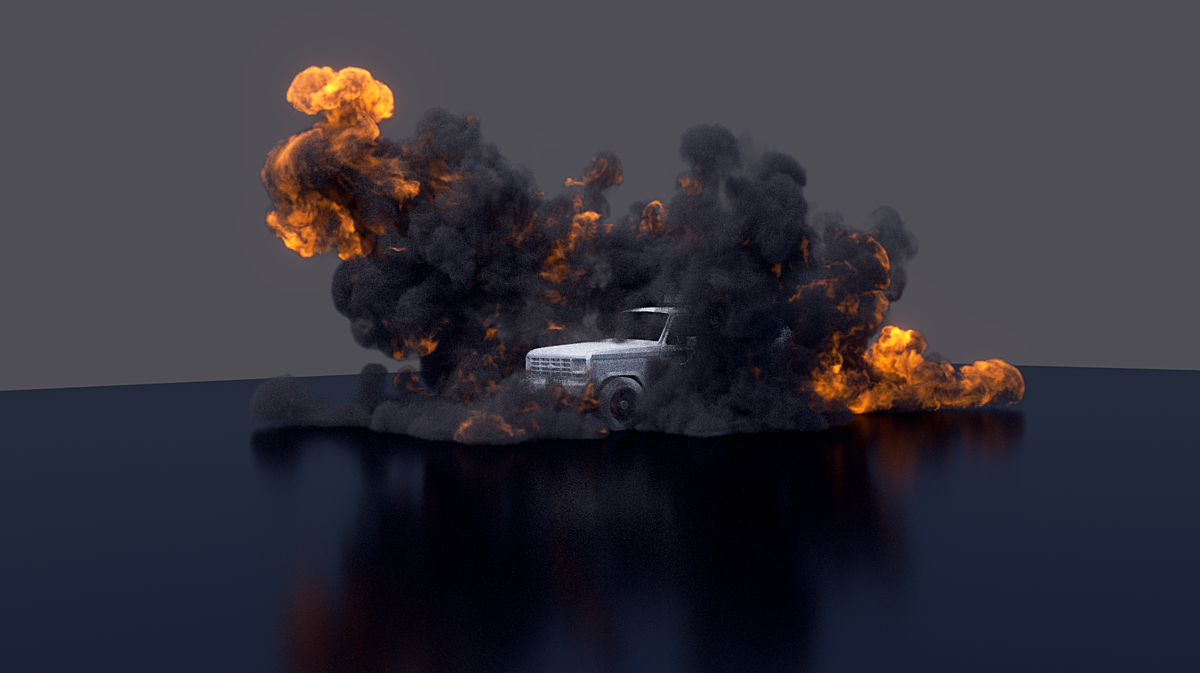
KHAOS Fire Shader by LIGHTARCHITECT is a volumetric material for shading smoke and flame effects in Blender. Originally the default domain material in the KHAOS explosion add-on, it is also available as a standalone product. Its two adjustable nodes keep the main smoke and flame controls together. See the product listing.
Adjust smoke and flame shading
The nodes let you change smoke color, density and contrast, along with flame color, brightness and contrast. They also expose color ramp values. For a different result, you can connect your own input nodes to the shader.
The shader supplies the volume material. The product demo pairs it with an explosion created in Blender using fuel particle operators from the KHAOS add-on.
Install the material in Blender
Install the add-on through Blender's user preferences. After installation, its tab in the right tool panel lets you import the material into a scene without appending it manually. The product documentation has a separate optional shader-install note; it names installfireshaderkhaos.zip and says to install ZIP files without extracting. Check the instructions against your Blender version, since the same documentation covers several older releases.
Standalone use, price and compatibility
AnyPlugins lists the standalone product as free, and the Superhive listing labels its update a free download. The marketplace details list GPL as the license, so check the current product page for the terms that apply to your download.
Superhive lists Blender 4.4, 4.2, 4.1, 4.0, 3.6, 3.5, 3.4, 3.3, 3.2, 3.1, 3.0, 2.93, 2.92, 2.91, 2.9, 2.83 and 2.82. This list does not establish compatibility with Blender 5.x.