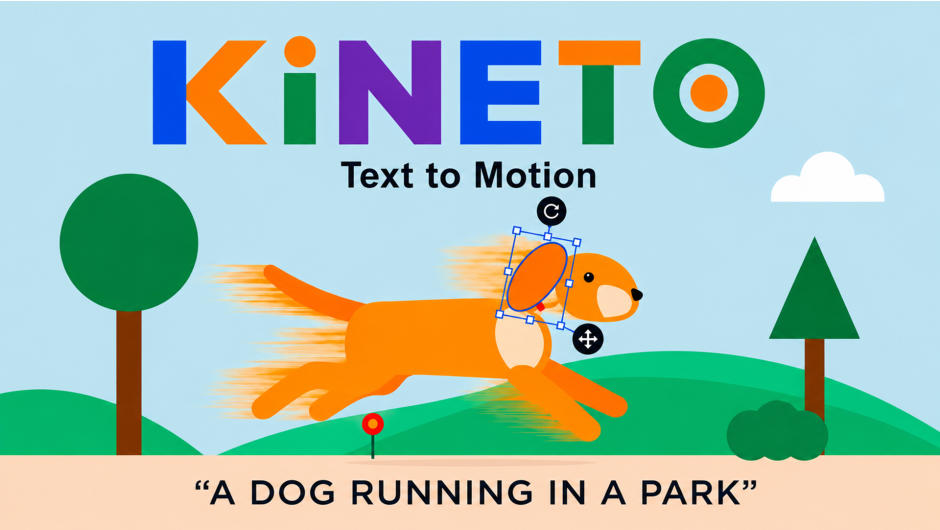
Kineto is an After Effects panel for creating motion from plain-language prompts. It fits motion designers making loaders, animated icons, character gestures, explainer elements, or logo and text reveals who want to keep refining the result inside their composition.
Editable layers in your composition
Kineto imports each element as an anchored shape group with Position, Scale, Rotation, and Opacity keyframes. Text arrives as live Text Layers. You can edit the keyframes, retime or restyle the elements, and ask Kineto to revise an animation with another prompt. Save animations in the built-in library to reuse them in other projects.
From prompt to animation
- Describe the motion in the Kineto panel, then review the generated preview.
- Optionally enable Visual Critique. Kineto rasterizes its preview and sends it to a vision model, which can refine timing and positioning before import.
- Import the animation into your composition. Adjust the layers and keyframes by hand, or prompt Kineto to revise the motion.
Choose a model connection
For cloud generation, Kineto supports Claude, ChatGPT, Gemini, and Grok. You provide the API key, and the provider may charge for usage. Kineto is a one-time purchase with no subscription. You can also connect Ollama, LM Studio, or another OpenAI-compatible endpoint to use a local model offline and avoid provider API charges.
Compatibility and license
Kineto is listed as compatible with After Effects CC 2018 through 2026. Generating animations requires an active API key or a local model. The EULA grants one copy for use on one computer; additional users or computers require the appropriate license for each copy and user.