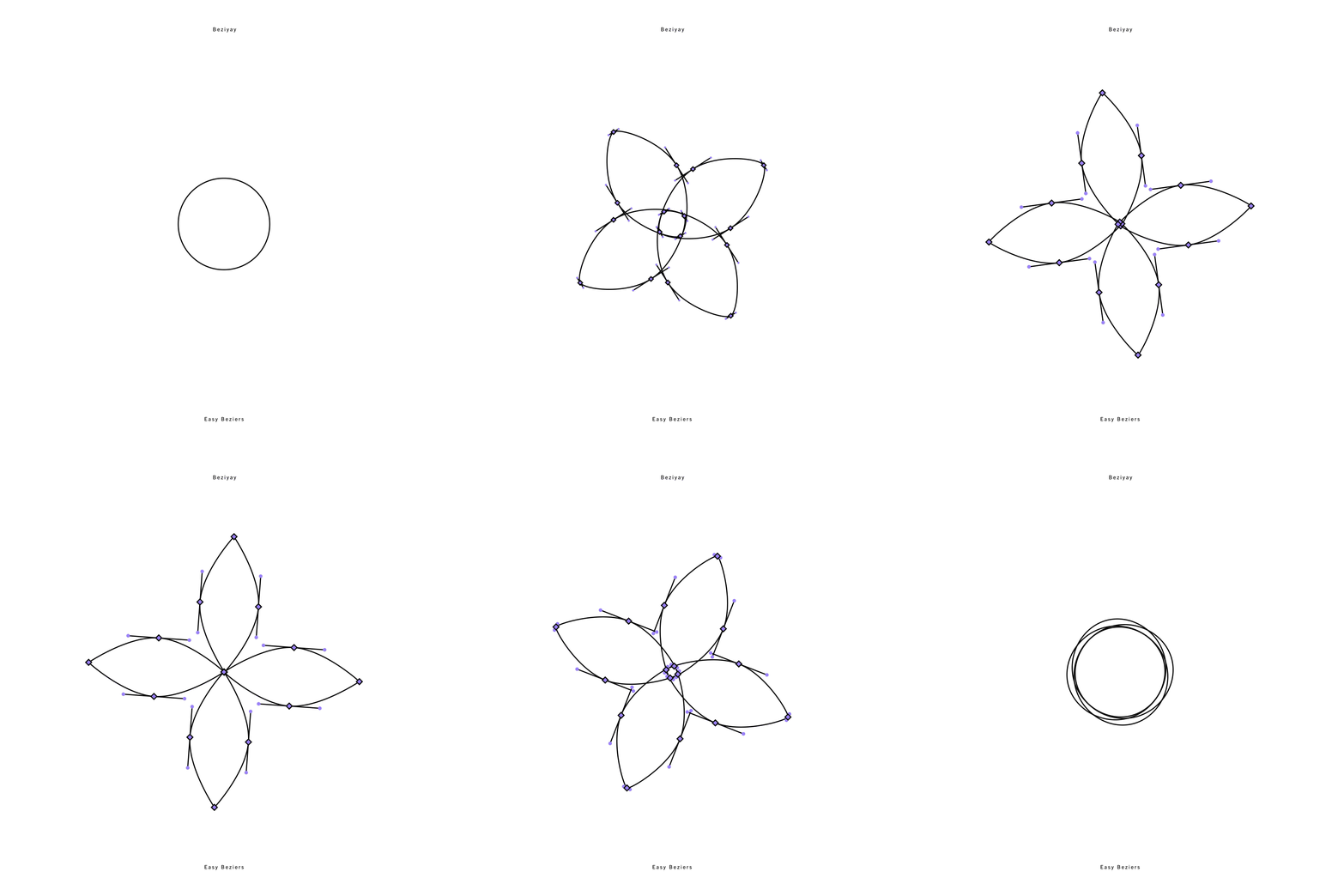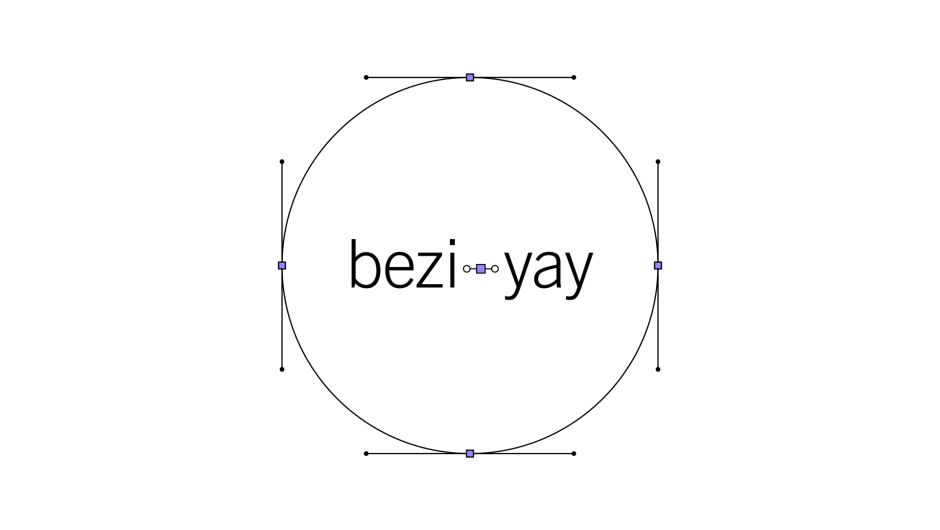
Beziyay turns animated Bezier paths in After Effects into customizable shape layers that make vertices, tangents, and handles visible. Use it to explain how a logo, type treatment, icon, or illustration is built, or to prepare motion design case studies and guidelines.
Style and annotate path details
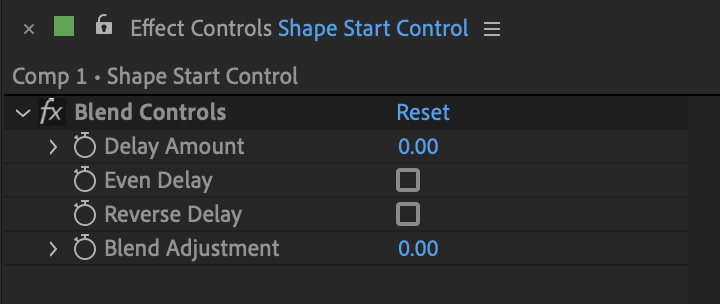
The Beziyay Controller lets you style vertices, tangents, and lines. You can also style and animate the generated shape layers, and parent vertices and tangents. To keep a consistent look across multiple assets, duplicate the Beziyay Control layer.
For technical callouts, Beziyay can display text for vertex position, tangent angle, and length. It creates two reference layers for styling, while the controller provides settings for measurement units, positioning, and opacity.
Use cameras and make motion guides
Beziyay creates 3D-ready shape layers that can be used with cameras for technical animations with changing angles and perspective. The tool can also help visualize speed and value graphs for motion guidelines.
Compatibility and licensing
The product listing specifies After Effects 2024, 2025, and 2026. Its license permits one copy for use on one computer at a time. Multiple users or computers require an appropriate license for each user and copy; the EULA also permits one archival copy stored on a medium other than a hard drive.