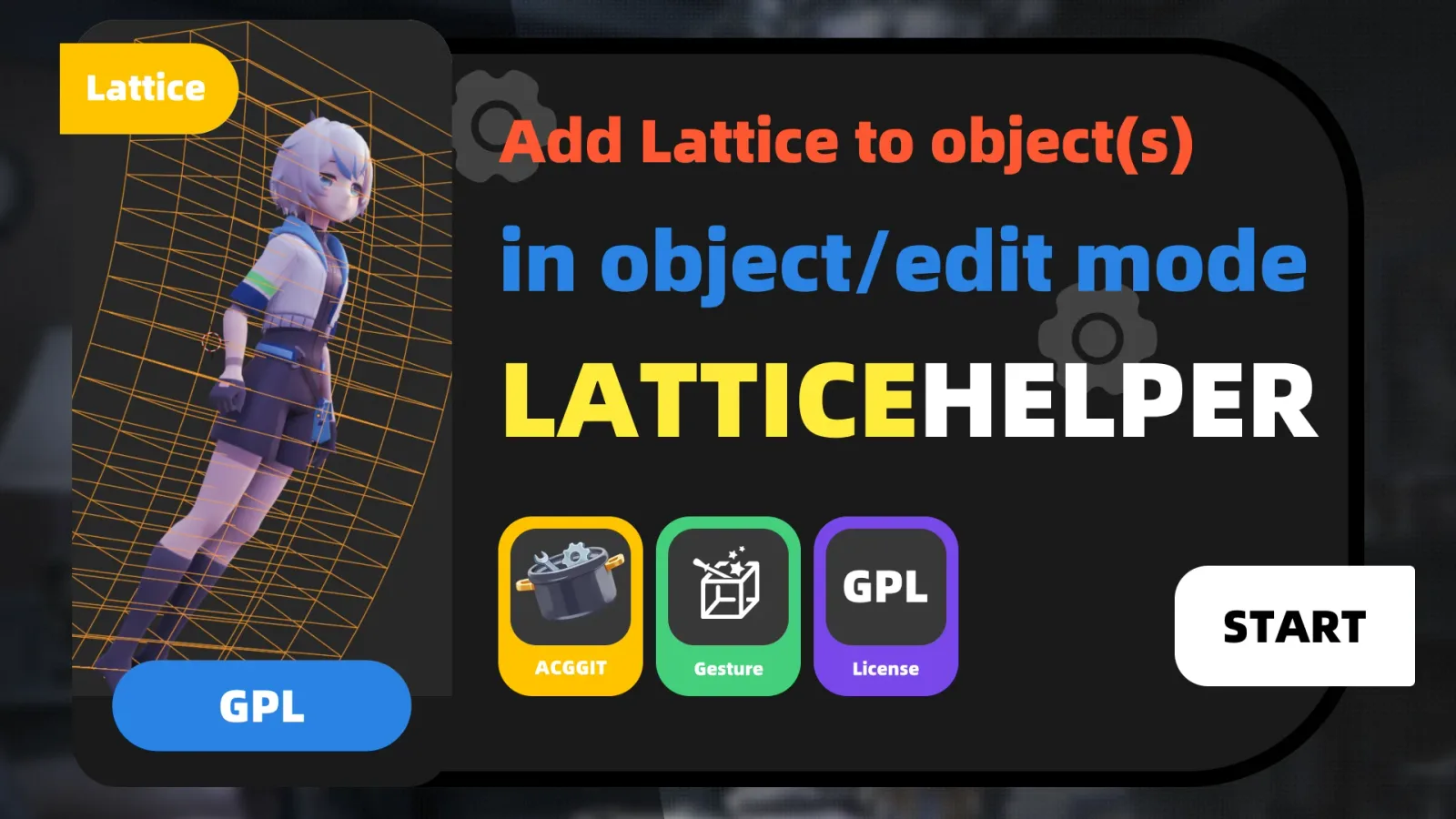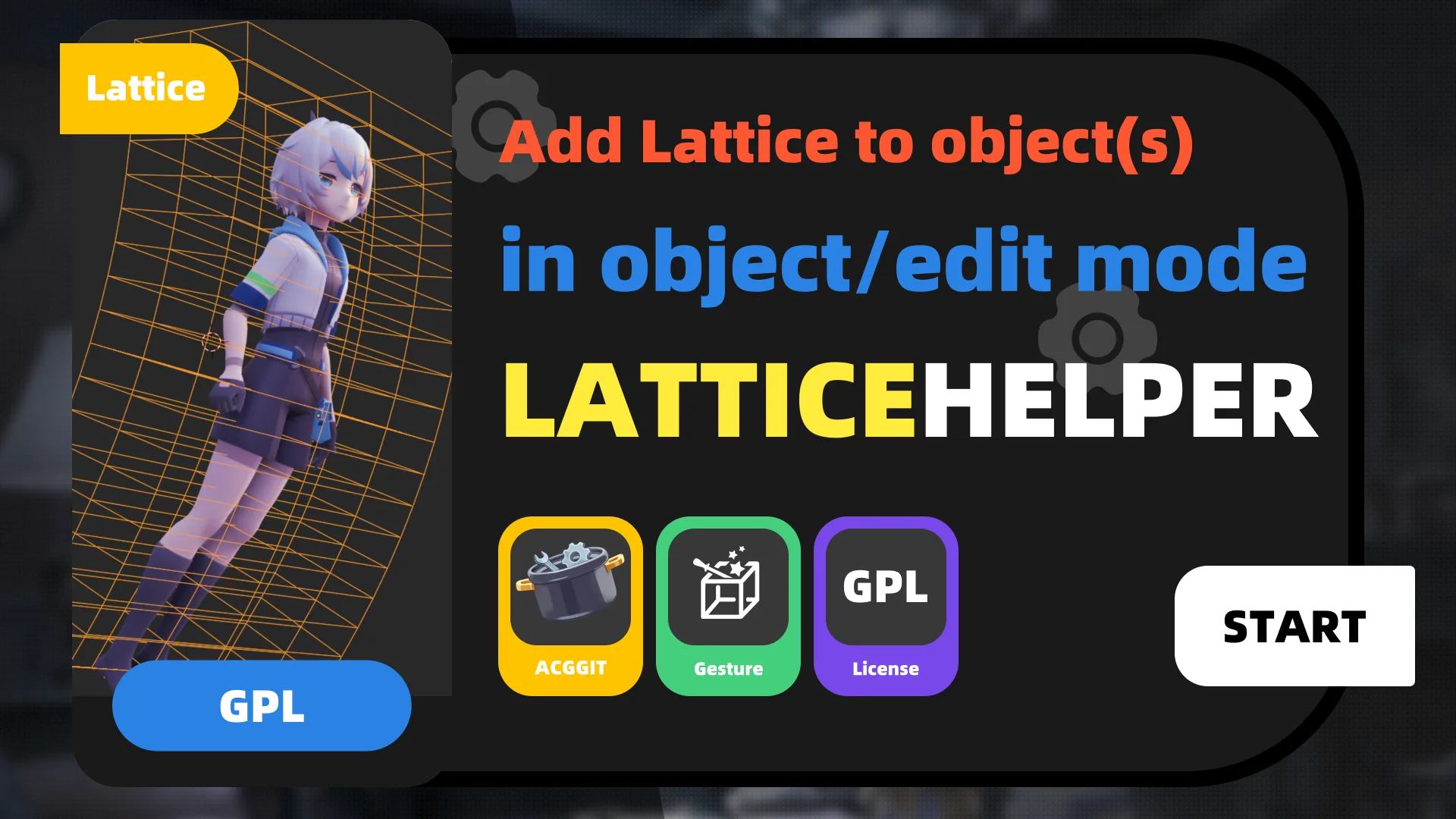
Lattice Helper is a Blender add-on for creating a lattice around a selected object or mesh selection from the 3D View context menu. A lattice acts as a control cage: edit its points to deform the linked geometry, then keep adjusting or apply the Lattice modifier when the shape is ready. The developer's README documents the menu and selection options.
Choose how to group the selection
In Object Mode, Lattice Helper can make a lattice for one object, treat several selected objects as one group, or create a separate lattice for each selected mesh object. This lets you choose whether the objects should share a deformation cage or be adjusted independently. Parenting is enabled by default: the object is the parent for a single object, while the lattice is the parent for multiple objects.
In Edit Mode, select vertices and create one lattice around the selection, including vertices from different objects, or create separate lattices by loose parts. The choice determines which selected geometry each cage controls.
Use the 3D View context menu
- Select an object in Object Mode or vertices in Edit Mode.
- Right-click in the 3D View and open Lattice Helper.
- Choose Add lattice, then adjust the lattice points to shape the deformation. The context menu also includes commands to remove a lattice or apply the Lattice modifier.
Version and compatibility
The official Blender Extensions listing shows version 1.2.5 and Blender 4.2.0 as the minimum version. It lists the add-on under Modeling, Mesh, and Object, identifies the license as GNU GPL v3.0 or later, and says the extension requires no special permissions. Check the official listing for its current version and installation details before adding it to a project.