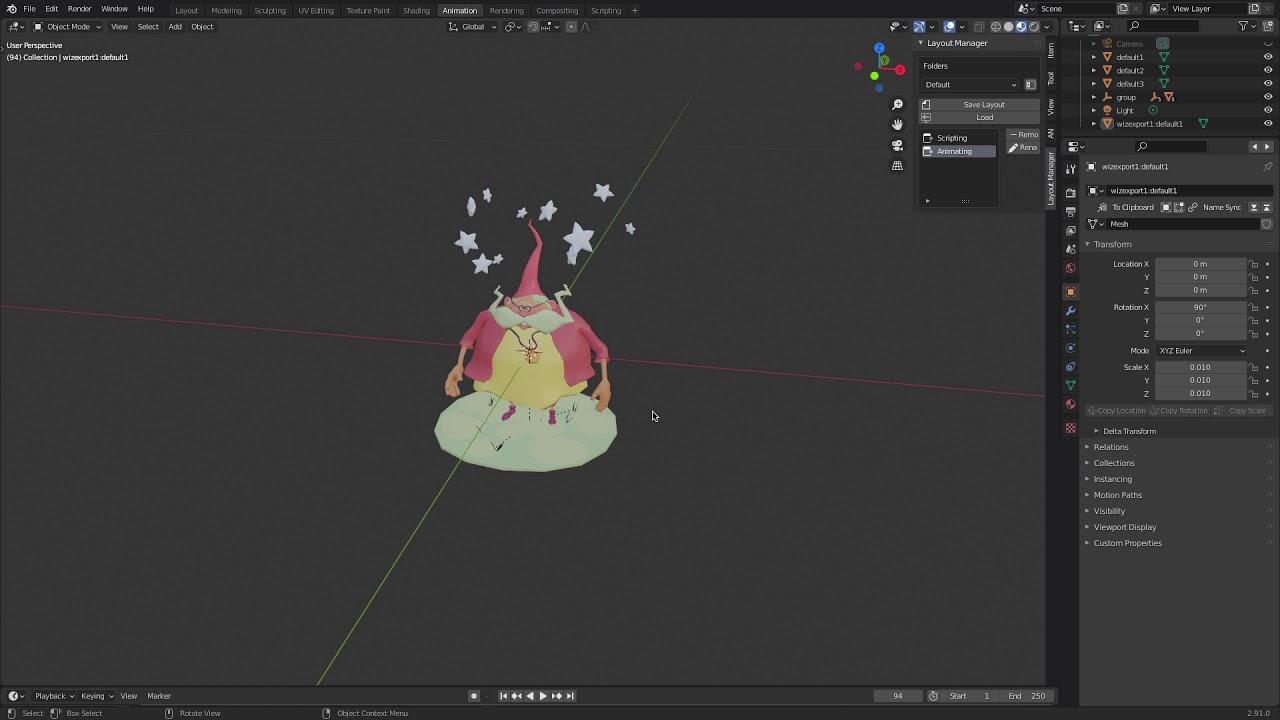
Layout Manager is a Blender add-on by Pixel Egg Studio for saving workspace layouts as presets and loading them again. It is aimed at Blender users who switch between different layouts in their workflow. The product listing documents preset controls, Dopesheet attributes, JSON import and export, and add-on settings in the workspace tab.
Save and restore workspace layouts
Save layouts as presets, then load them when you need a different workspace arrangement. Operators let you move presets up or down in the list. The developer warns that presets will be lost unless you save the blend file after saving layouts.
Dopesheet, JSON, and editor support
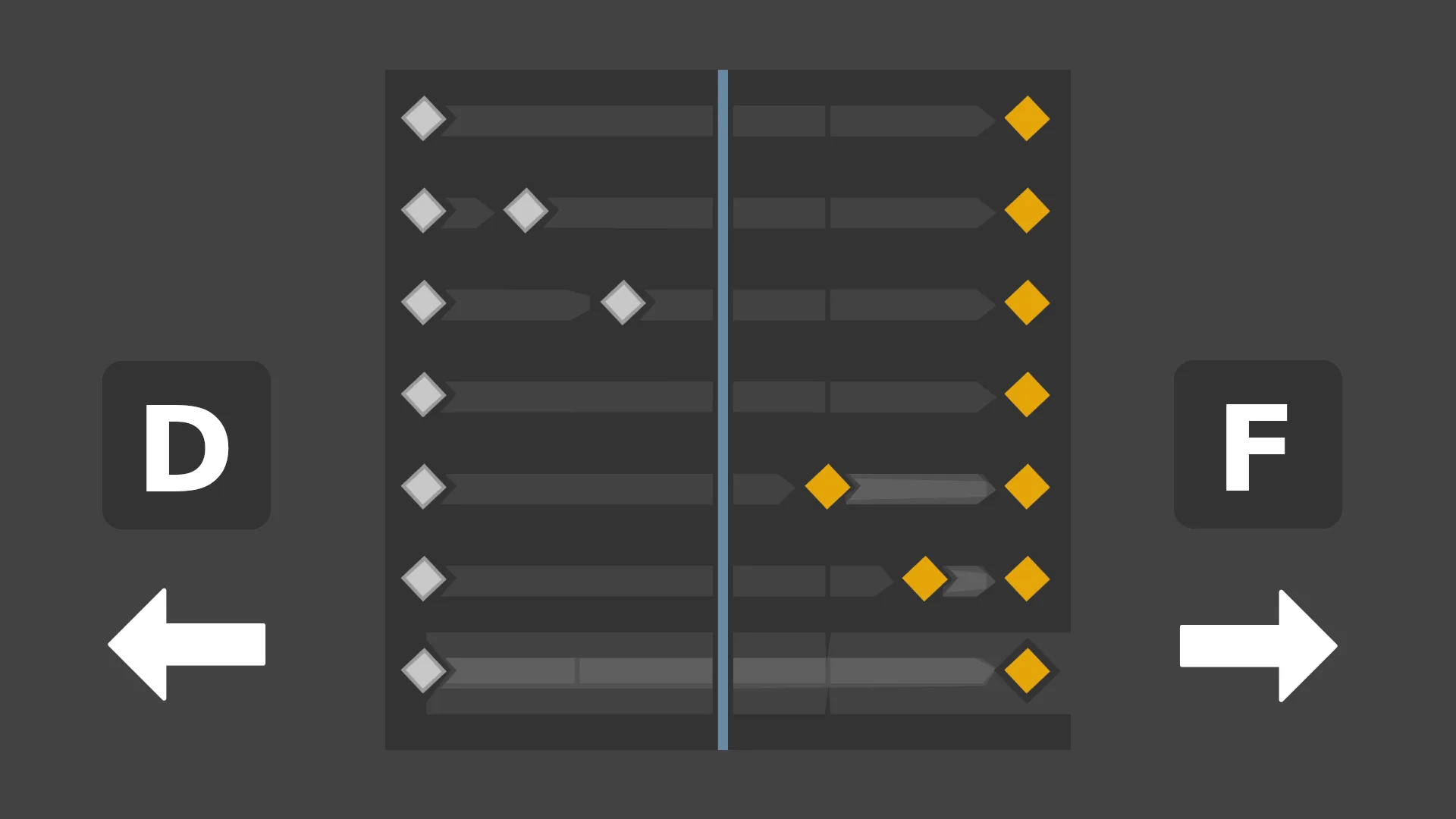
Layout Manager can save and load attributes for the Dopesheet Editor. Version 1.0.7 added exporting presets to JSON files and importing them again. Version 1.0.6 added saving and loading add-ons in the workspace tab. The N panel is available in the 3D View, Image Editor, and Node Editor.
Blender version listing and setup
The marketplace listing names Blender 2.81, 2.82, 2.83, 2.9, 2.91, 2.92, 2.93, 3.0 through 3.6, and 4.0 through 4.3. Its version 1.1.0 changelog reports a fix for a crash in Blender 3.0.0. The listing does not establish support outside the versions it names, so check compatibility before installing on another release. The developer documentation describes installing the downloaded ZIP through Blender's Add-ons preferences, enabling the add-on, and saving user preferences.
Who it suits
Layout Manager fits workflows where you regularly switch between workspace layouts or want to save and reload Dopesheet settings. Its JSON import and export can also keep preset data in files. Save the blend file after creating or updating presets so they are retained.