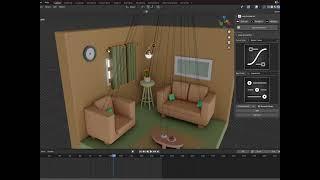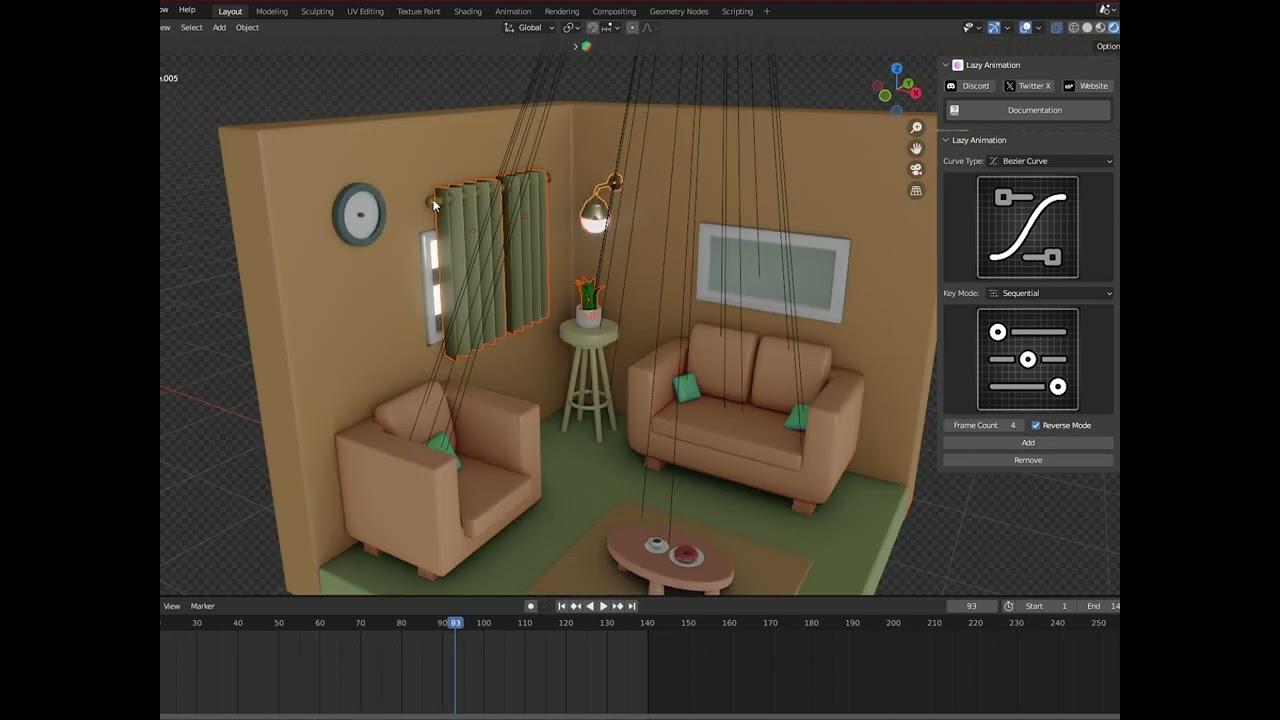
Lazy Animation is a Blender add-on by MeiU for setting up object movement with fewer manual steps. It combines keyframe generation with custom curve paths and controls for coordinating or reversing movement. The Superhive product listing includes a feature overview and demo video.
Animation controls
- Quick keyframes: Generate movement keyframes for selected objects with one action.
- Custom curve paths: Move objects along a curve for camera movements, path animations, product positioning, or object sequences.
- Multi-object sync: Control several objects together for group actions and sequences.
- Reverse mode: Flip the animation direction for back-and-forth or rewind effects.
Build a movement in three steps
- Select the objects you want to animate in Blender.
- Choose frame-by-frame or sync mode, and set a custom curve path when needed.
- Generate the keyframes, then fine-tune the result.
Choose between frame-by-frame and sync
Frame-by-frame mode creates sequential keyframes and is intended for more precise control. Sync mode moves multiple objects at the same time and is aimed at faster group animation. Choose based on whether the objects should move in sequence or together. Reverse mode can then change the direction for another variation.
Protect existing animation
The product listing warns that enabling the add-on removes existing keyframes on objects. Back up or duplicate your scene before using it, especially if it contains animation you want to keep. The documentation page also notes that the free add-on does not include support and points users to MeiU's Discord for discussion.
Compatibility and license
Superhive lists Blender 3.4 through 4.5, Blender Extension compatibility, a GPL license, and free availability. Check the current product listing for compatibility and license details before installing, particularly if your Blender version falls outside that listed range.