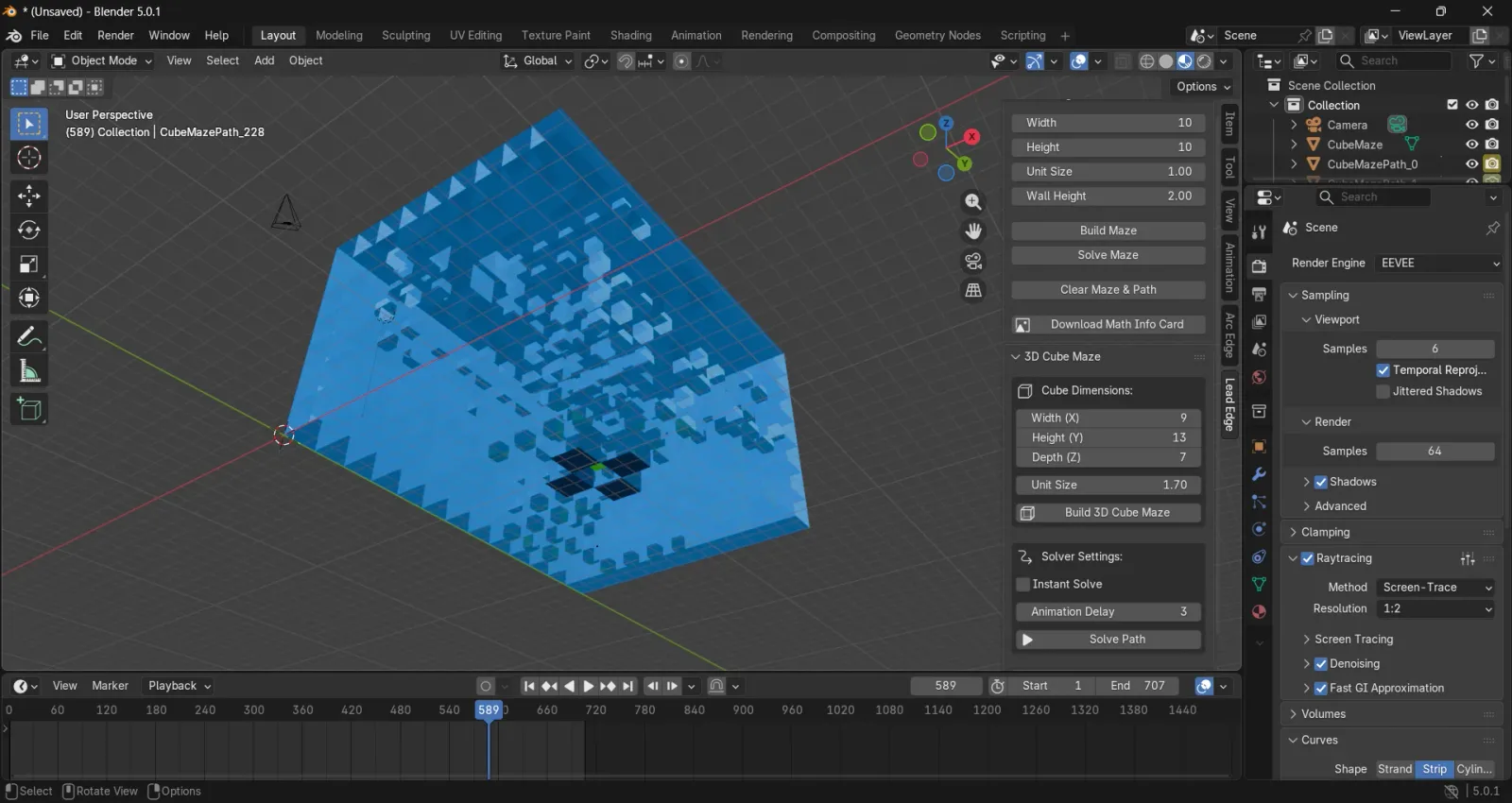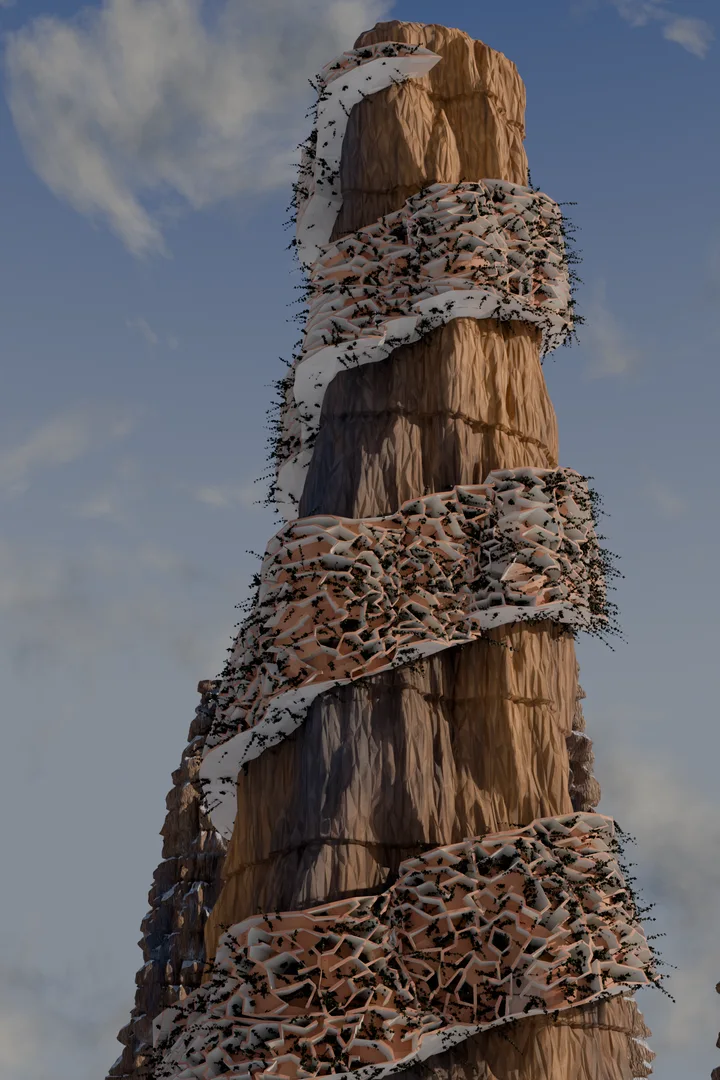
Lead Edge Maze Ash Creator is a Blender add-on for generating 3D mazes, including surface-contour mazes. Blender Extensions lists version 2.6.0 for Blender 5.0.1 and newer. Its listing describes contour mazes and physics foliage with leaf and gem presets.
What version 2.6.0 adds
The release notes date version 2.6.0 to October 25, 2026, and list new Curve Assets, Gems, and contour enhancements. The add-on page also says newer versions can generate along a surface contour and mentions applying collision bodies with curves and physics. It does not detail the controls or collision setup, so check the current listing and the developer's README before planning around a specific workflow.
Where surface-contour generation fits
For a scene built around an existing form, contour generation can help create a maze that follows the surface. The listing links a Surface Contour Tutorial by Blender Secrets, labeled for earlier versions. Its steps may differ from the 2.6.0 interface. The listing does not name supported surface types, so verify a specific mesh or workflow in the current release materials before building around it.
Compatibility and installation
The current Blender Extensions package lists Blender 5.0.1 as the minimum version, requires no special permissions, and uses the GNU General Public License v3.0 or later. The listing offers two installation methods: drag the add-on into Blender, or download it and choose Install from Disk in Blender's extension preferences. See the Blender installation instructions for the current steps.
Notes for earlier versions
For black inner maze walls in earlier versions, dartmeadow recommends entering Edit Mode, selecting all vertices, pressing M, and choosing Merge by Distance. The note is specifically for earlier versions, so do not assume the fix is needed in 2.6.0. The developer also notes that some users may prefer the Solidify modifier set to Complex.