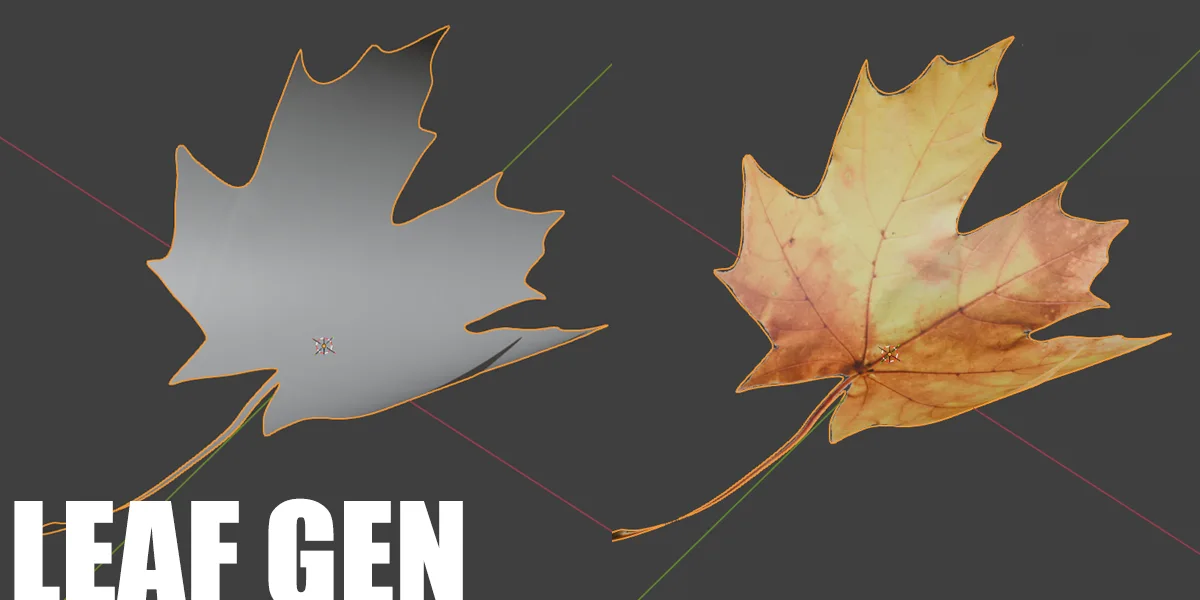
Leaf Gen is a Blender add-on for building leaf meshes and materials from a PNG with transparency. Its workflow covers quad retopology from the image silhouette, vein detail, mesh shaping and, on Blender 5.0 and later, two-sided translucency; its controls are in Blender’s N panel. The listed version 1.0.6 adds procedural veins that do not require a separate vein texture.
Build quad topology from a leaf image
Select a transparent PNG and Leaf Gen reads its alpha channel to identify the leaf outline. Grid Projection places a quad grid on the leaf surface, snaps it to the mesh and trims it to the silhouette. Adjust Grid Density to change the topology resolution. If the result needs further refinement, an optional curve workflow converts the retopo mesh to a curve, simplifies its control points, then lofts it back to quads.
The selected image is shared across the retopology and shading workflows, so you can choose it once and reuse it for leaf materials.
Choose a vein workflow
For texture-driven relief, Add Veins (Solidify) creates a solid vein structure from the leaf texture’s luminance channel. The add-on can connect the vein normal map to the material’s Bump input, which gives the veins a raised appearance without adding geometry. You can invert the vein direction or remove this setup.
Procedural Veins generates venation in the material for Material Preview and Cycles. It builds a midrib, arcing lateral veins and a smaller polygonal membrane network, with controls for their size, thickness, visibility and variation. Other controls adjust the midrib, colored edge and stalk, plus gloss and a wet look. Optional geometry relief adds shape to the pattern; set Relief to zero for no relief.
Set up translucency and material nodes
On Blender 5.0 and later, the Thin Wall tool creates a two-sided material for backlit leaves. On Blender 5.2 and later, it uses the native Thin Wall property. On Blender 5.0 and 5.1, it builds a fallback with two Principled BSDF nodes and a Transparent BSDF alpha mix. The add-on preserves and repositions the original Principled BSDF instead of deleting it. Remove Thin Wall removes the setup and reconnects the original material.
Adjust the mesh with Geometry Nodes
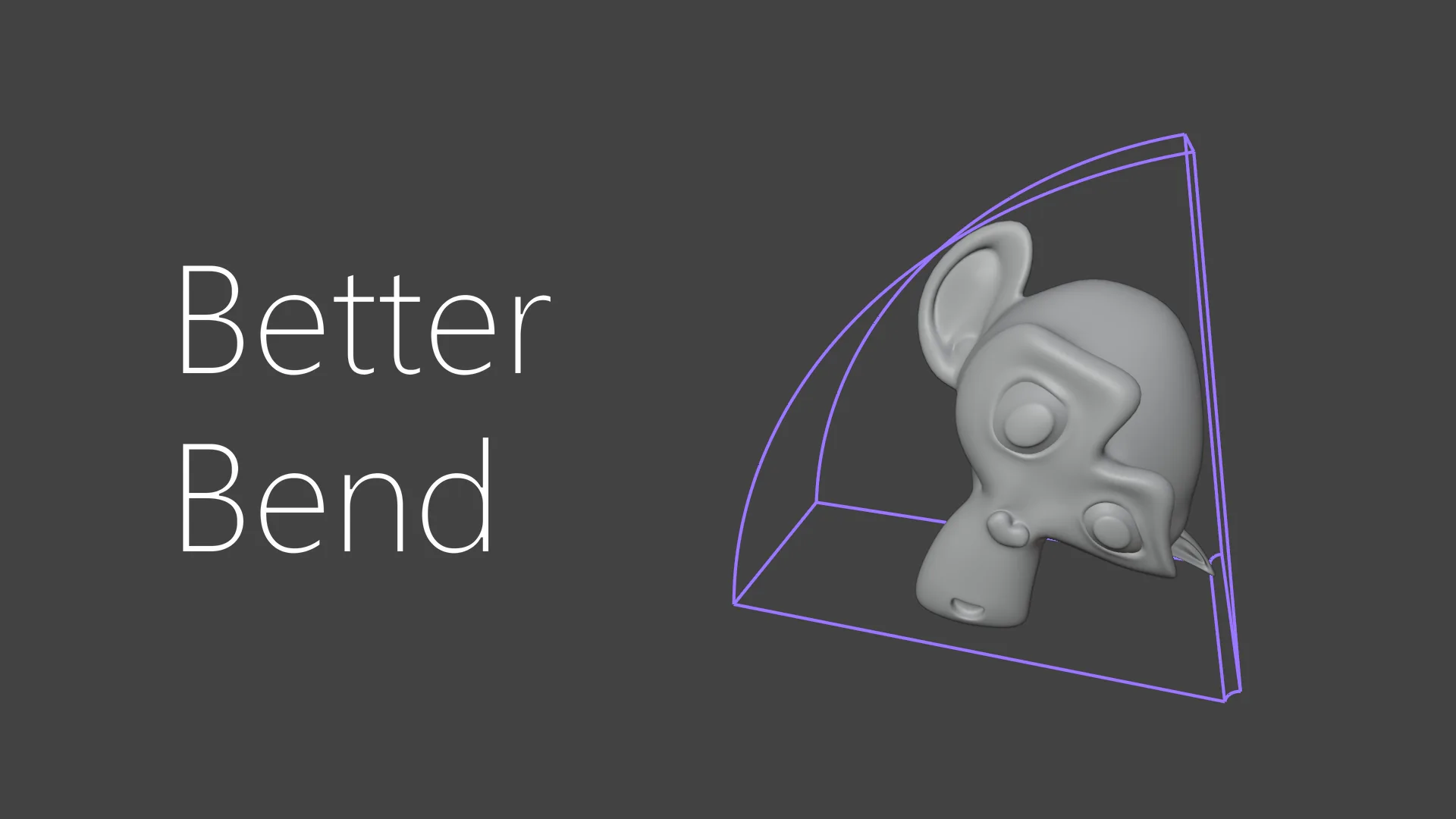
Create & Apply Bend adds curvature along the leaf’s main axis. Create & Apply Subdivide applies a Geometry Nodes subdivision pass to smooth the silhouette without baking it. For meshes with 40,000 or more vertices, Leaf Gen automatically skips relief subdivision to keep the workflow responsive. If you edit a mesh after adding veins, such as with Grid Cut or retopology, remove and add the vein setup again.
Compatibility and installation
The extension listing specifies Blender 4.2.0 or later and says Leaf Gen was tested on Blender 4.2, 5.0 and 5.2. It provides packages for Windows, Linux, Intel Macs and Apple Silicon Macs. Open the Leaf Gen listing on Blender Extensions for the current version and platform downloads. The listing says OpenCV and Pillow wheels install automatically when the extension is activated. Its license is GNU GPL v3 or later. For installation steps, see Blender’s Extensions manual; report issues through the Leaf Gen GitHub repository.