Grease Mesh includes Geometry Nodes tools that turn Blender Grease Pencil drawings into 3D mesh geometry. In this conversion workflow, the drawing stays editable, and changing its strokes updates the mesh. Bool Cut and Knife provide separate ways to cut a mesh. The developer's Grease Mesh README documents the tools and their settings.
Modeling and rigging tools
- Solid Mesh and Mirror Mesh: Solid Mesh fills a drawn shape and extrudes it with adjustable thickness. Mirror Mesh builds a mirrored solid from one side of a shape.
- Path Mesh and Screw: Path Mesh sweeps a cross-section along a drawn path. Screw revolves a profile through 360 degrees, with configurable segments and automatic axis detection.
- Wall Mesh and Blocks Mesh: Wall Mesh creates geometry from a drawn floor plan. Blocks Mesh turns closed strokes on the Paint layer into separate extruded blocks.
- Bool Cut and Knife: Bool Cut uses a drawn shape to make a boolean cut in a mesh. Knife projects a drawing onto a mesh as new edges, with an option to cut through.
- Stroke Mesh and Scatter: Stroke Mesh converts a drawing into flat ribbons or round tubes. Scatter places props from a collection along a stroke or fills a closed area, snapping props down onto a Ground Object.
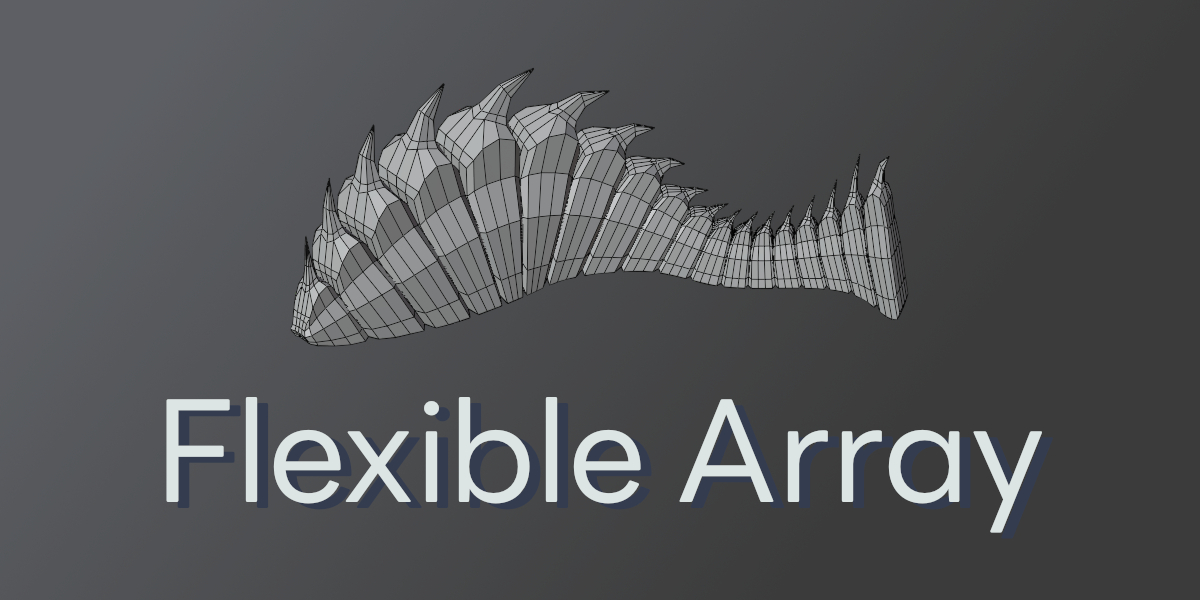
Array on Pencil distributes copies of a selected mesh along a drawn path. Lattice Wrap conforms one mesh to another's surface through a fitted lattice and Shrinkwrap modifier. For rigging, Apply All Modifiers first turns the Grease Pencil object into a real mesh. With a rigged character surface, Bind to Surface copies its vertex-group weights to the drawing, adds the same Armature modifier and parents the drawing to the armature. If the surface has no rig, select an armature too; Bind to Surface parents the drawing to it with Automatic Weights.
Refine the result or bake it
Geometry Nodes settings remain available in the Properties editor's Modifiers panel after creation, so you can adjust values such as Solid Mesh thickness without redrawing. The developer recommends closed outlines for Solid Mesh. Bool Cut also needs a solid target mesh with wall thickness.
Use Apply All Modifiers when you need baked geometry. On a Grease Pencil object, it creates a real mesh; the developer notes that this result has no materials, while Stroke Mesh retains the drawing's materials and per-stroke colors.
Where Grease Mesh fits
Grease Mesh suits a sketch-first Blender workflow. It can turn a drawn outline into a volume, use a line as a path for a sweep or array, or use marks to cut a surface or place collection assets. The drawing and generated geometry stay linked during the modifier-based stage, which gives you room to revise proportions before applying the modifiers.
The Blender Extensions page lists Tonis as the add-on developer. Grease Mesh is licensed under the GNU General Public License v3.0 or later. Check the current listing for the package version and compatibility information before installing.