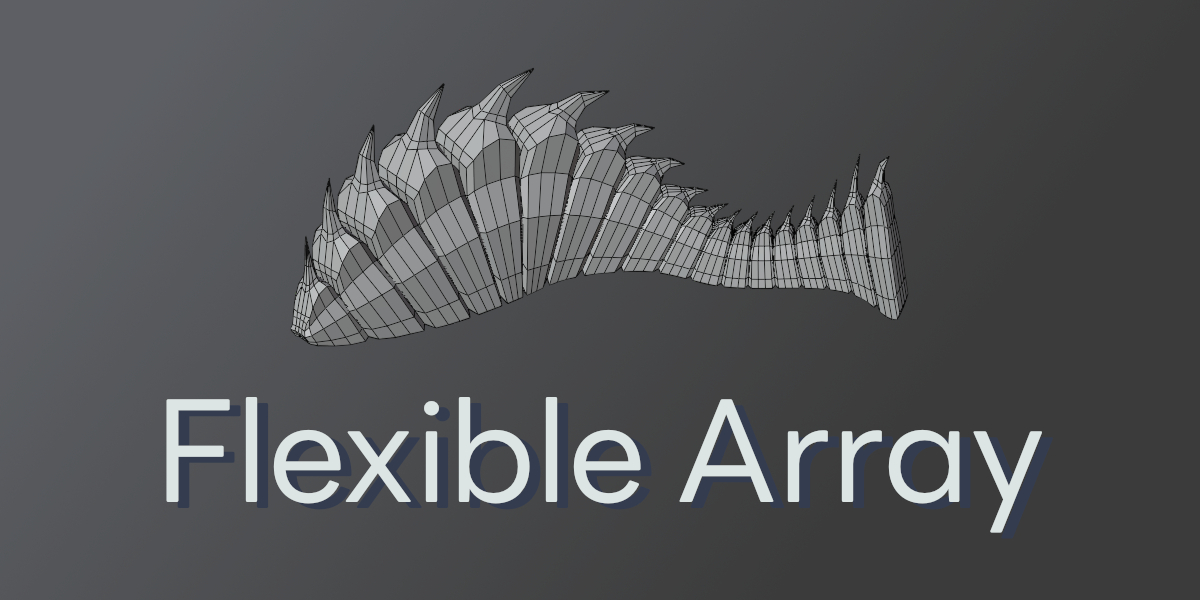
Flexible Array is a Blender add-on by Kihoon for building a curve array from a selected mesh. It creates the array along the mesh's local y axis, using coordinates from -1.0 to 1.0. You can adjust volume along the x and z axes with a brush and set density at each curve point.
Create and shape an array
- Select a mesh and click the add-on's Create button in the toolbar.
- Adjust the array's volume along the x and z axes independently with the brush.
- Set density for each point on the curve, then choose a smooth result or preserve the original shape.
The changelog notes that version 1.1.0 added separate volume adjustment in the positive and negative directions. Version 1.2.2 added a separate smooth-brush-strength setting and fixed volume-location calculations for curves with many points.
Geometry Nodes and setup
Flexible Array uses Geometry Nodes and stores custom variables in an additional mesh object. Create the array with the toolbar button instead of adding Geometry Nodes to the curve in the usual way. The product listing gives Blender 4.2 through 4.5 as the supported version range and identifies the add-on's license as GPL. See the product listing for installation instructions and the full changelog.