Letter Board - Text Creator is a Blender add-on by Mr. Steve 3D. It creates 3D letter boards at the scene’s 3D cursor for text props and in-scene signage. Designers, motion-graphics artists, and game developers can build the lettering without manually modeling each character.
Create and organize boards in the scene
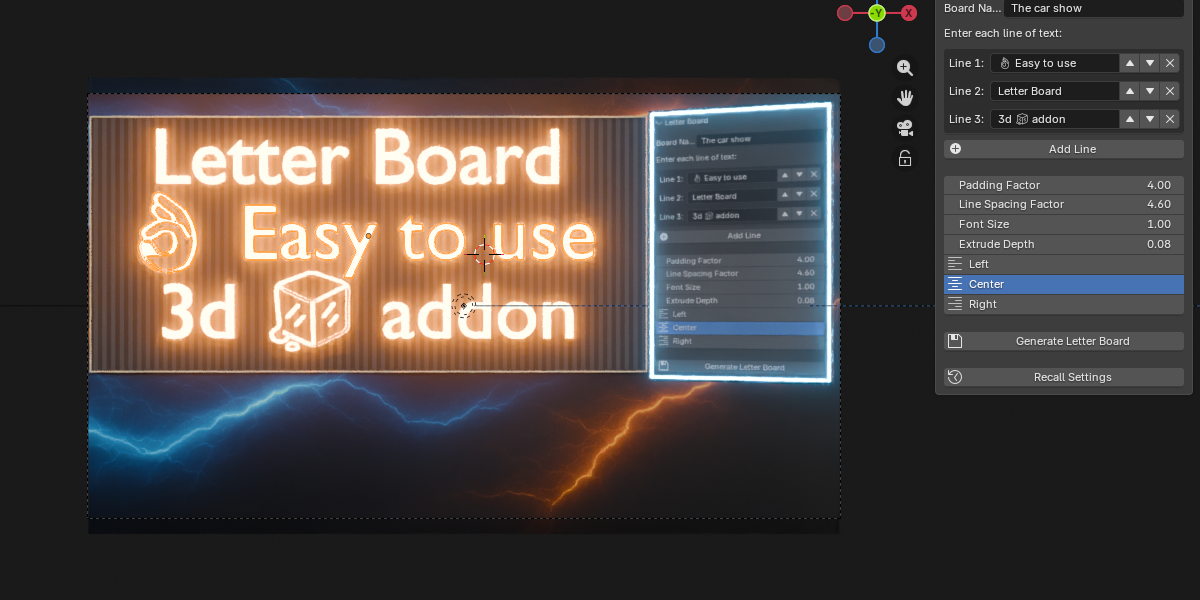
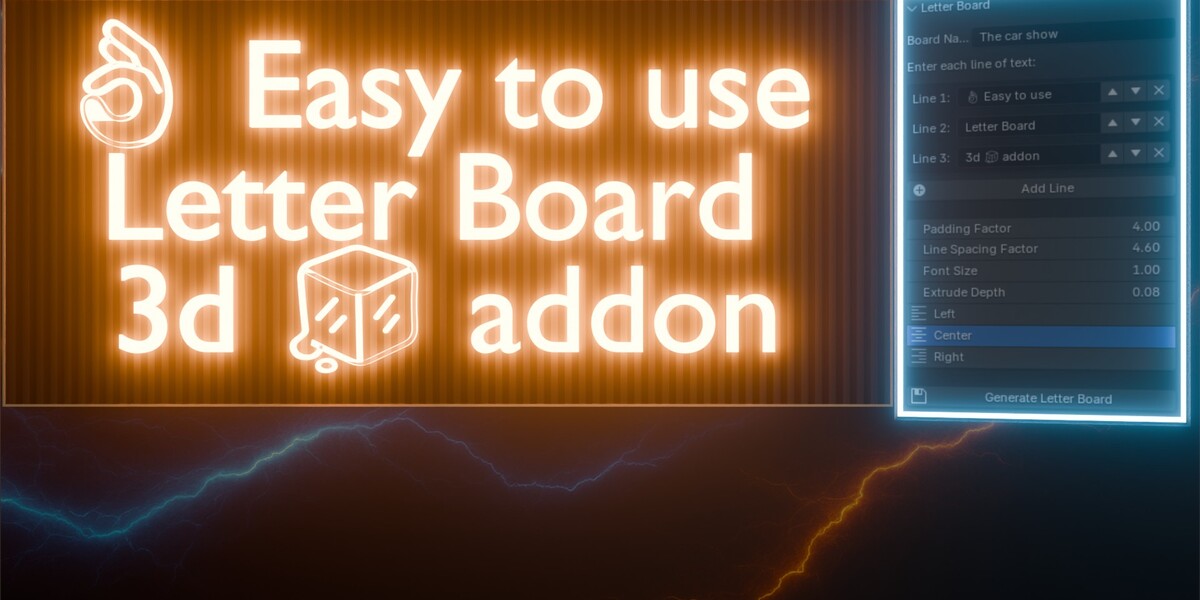
Place the 3D cursor, enter a board name and text in the add-on panel, then click Generate. The board name creates a matching Collection for its letters, spacers, and background elements, keeping them together in the Outliner. Boards can contain unlimited lines.
Adjust the type and layout
Change individual letter size, vertical line spacing, and horizontal letter spacing. Choose left, center, or right alignment for each line, or set the alignment for the whole board. These controls help fit lettering to a sign or prop in the scene.
Revise or recall a board
To change a message, edit the text and click Generate. The existing board is replaced while its spacing and alignment settings are preserved. To load settings back into the panel, select an existing letter board object and click Recall. It restores the text, spacing, alignment, and size, so you can revise or duplicate a board without re-entering those values.
Blender requirements and compatibility
The product description says Blender 3.0 or later and no external dependencies. Its compatibility field lists Blender 3.3 to 5.2, so check the Superhive listing for release details if you use a particular Blender version. The listing names Cycles and Eevee as render engines and identifies the license as GPL.