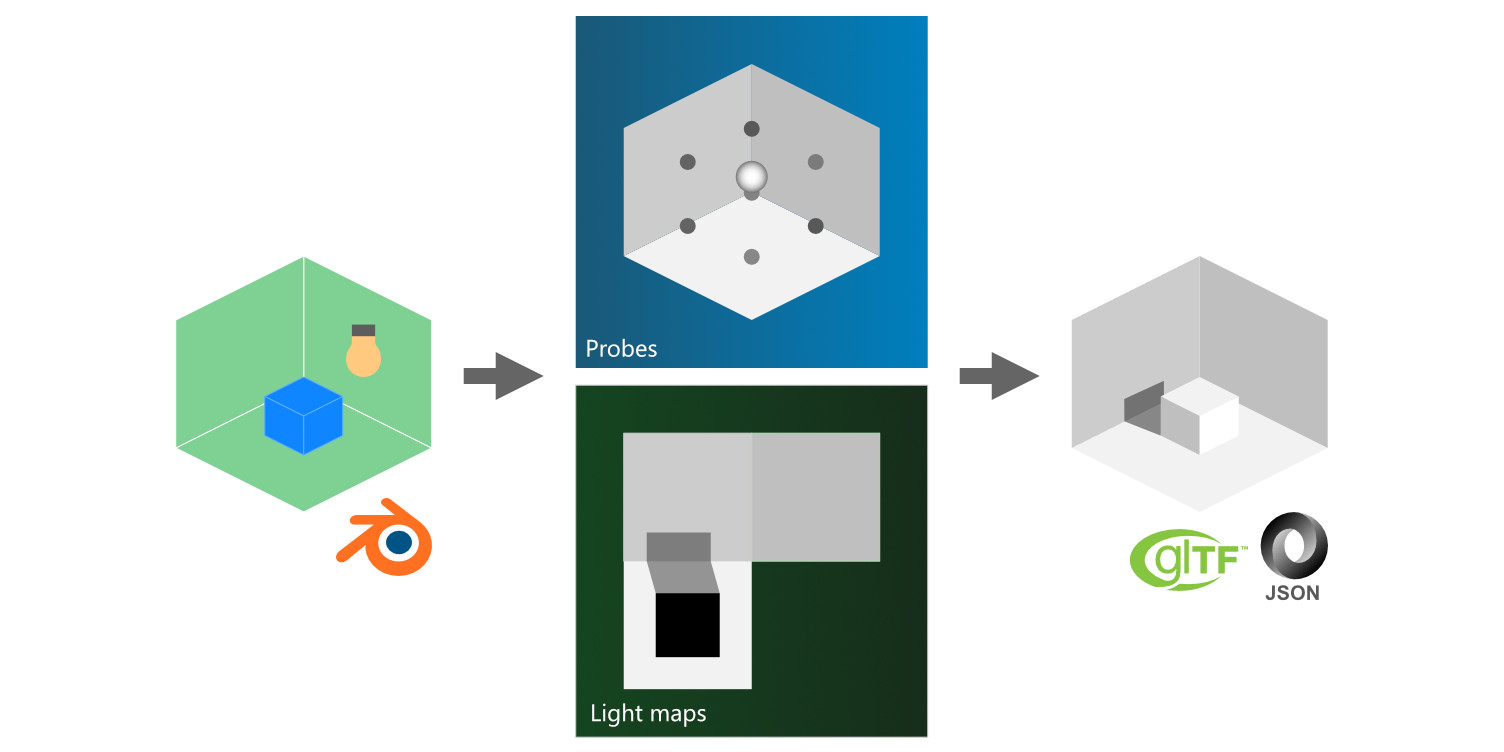
Light Bake is a Blender add-on for preparing baked lighting for real-time rendering engines. It combines a lightmap workflow for static geometry with an Eevee-based probes system for objects that need surrounding light or reflections without a lightmap. Choose the method that fits each part of the scene, then export the bake data and textures for use in a compatible engine.
Build lightmaps for static geometry
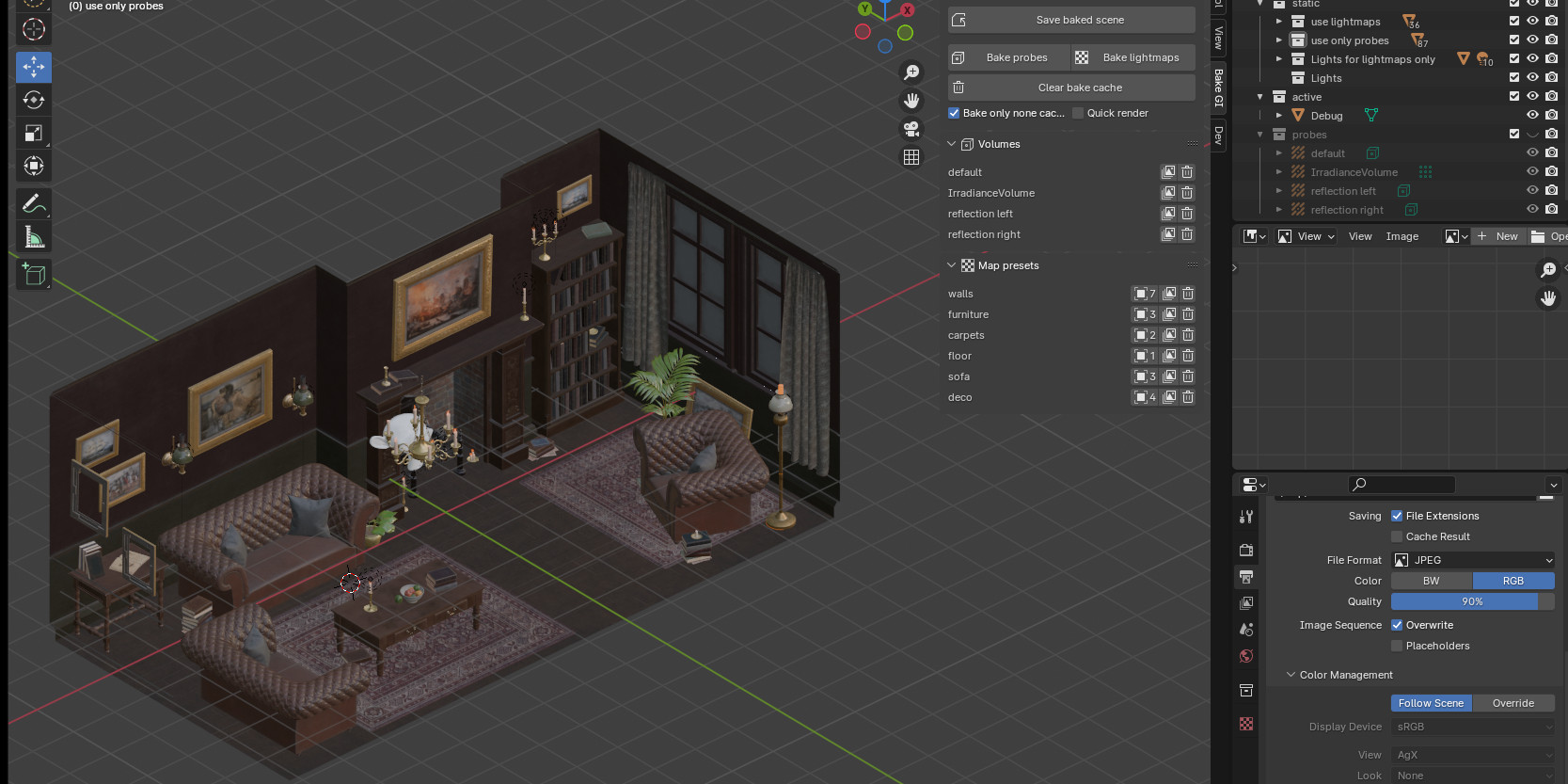
The lightmap presets let you link objects to maps and bake them in packs. You can keep a separate map for each object, group objects into one map, or limit how many objects share each map. Supported bake types are Diffuse, Combined, and Ambient Occlusion (AO), with sub-pass options. Resolution and bake quality are adjustable through the render and bake settings.
Light Bake uses Blender's existing baking workflow and adds a compositing step to address the legacy denoising issue with diffuse lightmaps. The documentation describes UV-unwrapping options for controlling how objects are packed. Grouping objects of similar size can help keep map quality consistent.
Use probes for indirect light and reflections
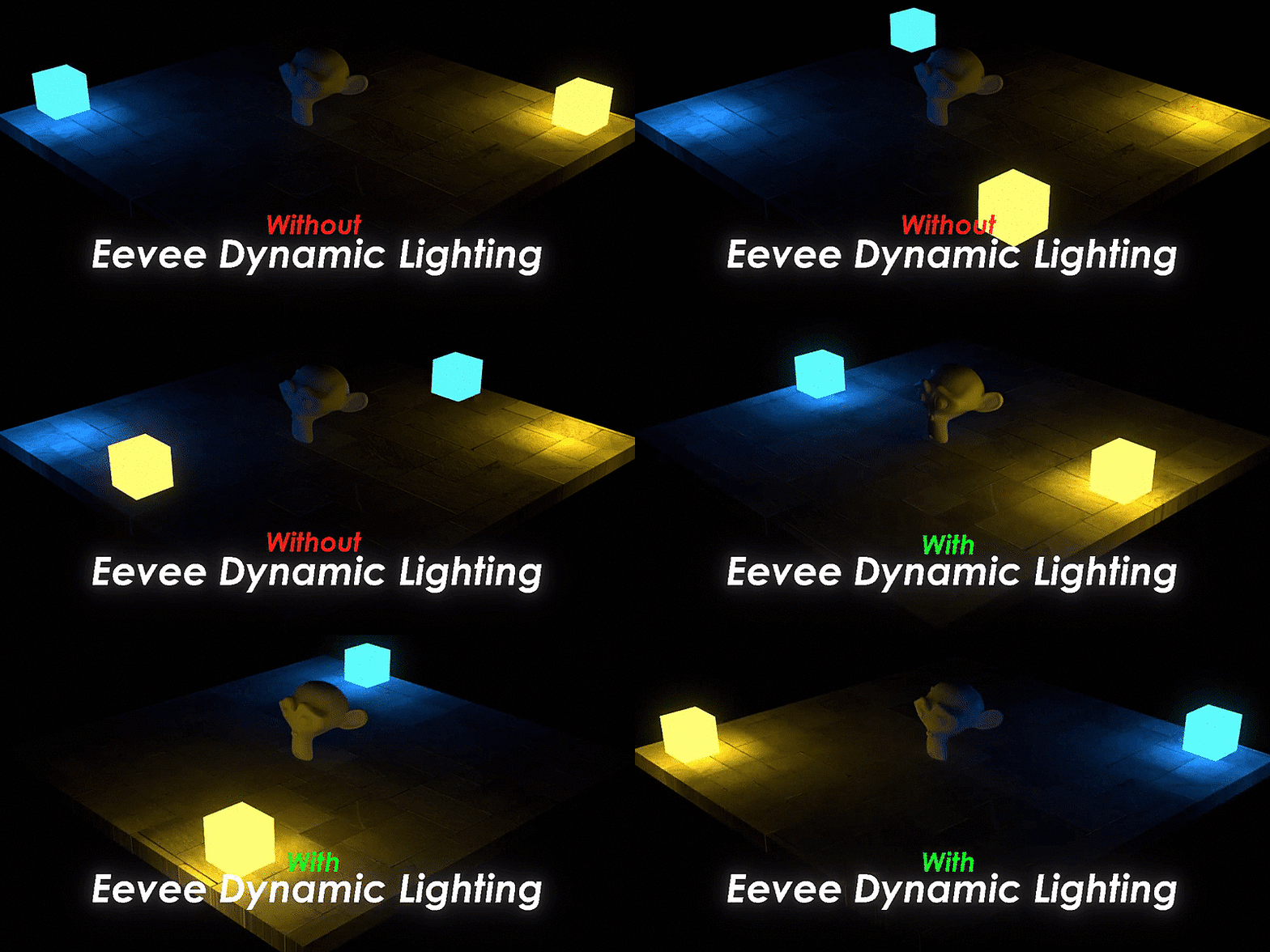
The probes system builds on Eevee's probe setup. Irradiance grids store diffuse indirect light, while reflection probes store radiance at several roughness levels. A global fallback probe combines irradiance and reflection data for areas outside other probes' influence. This makes probes useful for active objects or objects that do not have lightmaps.
Probe and lightmap visibility can be organized with collections. The exported visibility information lets a target engine separate static and active objects or organize rendering passes, provided the engine supports the corresponding data.
Set up and run a bake
Start by choosing the export location and options in Properties > Output > Light Bake. The other controls become available after export is set up. You can then create or edit presets, link objects to maps, and run bake operations from the Properties panel or the 3D View. Common render settings work across maps, with advanced options available when a scene needs more control.
Baked renders are stored in a __render_cache subdirectory so the add-on can reuse completed elements instead of rendering everything again. A quick-render option helps check settings before a longer bake. The Light Bake documentation explains the panels, cache, and exported data. Its FAQ covers setup and common baking problems.
Export data for a real-time engine
Light Bake can write bake information to a separate JSON file or include it in a glTF file. Lightmaps and probes are exported as PNG for SDR maps or OpenEXR for HDR maps. Light Bake has no dedicated integration for a named engine; the export is intended for engines that support lightmaps or probes. A Three.js extension supports all Light Bake features and is used for preview.
Check the limits before choosing it
Light Bake does not provide a built-in preview of baked lightmaps or probes in Blender. The product FAQ describes loading exported lightmap images as textures for inspection, while the intended output is for a real-time engine. The add-on focuses on lighting bakes and does not replace a general-purpose baking tool for other bake modes. The marketplace lists the license as GPL; review the current terms and your target engine's data requirements before using it in a project.