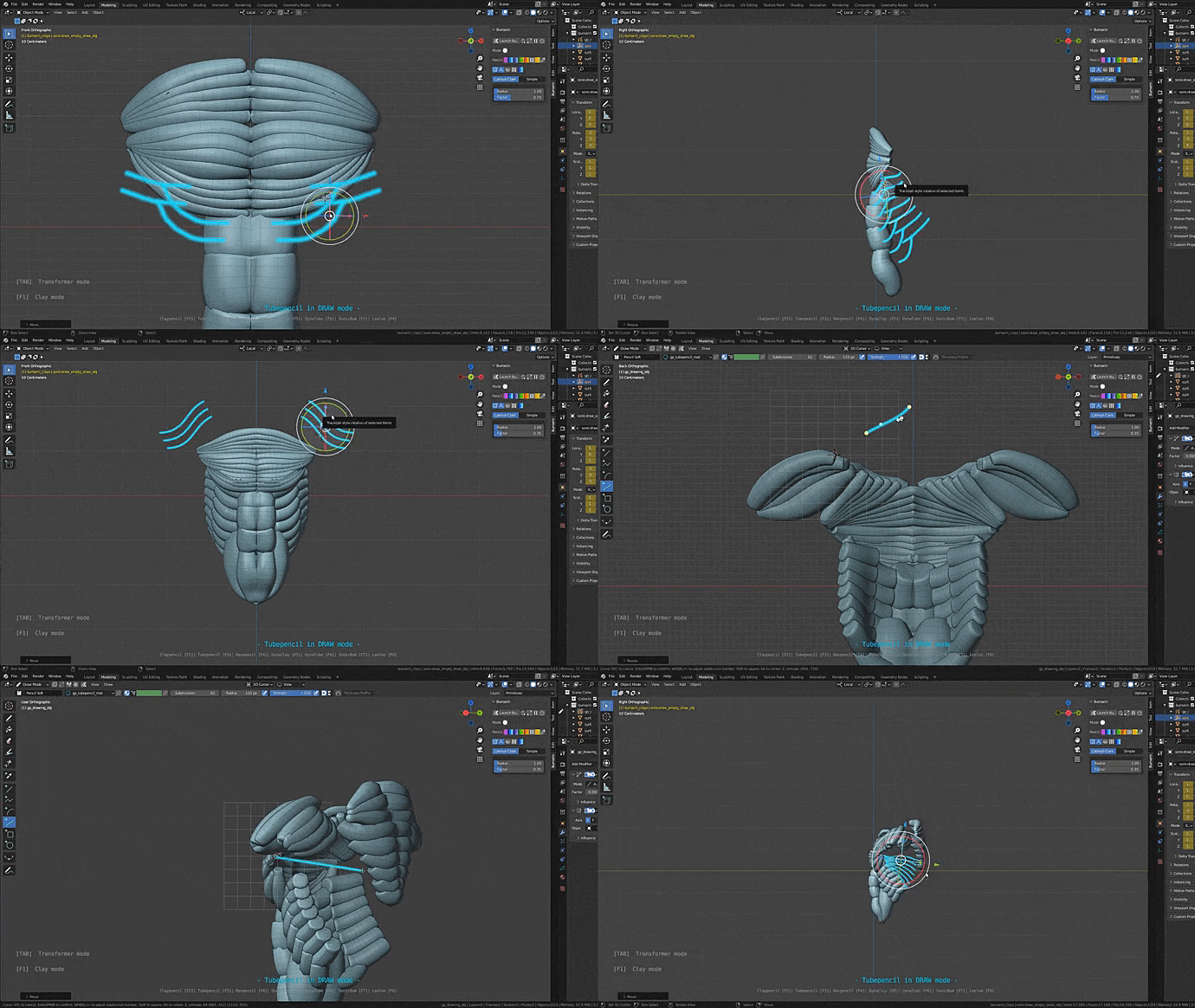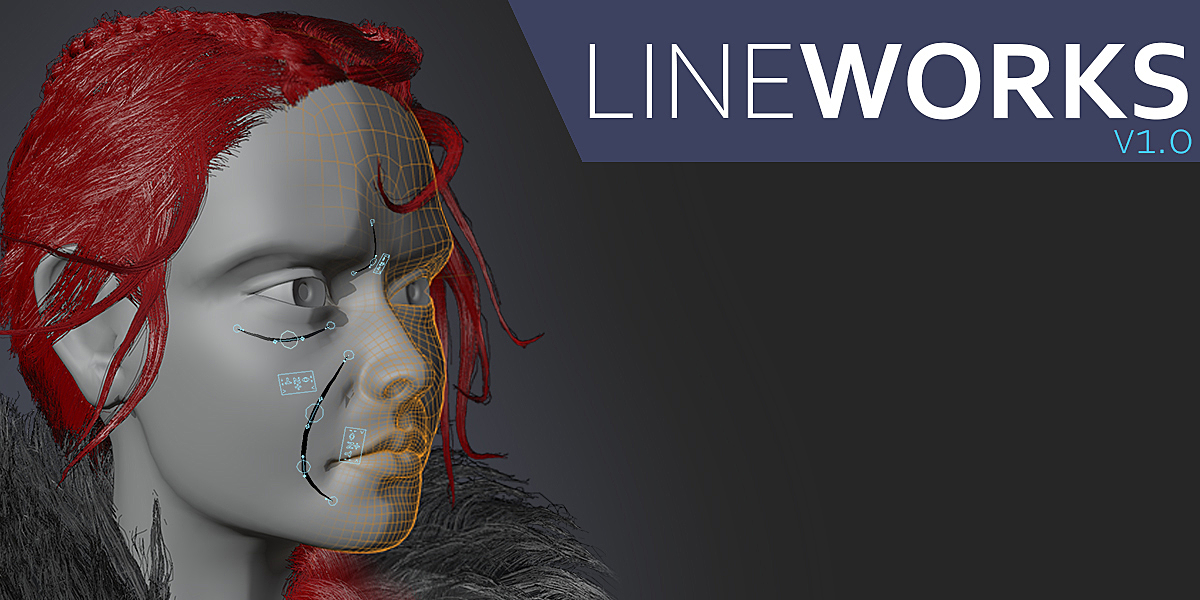
Lineworks 1.0 is a Blender add-on for adding rigged line strips and Grease Pencil lines to characters. The lines follow the character's surface based on where they are placed, and an included rig lets you control their appearance. See the Superhive listing for the product details.
Working with linked assets
Lineworks is designed for linked asset pipelines. It supports linked mesh objects and linked collections that contain mesh objects, so you can add rigged lines to a linked collection. The line rig controls the look of the strokes while they follow the surface where placed.
Check the mesh and modifiers
Lineworks works with mesh objects. Curves, NURBS and metaballs are unsupported. Lines do not follow mesh sections generated by modifiers; apply a Mirror modifier first if you need lines on the mirrored side. Subsurf and Multires do not cause this issue. Build, Decimate and Remesh modifiers can cause problems.
Keep the geometry intact after setup
Deleting any of the character's geometry after creating Lineworks breaks the rig. You can move existing geometry or add new geometry safely. If your modeling workflow includes deleting mesh parts, make those changes before adding the lines.
Blender compatibility
Lineworks supports Blender 2.80 and later; it will not be brought to Blender 2.79. The documentation says support currently extends through Blender 5.1, matching the version range on the product listing. A mask modifier issue was fixed in Blender 2.82 and later. On earlier versions, the listing says to use a dummy object for the lines or remove the mask modifier.
Superhive lists the product license as GPL. AnyPlugins lists Lineworks as free to download; check the current product listing for the terms and availability that apply to your download.