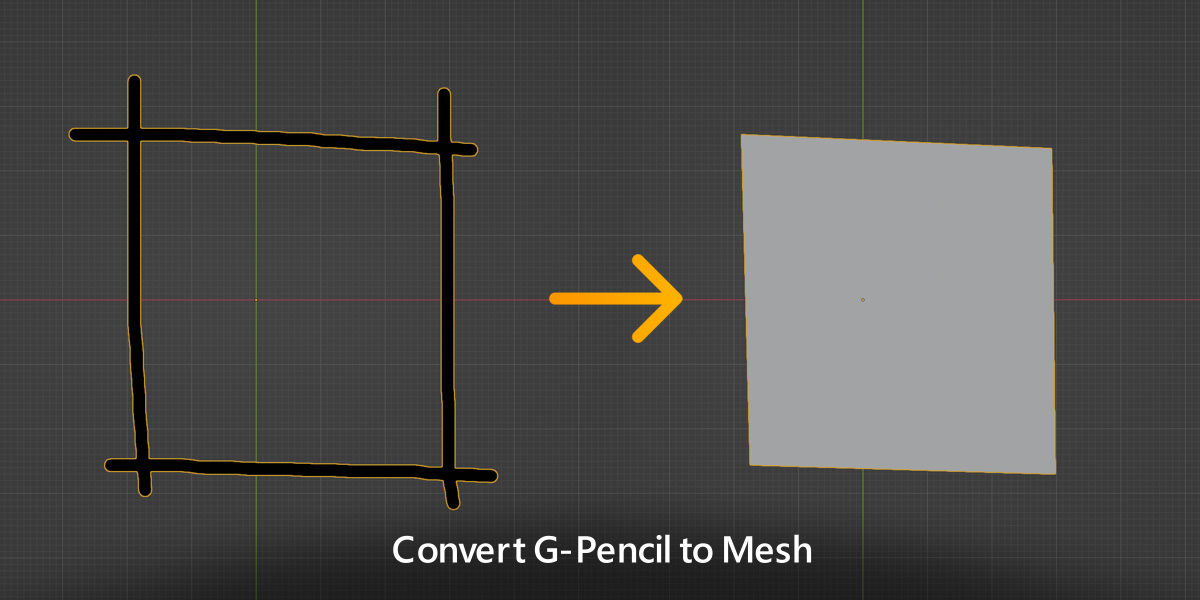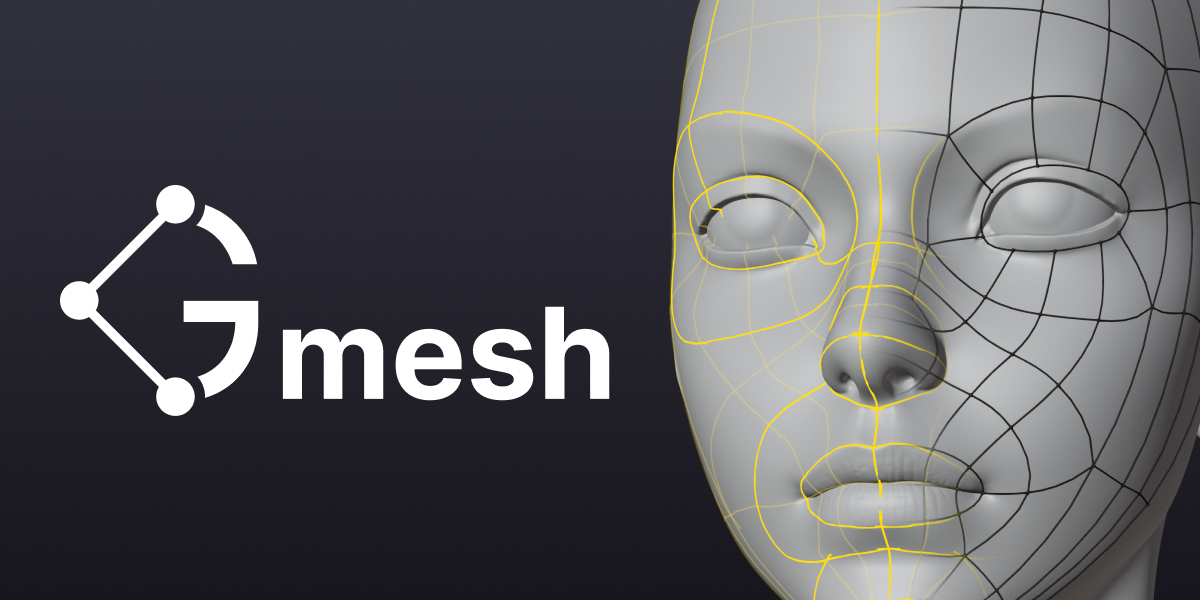
G-Mesh is a Blender add-on by Ryan Gonzalez for Grease Pencil retopology. Crossing strokes become mesh geometry. Superhive says the add-on is supported up to Blender 4.0, with no future updates planned at this time.
How G-Mesh turns strokes into a mesh
Each time Grease Pencil strokes cross, G-Mesh adds a point at the intersection. It then connects those points with edges and fills the resulting areas with faces.
Version 2.0 introduced Auto Generation, which progressively generates the mesh for a non-destructive workflow. It also added threaded generation so Blender can continue responding while the mesh is built. The same update addressed exponential processing time and unnecessary calculations, and fixed cyclic strokes that did not close their edges.
Generation updates and compatibility
Superhive's 2.2 changelog notes fixes for language-specific errors and compatibility with other threaded add-ons, plus a minor documentation update.
Superhive lists compatibility with Blender 3.2, 3.3, 3.4, 3.5, 3.6 and 4.0. The add-on is supported up to Blender 4.0, and the developer has no future updates planned at this time. If you use a later Blender release, check the G-Mesh project page for current information before relying on it in a production workflow.
Who it may suit
G-Mesh suits Blender artists who prefer drawing topology to editing vertices, edges and faces by hand. The product listing identifies the add-on as GPL-licensed.
The Superhive listing links to the G-Mesh main page.