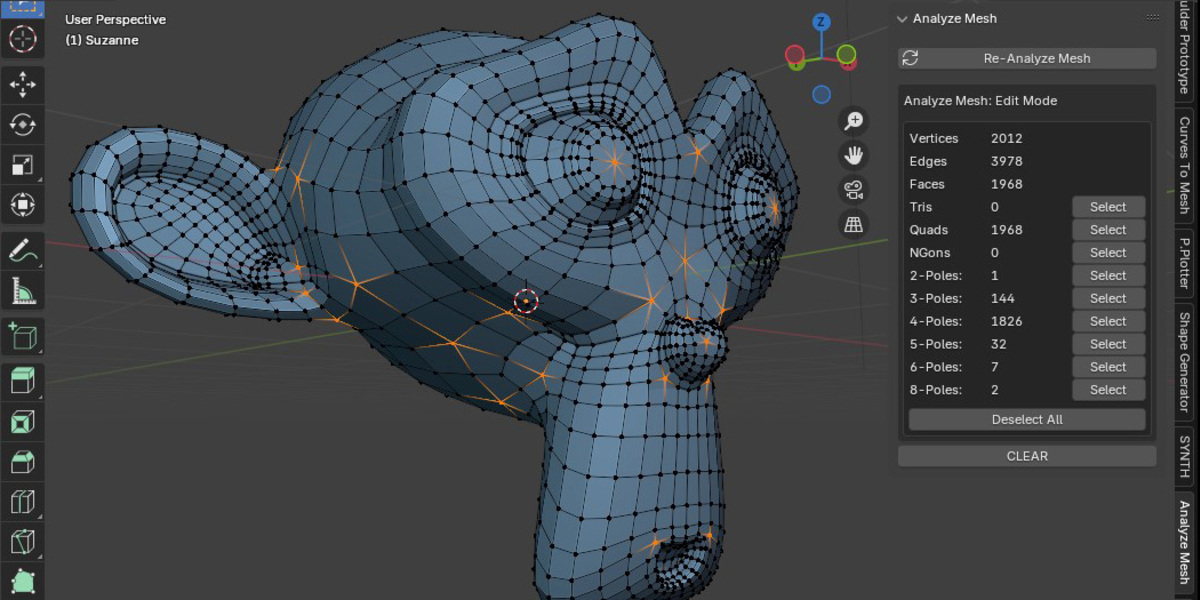
Analyze Mesh is a Blender extension for inspecting a selected mesh’s topology. From the 3D Viewport side panel, run an analysis to see counts for vertices, edges, faces, triangles, quads, ngons, and edge poles. These snapshot totals give you a quick view of a model’s polygon mix during modeling or review.
Choose what the analysis includes
Edit Mode analyzes the base mesh elements. Object Mode includes modifiers in the reported stats, so you can compare the mesh before and after modifier effects. Results do not refresh constantly in the background; click Re-Analyze Mesh when you want an updated snapshot after making changes.
What Analyze Mesh checks
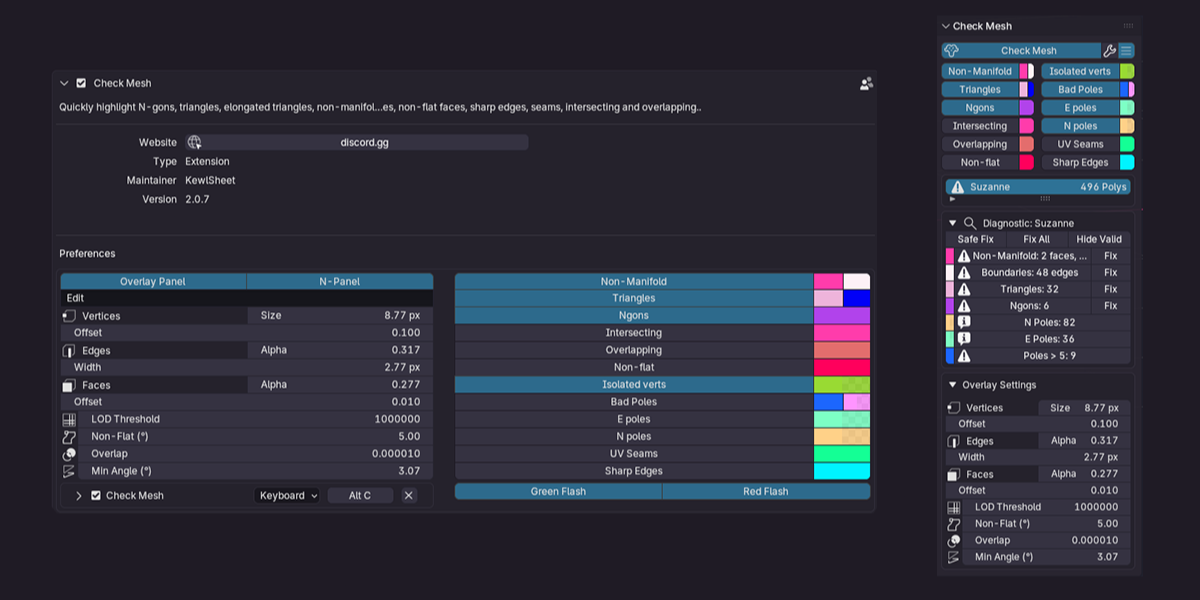
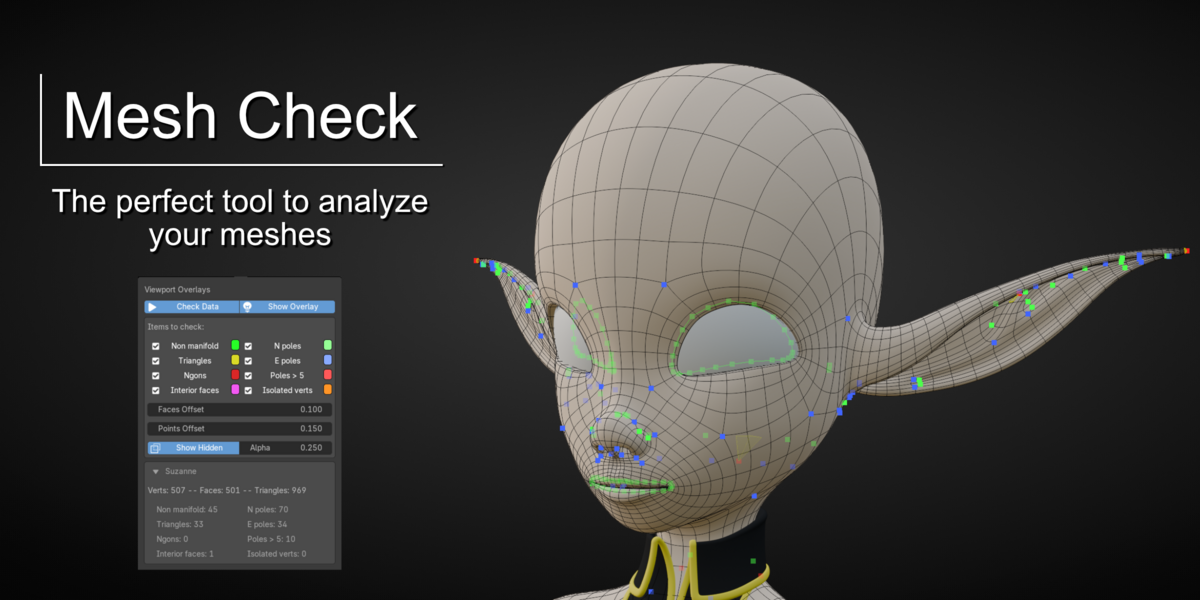
The add-on reports topology type counts. Its product FAQ says it does not detect non-manifold geometry, so use a separate check when you need to verify manifold status. The counts can help game asset artists review polygon totals, animators inspect topology, and educators demonstrate mesh categories.
Workflow and compatibility
Select a mesh object, open the side panel in the 3D Viewport, and click Analyze Mesh. Review the totals in the mode that matches your question, then re-analyze after edits. The extension was originally part of Quad Maker and is now listed as a standalone tool. Read the Analyze Mesh documentation for setup details.
The Superhive listing overview says Blender 4.2 and above, while its details panel lists Blender 4.4–5.2. Check the current compatibility information before installing because the listing entries differ.