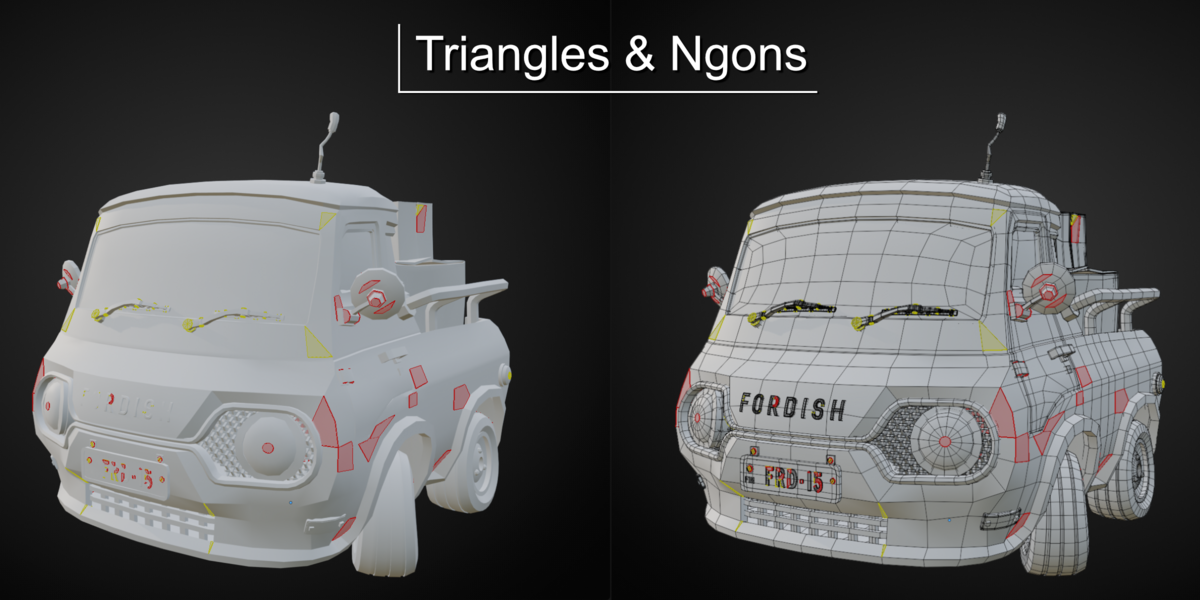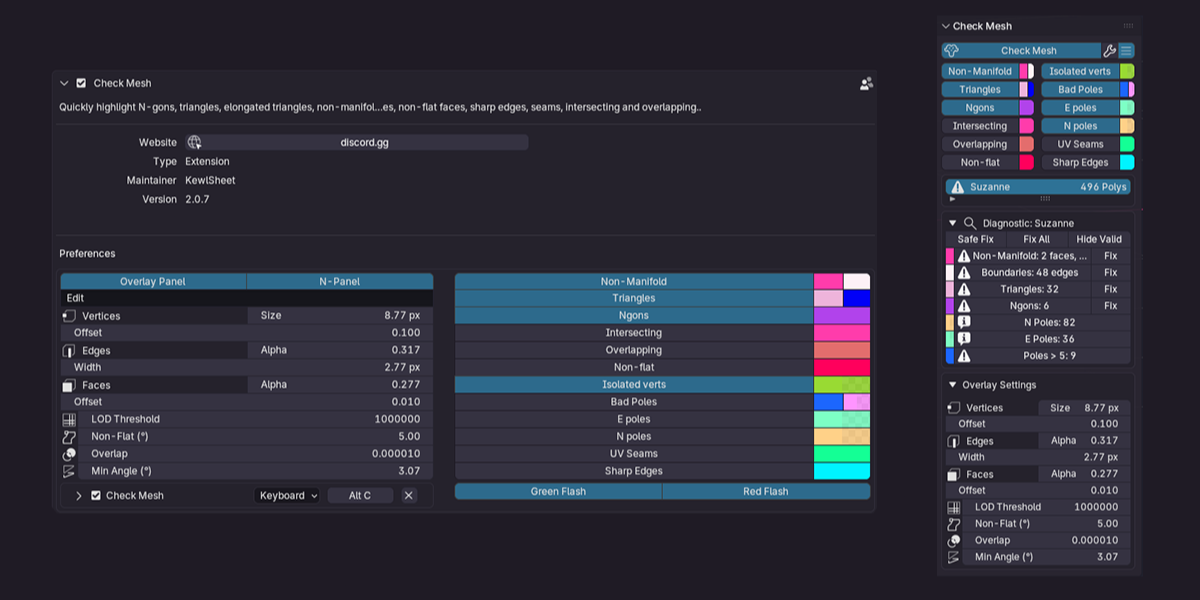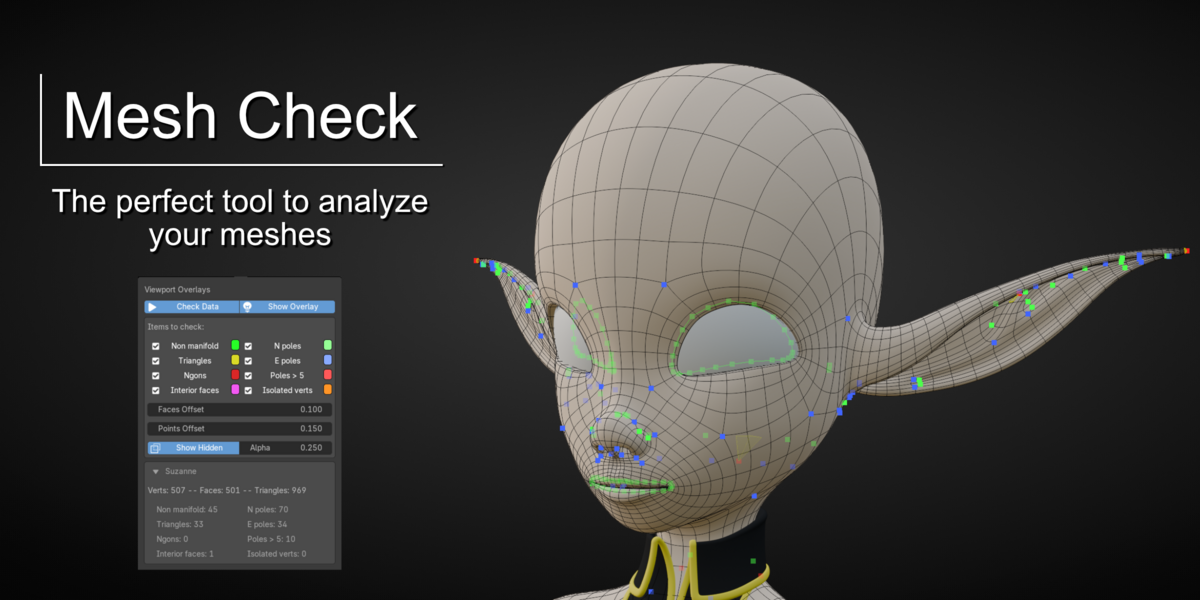
Mesh Check GPU Edition is a Blender extension by Pistiwique that highlights and counts selected topology issues in the 3D Viewport. It checks one or several selected mesh objects in Object or Edit mode, with per-object statistics for vertices, faces, triangles and enabled checks. Use the highlights to find areas for manual review before modeling handoff or export.
Topology checks in the viewport
Each check can be enabled separately and has its own display colour. The add-on looks for:
- Non-manifold edges: edges with other than two faces, including open edges, wire edges and T-junctions.
- Triangles and ngons: faces with three vertices, or more than four vertices, respectively.
- N poles and E poles: vertices with three edges or five edges. A separate check flags vertices with more than five edges.
- Isolated vertices: vertices with no connected edge.
- Interior faces: faces with material on both sides, such as walls left inside a volume after shells are joined.
To use it, select the mesh objects, open the viewport's Overlays popover, and turn on Check Data under Mesh Check. Enable Show Overlay to draw the highlights, then choose the checks you need. The selection is followed as you select or deselect objects. Each object's collapsible statistics block shows counts for the active checks.
What the checks include
Mesh Check reads the object's mesh topology. Unapplied modifiers are not included, so apply a modifier first if you need to inspect the resulting geometry. The add-on checks the mesh in either Object or Edit mode.
For visibility through a surface, turn on Show Hidden. Hidden highlights appear fainter so they can be distinguished from elements on the front of the mesh. In viewport X-ray mode, hidden highlights use this treatment as well. Faces and points offsets can move highlights slightly above the surface to reduce overlap with the mesh.
Large meshes and performance
The draw limit controls how many flagged elements are drawn. Its default is 100,000. Above the limit, Mesh Check still counts the elements but skips drawing them and shows a warning in that object's statistics block. This can keep a dense overlay from obscuring the mesh while retaining the count.
Superhive describes version 1.0 as a rewrite using NumPy. Its listing says checks are not recomputed while orbiting, only when the mesh changes. For one vertex move on an 80,000-face mesh with every check enabled, the listing reports 10 ms, compared with 400 ms per redraw for triangle checks alone in the previous version. Those figures describe the specific comparison published by the developer.
Blender version and installation notes
The versioned file named mesh_check_gpu_edition_V1-0-0 requires Blender 5.2 or later. Older files for Blender 2.8 through 4.x remain available. Superhive's general compatibility field lists Blender 2.8 to 5.2, so check the requirement for the exact file you plan to install.
The current release is an extension, while the older version is an add-on. If upgrading and the new extension shows nothing, the product FAQ says to disable and remove the old Mesh Check add-on first; both versions can otherwise register at once. Colour and size preferences from the old version do not carry over.
For 3D printing, the non-manifold and interior-face checks can help locate geometry to inspect. They do not by themselves establish that a model will slice or print correctly. The developer's documentation explains the checks and viewport controls, and the product FAQ covers installation and troubleshooting.