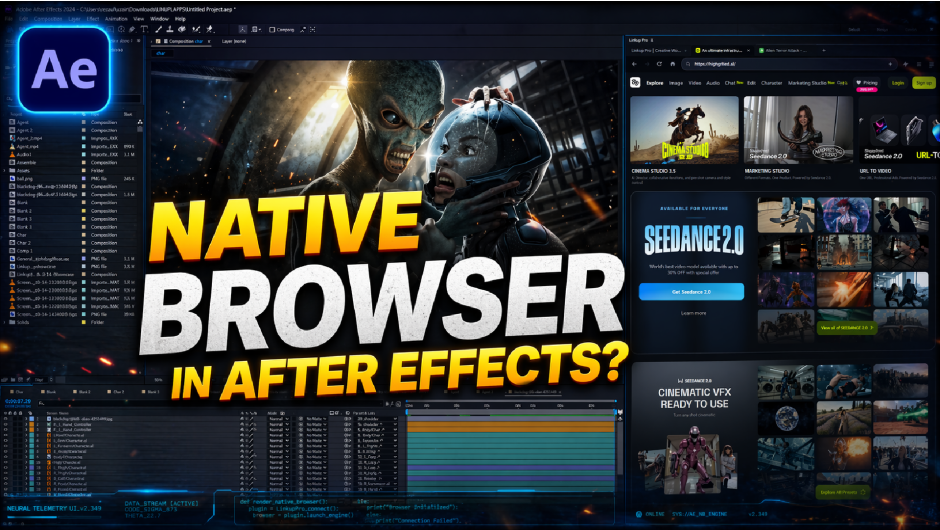
Linkup Pro combines a web browser, an AI prompt panel and a project-aware agent inside After Effects. It suits motion designers who gather web assets, create expressions or scripts with AI, or want an agent to work with layers and effects in an open project.
Browse and bring assets into After Effects
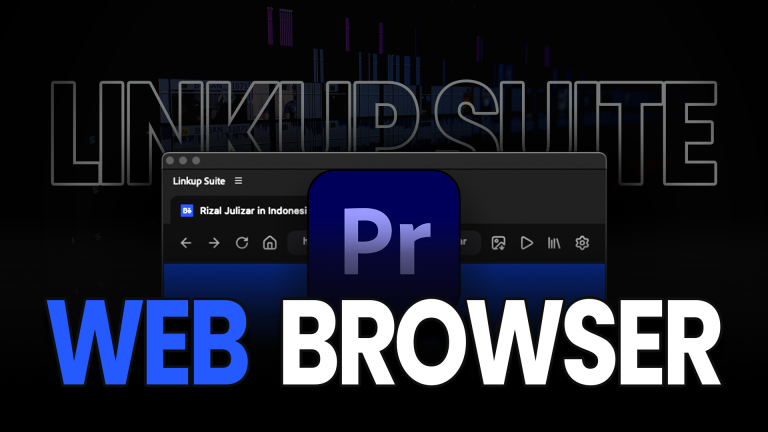
The Web panel uses Chromium on Windows and Safari’s browser engine on macOS. It includes a context menu and find-in-page, and can download assets to the timeline, upload from the After Effects Project panel, and auto-import screenshots. This keeps reference gathering and asset handling close to the composition.
Use saved prompts, scripts and expressions
The Ask panel opens ChatGPT, Claude or Gemini inside After Effects. You can save prompts as shortcuts, ask for expressions or scripts, then run a script from the clipboard. This panel fits repeatable prompt-based tasks where you want to keep the AI conversation beside your project.
Give the Agent project context
The Agent can read layers, keyframes and effects, then execute a described task in After Effects. Examples include character rigging, animation, HUDs and backgrounds. Its setup covers API keys and provider synchronization. The listing names OpenRouter and Google Studio for bring-your-own-key access, while its version 1.0.5 history says support was limited to Gemini and OpenRouter on Windows and Mac; later version entries do not clarify the difference. Free models are listed as available.
Compatibility and license
Linkup Pro supports After Effects 2022 through 2026 on Windows and macOS. A free trial is available, and the paid product is listed at $39. The product’s EULA grants use of one copy and one archival copy; multiple users or computers require an appropriate license for each copy or user.