Local Pivot Align is Evgeniy Poyan's 3ds Max script for setting an object's local pivot relative to its bounding box.
Set a pivot from the object's bounds
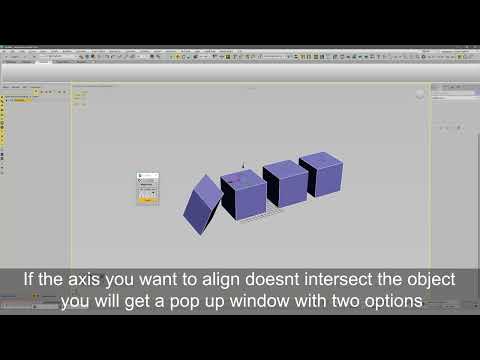
Select Min, Center, or Max as the bounding-box position, then click an axis button to apply that choice to the axis. A separate Center button centers the pivot in the object.
Install the MZP file
Drag the MZP file onto a 3ds Max viewport to install it. You can also use the Scripting menu's Run Script command, locate the MZP file, and open it. The version 2.1.1 changelog notes that installation copies a startup file.
Version, price, and license
ScriptSpot lists a 2025 version requirement and says the script was tested on 3ds Max 2025.3. That test reference does not confirm compatibility with other releases, so check the developer's current listing if you use a different version.
AnyPlugins labels Local Pivot Align as free; ScriptSpot links to Gumroad and Payhip, and the Gumroad listing gives a US$7 price. Check the developer's Gumroad listing for current pricing. ScriptSpot says the full terms are in the accompanying LICENSE.txt file; it also describes the script as provided without warranty and prohibits unauthorized distribution or modification. Review the license before reusing or sharing it.