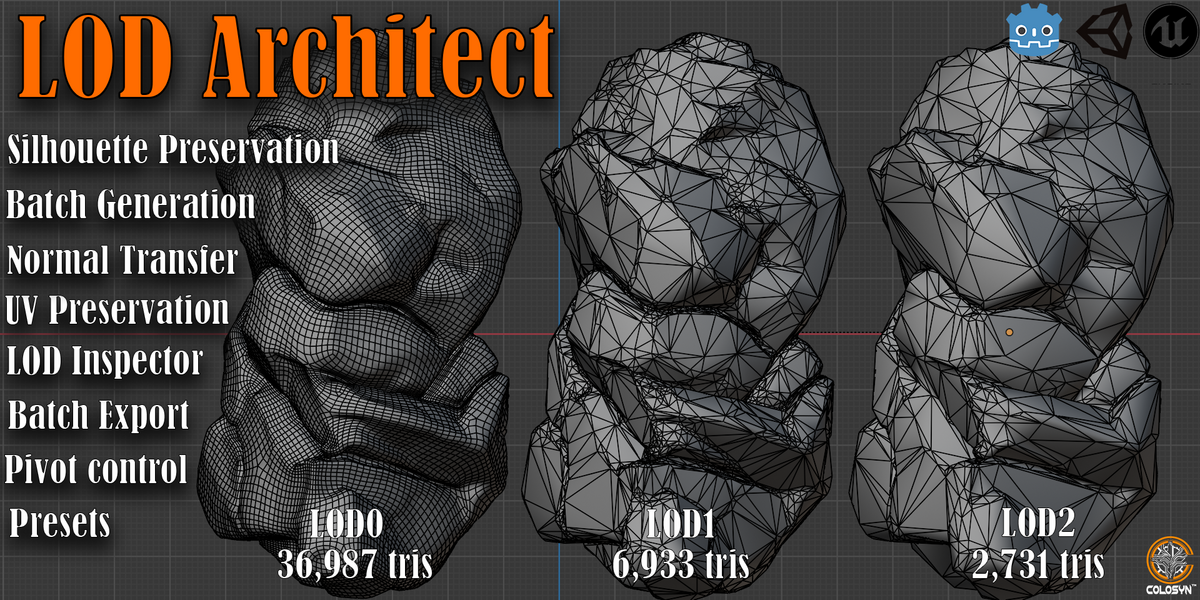
Lod Architect is a Blender add-on by colosyn for building level-of-detail (LOD) chains for game assets. The Superhive listing describes progressive decimation from selected meshes, up to LOD4, with per-level ratio or vertex-count targets and batch processing. The source mesh is preserved, and live modifiers let you adjust ratios after generation.
Generate and shape LOD chains
Choose one or more meshes and set how much each level should be reduced. Presets cover Custom, Prop, Hero Asset, Large Prop, and Architecture. You can keep LOD0 at full resolution or decimate it too.
Optional cleanup merges duplicate or overlapping vertices within a configured distance and applies scale and rotation before generation. Pivot alignment can keep the original origin, center it on the bounding box, or place it at the bottom. For shading, choose Blender's default smoothing, Weighted Normals, or Transfer Normals. A UV Protection slider from 0.0 to 1.0 weights seam edges to limit texture distortion. Higher protection can also reduce how far the mesh decimates.
A planar post-pass adds another reduction step for flat surfaces. Its advanced mode uses a separate angle control for each LOD level. This pass tends to help hard-surface assets more than organic meshes.
Inspect and organize the results
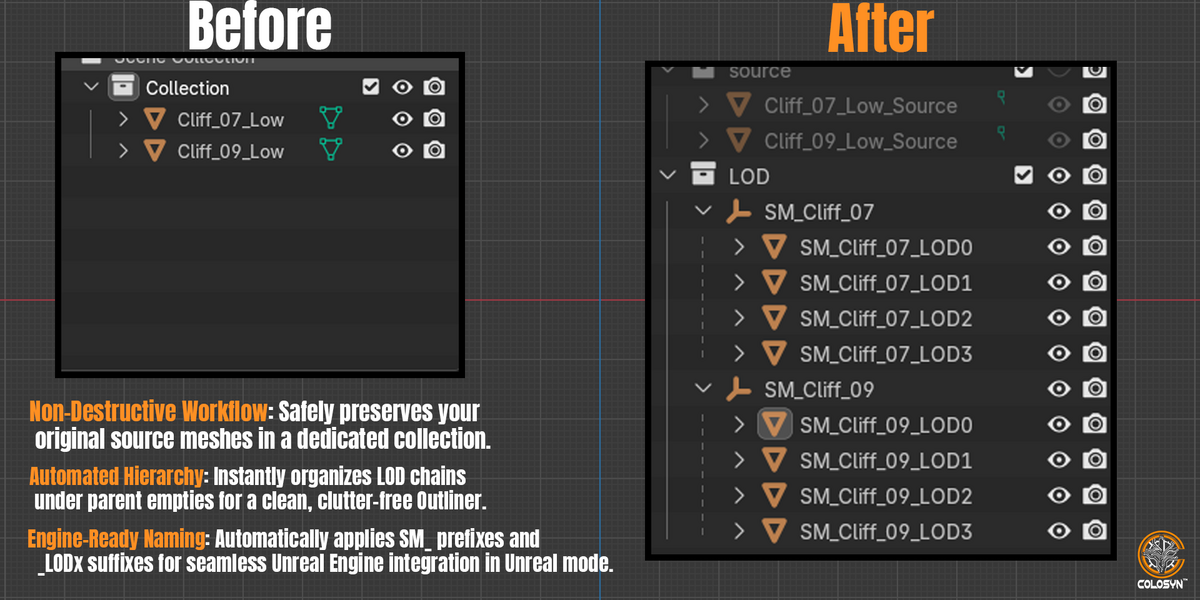
The LOD Inspector shows triangle counts for each level, a wireframe overlay, and controls for switching between LODs. Lod Architect places source meshes in a source collection, parents LODs under named empties, and creates names such as SM_AssetName_LOD0 and SM_AssetName_LOD1. Keep LOD groups inside the LOD collection for the Inspector and Exporter to work.
Export for game engines
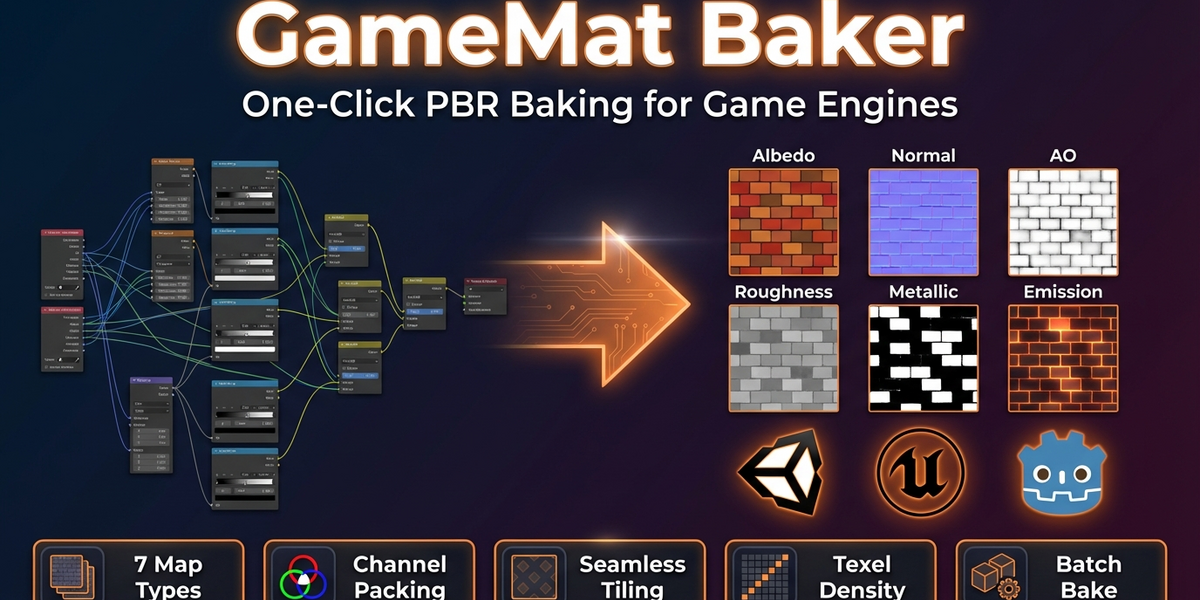
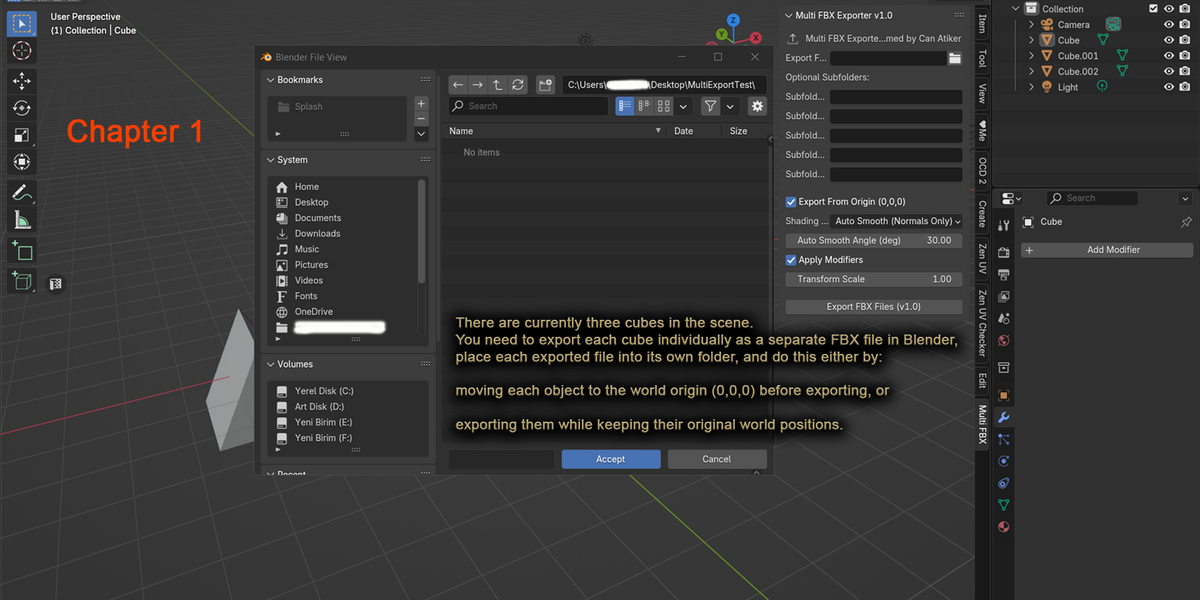
The batch exporter can export selected LOD groups or the full LOD collection, with optional folders for each group. Its engine presets map Unreal Engine 5 and Unity to FBX, and Godot to GLB. Available formats are FBX, OBJ, and GLB. FBX and GLB export depend on Blender's built-in exporters being enabled.
Compatibility, setup, and limits
The product details list Blender 3.6 to 5.3 on Windows, macOS, and Linux, with Python 3.10 or newer supplied by Blender. Version 1.0.1 adds bl_order for panel ordering and fixes handler persistence across scene reloads and undo operations. The listing identifies the license as GPL v3; check the current Superhive page for pricing before downloading. The LOD Architect documentation repository is linked from the product page.
- Download
lod_architect.zipfrom Superhive. - In Blender, open Edit > Preferences > Add-ons > Install and select the ZIP without extracting it.
- Enable Lod Architect, then open the 3D Viewport sidebar by pressing N and choose LOD Arch.
Transfer Normals needs a clean high-poly source; overlapping geometry or flipped normals can produce incorrect results. Heavy UV seams combined with high UV Protection may leave more triangles than expected. Batches of ten or more meshes can slow down depending on polygon count and machine, so smaller groups may be easier to process.