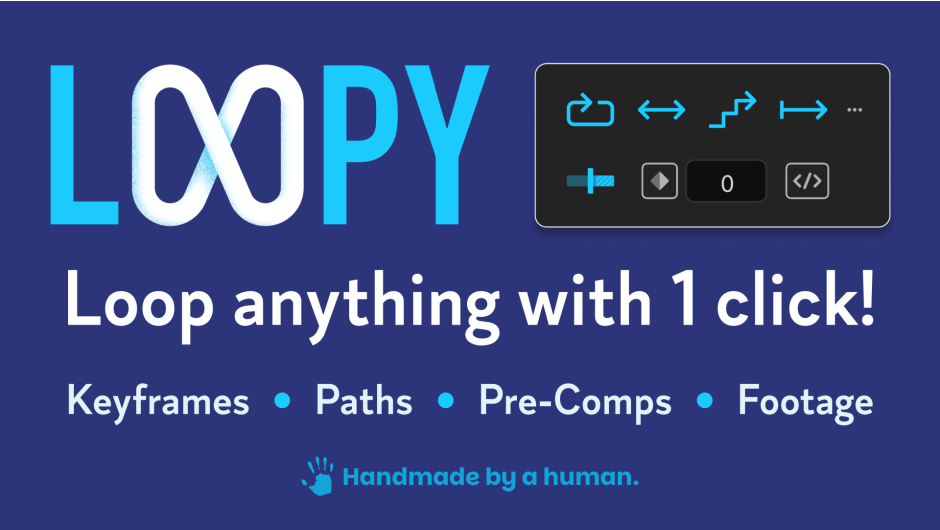
Loop keyframes, paths and footage
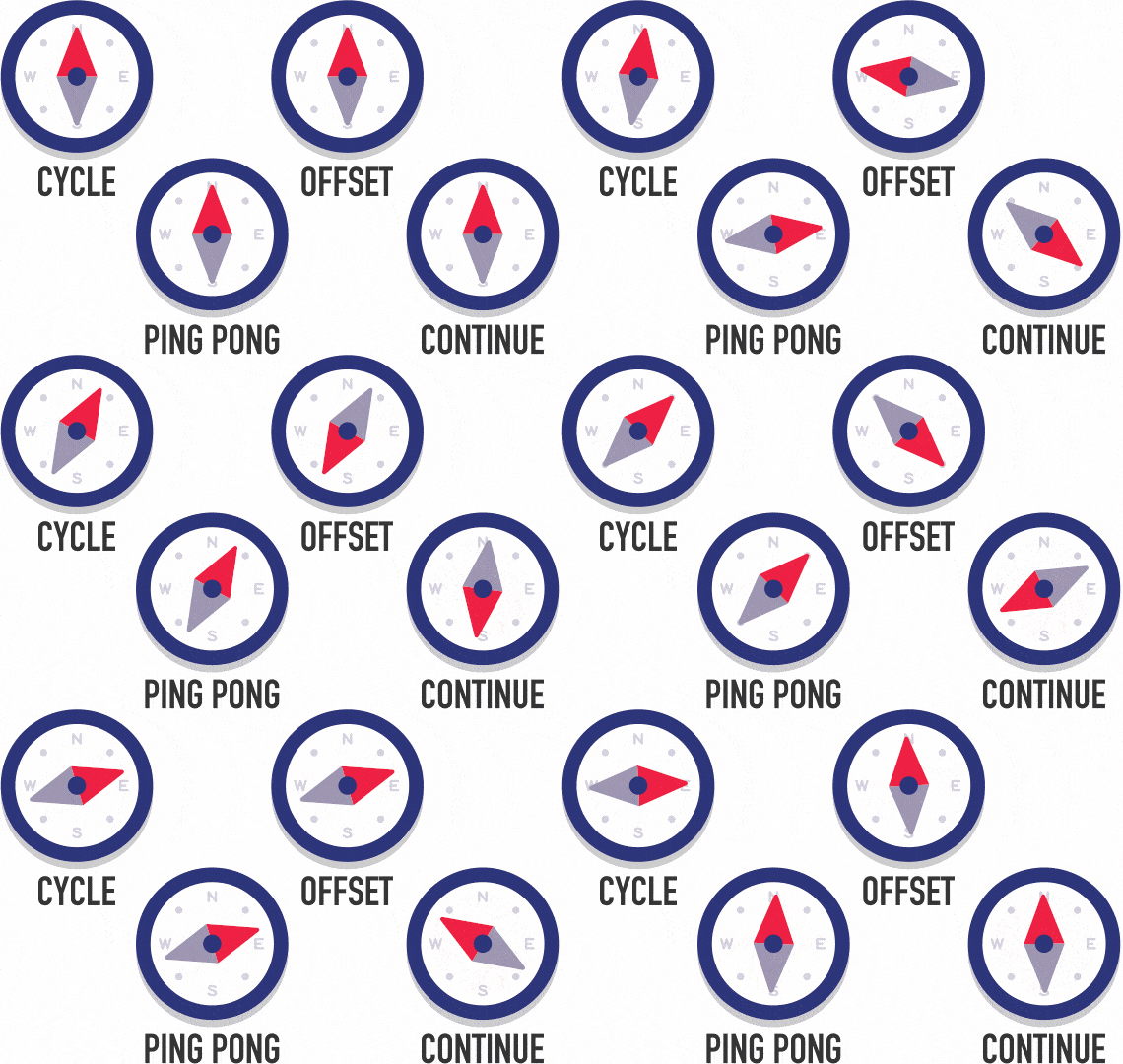
Loopy is an After Effects panel for adding loops to keyframed properties, paths, pre-comps and footage. It offers Cycle, Ping Pong, Offset and Continue modes, with controls for loop-in, loop-out or both, and for changing loop direction. Cycle repeats a segment, Ping Pong alternates its direction, Offset repeats while carrying forward the segment's value change, and Continue extends motion from a keyframe based on its velocity.
The panel can limit loops to specific keyframes. A keyframe modifier has an option to limit it to existing keyframes, and Loopy can retain an expression already on a property.
Apply loops across a composition
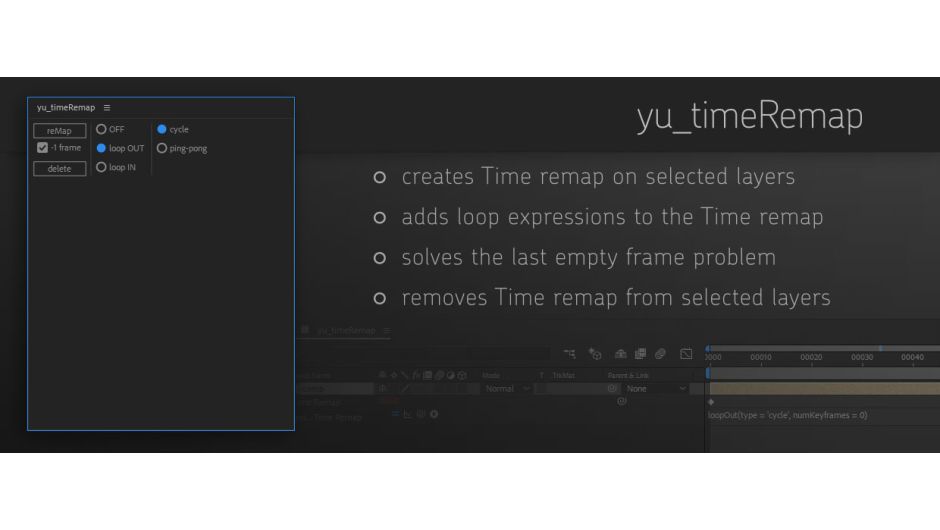
Loopy can apply loops to multiple properties on multiple layers in one action, including layers of different types. For footage or pre-comps, trim the layer and apply a loop instead of manually creating, moving and deleting Time Remap keyframes. Alt-click Cycle Loop to apply Time Remap without a loop expression; its keyframes match the trimmed duration.
KBar and compatibility
For KBar users, the download includes icons and an importable file compatible with KBar 3. From a custom toolbar, you can launch Loopy, apply a loop mode, change direction or apply trimmed Time Remap.
The listing supports After Effects 2026, 2025, 2024, 2023, 2022, 2021, 2020 and CC 2019, and offers a free trial. The EULA permits installation and use of one copy on one computer at a time, plus one archival copy for reinstallation; each additional user and copy requires an appropriate license.