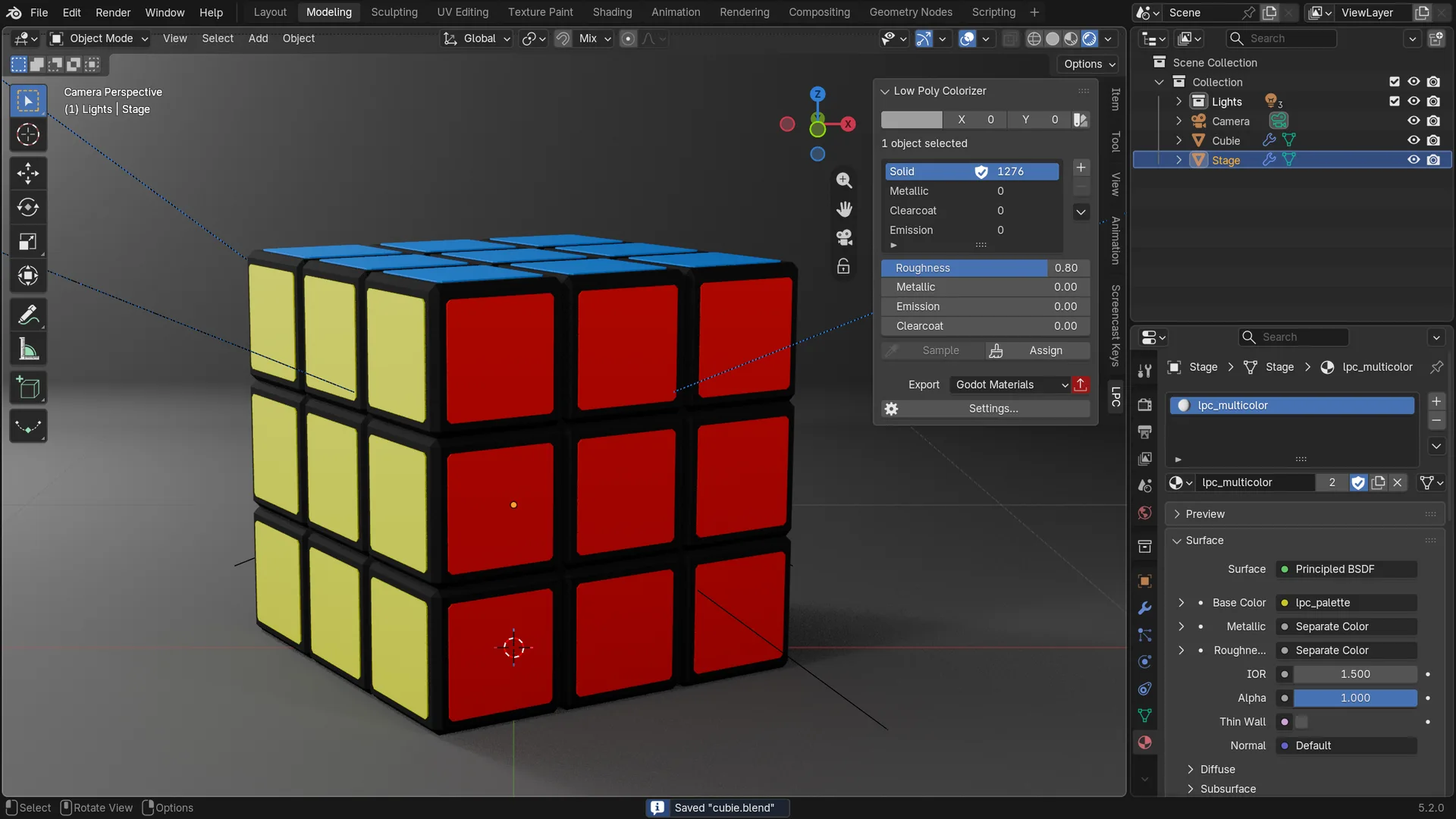
Low Poly Colorizer (LPC) is a Blender add-on for painting mesh faces with a generated color palette and named PBR presets for roughness, metallic, emission, and clearcoat. Painted faces share one material, while each face keeps references to its palette cell and preset. For Godot 4 projects, LPC exports a matching material package; export the model from Blender as a .blend file or glTF as usual. The Blender Extensions listing marks it compatible with Blender 4.2 LTS and newer.
Paint faces from a generated palette
Open the LPC tab in the 3D Viewport sidebar, choose a preset, then select faces in Edit Mode or objects in Object Mode. Click the palette button to open the GPU overlay. Choosing a cell paints the selected faces or whole objects; the overlay supports zoom and pan. Its grid can combine hues with brightness steps, include an optional greyscale column, and use adjustable saturation, brightness, tint, and shade.
Presets hold surface values for roughness, metallic, emission, and clearcoat. You can import and export preset sets as JSON. The Sample tool loads the color and preset used by selected faces; other tools select or deselect faces that share a color and preset.
Keep per-face data with one material
LPC stores a face's palette cell in the lpc_uv0 UV map and its preset in lpc_uv1. The palette and preset data live in two small textures, so changing a palette or preset updates the painted faces without rewriting mesh data. Tools can fix the UV maps after joins, booleans, or imports.
The LPC Set Material Geometry Nodes group sets the palette cell and preset procedurally. This provides a node-based way to assign the same per-face data used by the painting tools.
Export the material package for Godot 4
The model travels to Godot through Blender's regular .blend or glTF workflow. Its first two UV maps carry the per-face data into Godot as UV and UV2, and all painted faces of each mesh import as a single surface. LPC's Export button writes the matching material files into a folder you choose inside the Godot project.
The package includes palette and preset data textures, a multicolor shader and material for painted meshes, and a single-color shader and material for other meshes. The single-color material takes one palette color and preset per MeshInstance3D through instance uniforms. The export also includes a reusable named-look resource and a README. The Export button turns red when the generated files are out of date.
What changed in version 1.2.0
Version 1.2.0 adds an exported palette-color resource for decals, labels, UI, and lights. It stores a palette cell only, without a preset or emission, and follows palette changes on re-export. Script colors match shader colors across the add-on's color modes, including OKLCH, Hue Shift, and Warmth.
Exports now include Godot texture import settings and stable UIDs derived from output filenames. For a project using files exported before 1.2, the first 1.2 export makes Godot fall back to file paths and warn once for each old UID reference. Re-save the referencing files or replace the old UIDs project-wide; later exports keep the same UIDs.
Manual and sample project
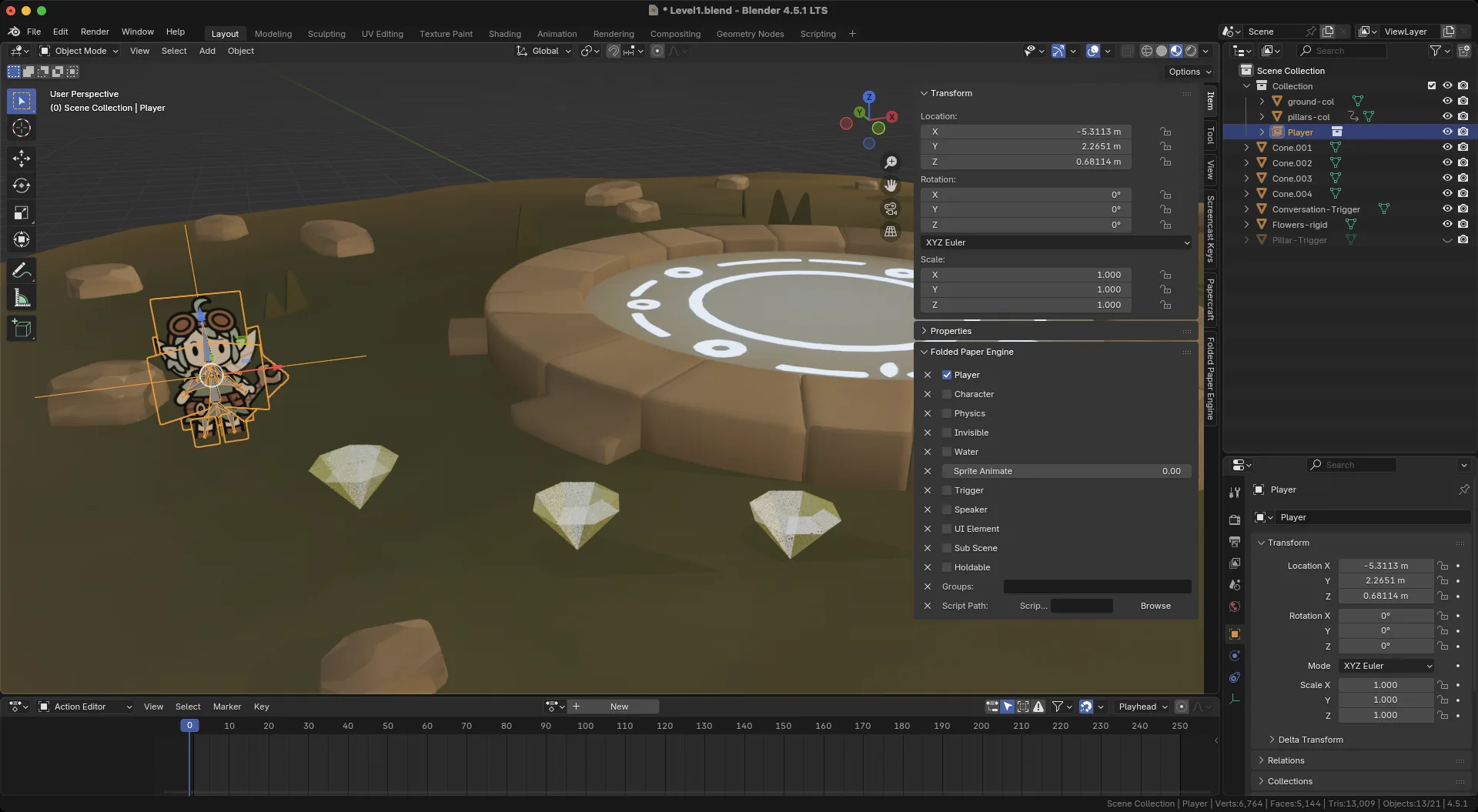
The English manual covers the add-on's controls. The Godot 4.8 demo project shows an exported LPC setup in a playable puzzle cube game. The source repository contains the add-on and its documentation.