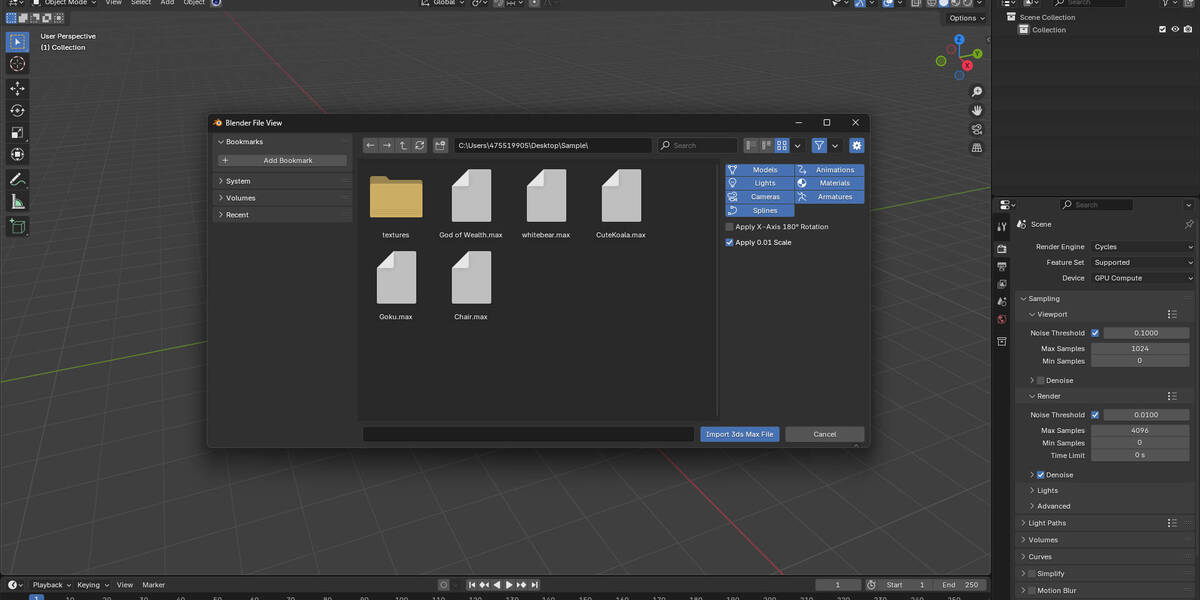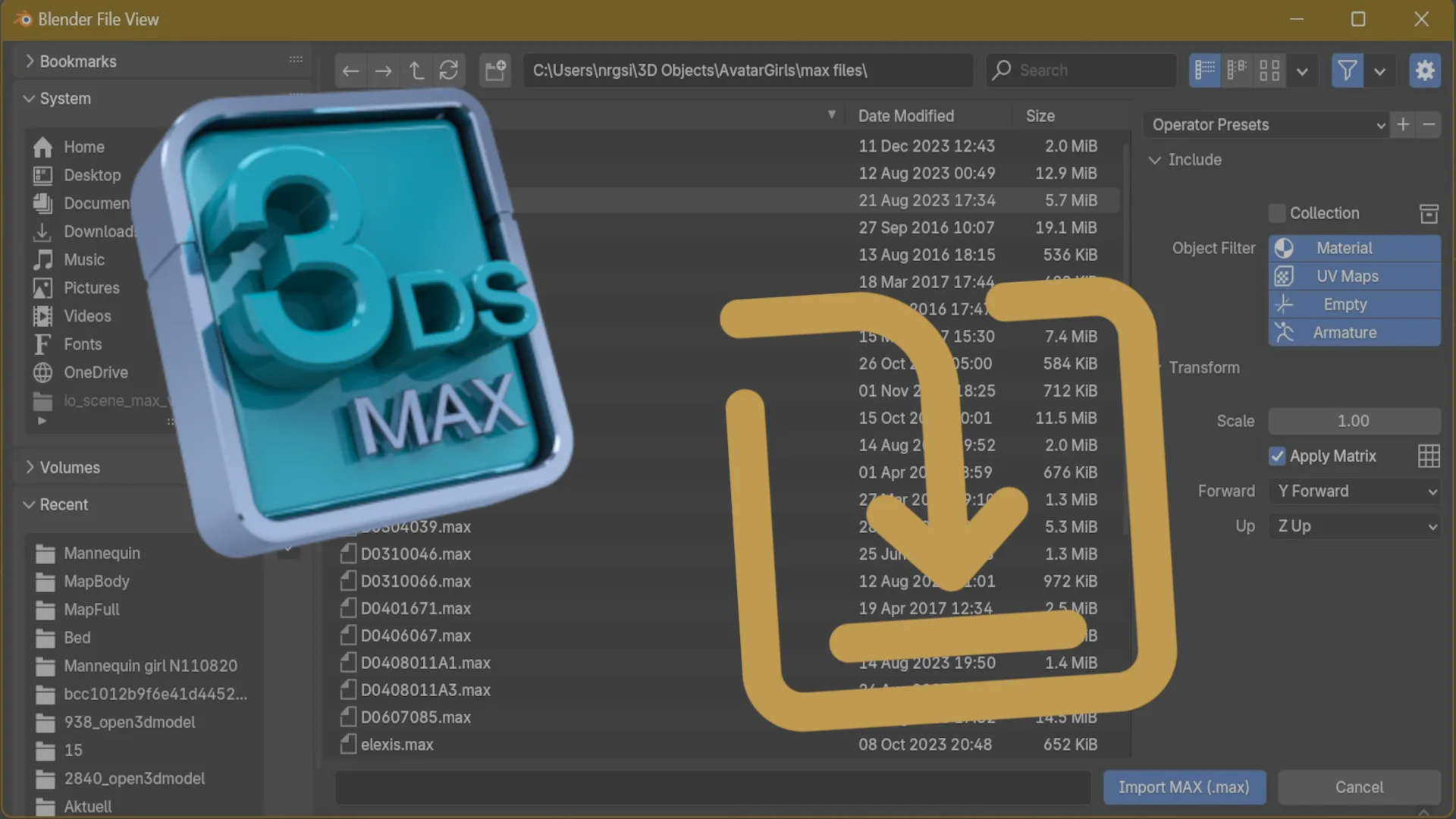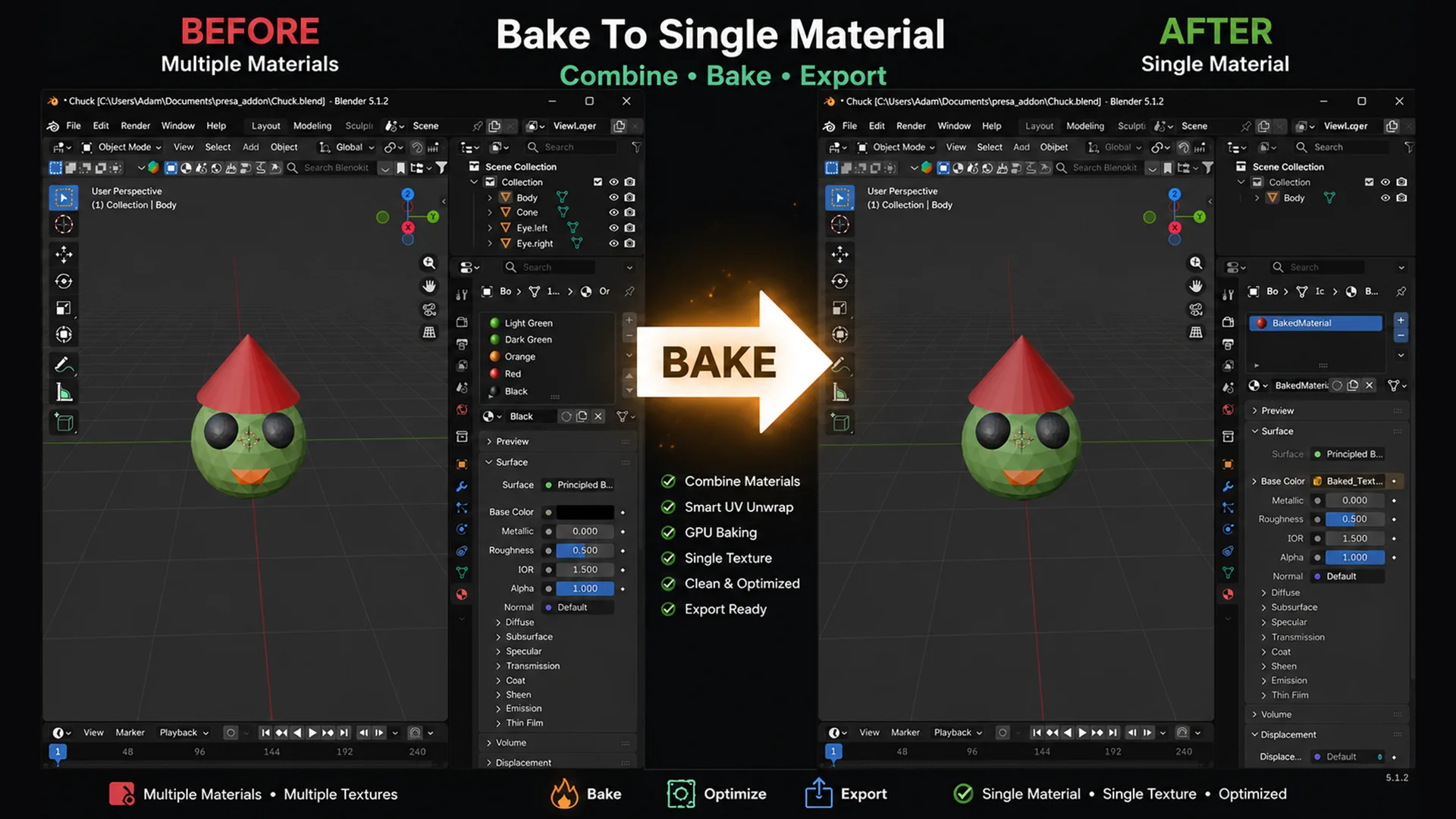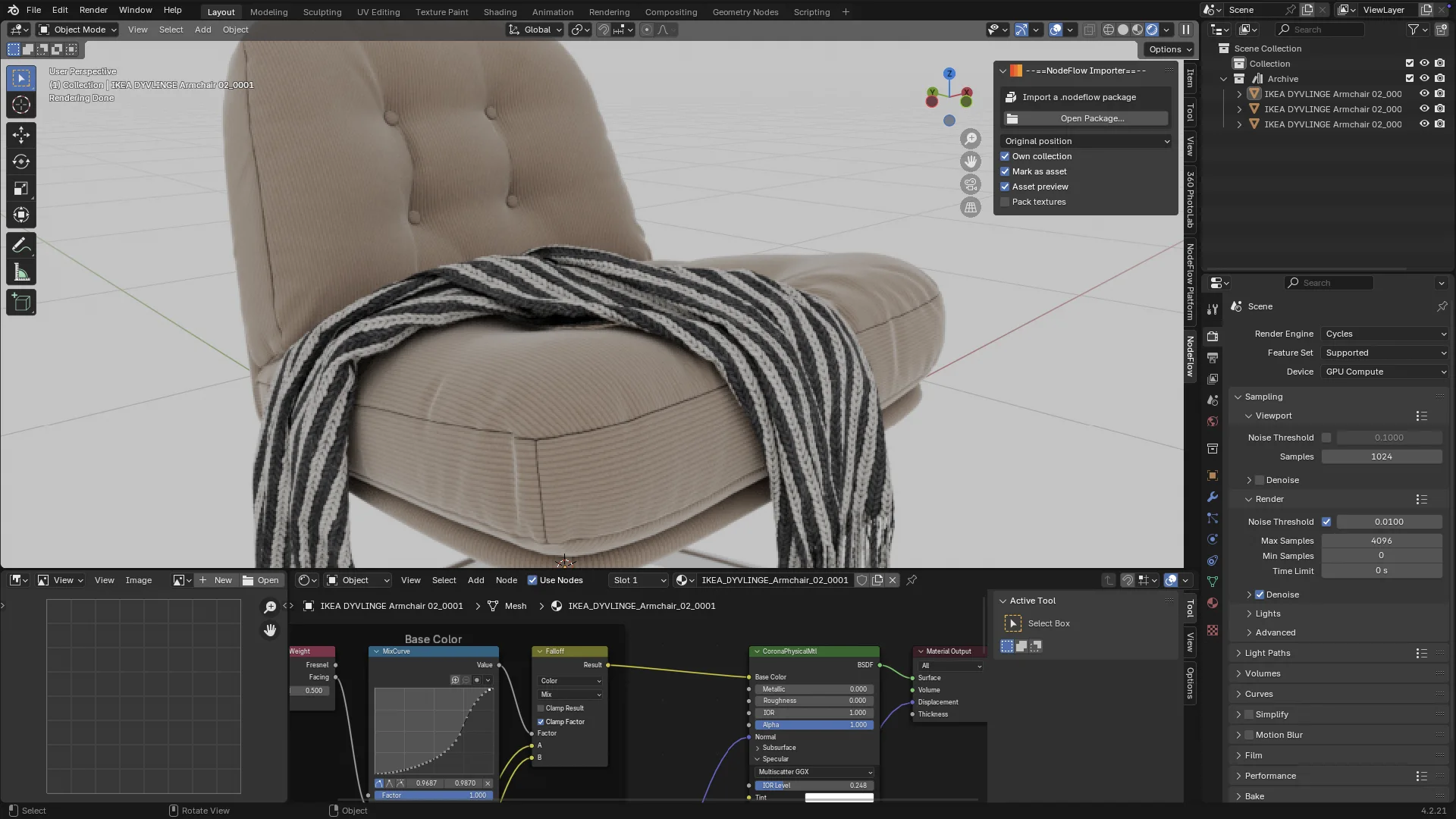
NodeFlow Importer brings a NodeFlow-converted 3ds Max scene into Blender from a .nodeflow package. It imports the package's FBX geometry, Cycles materials and included textures, then applies cleanup designed for this conversion path. Blender 4.2 LTS or newer is required.
Download the add-on from the NodeFlow Importer listing to open a .nodeflow package in Blender.
What it handles during import
Geometry and materials
The importer removes group offsets that can lift the whole model and strips a single-keyframe animation that can override Apply Scale. It clears custom normals and sharp edges, then shades objects smooth by angle. Converted materials arrive as Cycles node trees and are assigned to their objects, including objects whose material slots were dropped by the FBX exporter.
Textures and surface details
Images included in the package are found on disk and linked to the materials that use them. You can pack those textures into the .blend file. The importer also remaps UV layer names to the mesh's actual layers, scales bump strength to the UV layout's world size, and scales displacement to the object's bounding box.
Placement and reuse
You can place the imported scene as one set at the 3D cursor, put it in its own collection, or mark it as an asset with tags for reuse in Blender's Asset Browser. These options, along with texture packing and animation stripping, are available in the panel and add-on preferences.
How to open a package
- Save the
.nodeflowpackage to disk. - In Blender's 3D Viewport, open the sidebar with
Nand select the NodeFlow tab. - Choose Open Package… and select the file.
- Set any placement, collection, asset, texture-packing or animation options you need.
The extension has no external dependencies beyond Python and the standard library included with Blender. For Blender's general add-on installation options, see the Blender manual.
Requirements, files and limits
NodeFlow Importer does not convert .max files. Conversion happens outside Blender through the NodeFlow service, which is paid and requires an account. The add-on itself is free, needs no account or key, and can open a package you already have, including one shared by a colleague.
The extension listing says the add-on works offline, sends no data, and stores no personal data. It reads the package you select and unpacks it to disk. The destination is next to your saved .blend, a folder set in preferences, or a temporary folder. When you use a temporary folder, the add-on packs textures into the .blend so they remain available with the file.
NodeFlow Importer is licensed under GPL-3.0-or-later and requests file permission to unpack the package and write assets and textures. For a problem with the add-on, use its issue tracker.