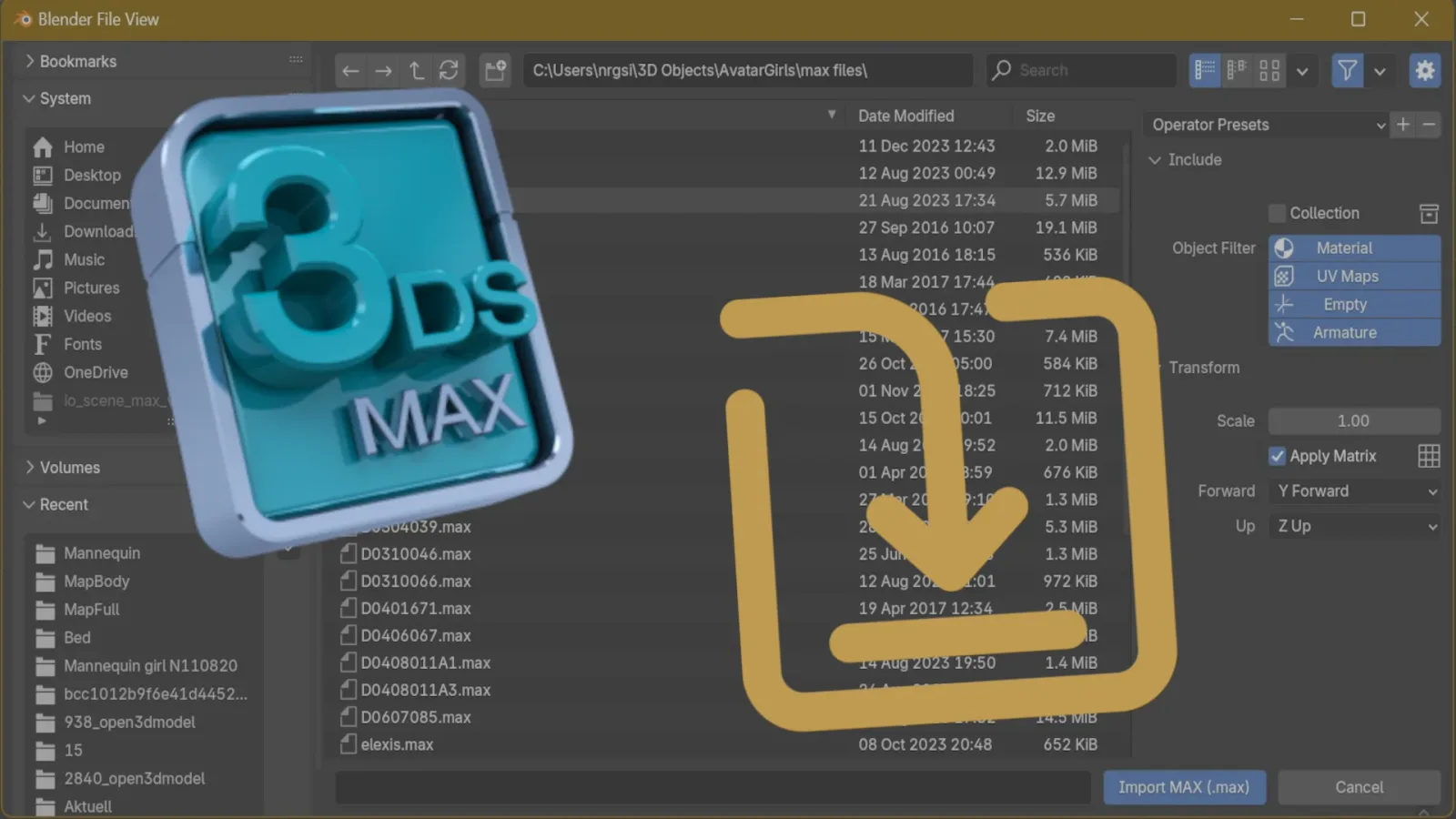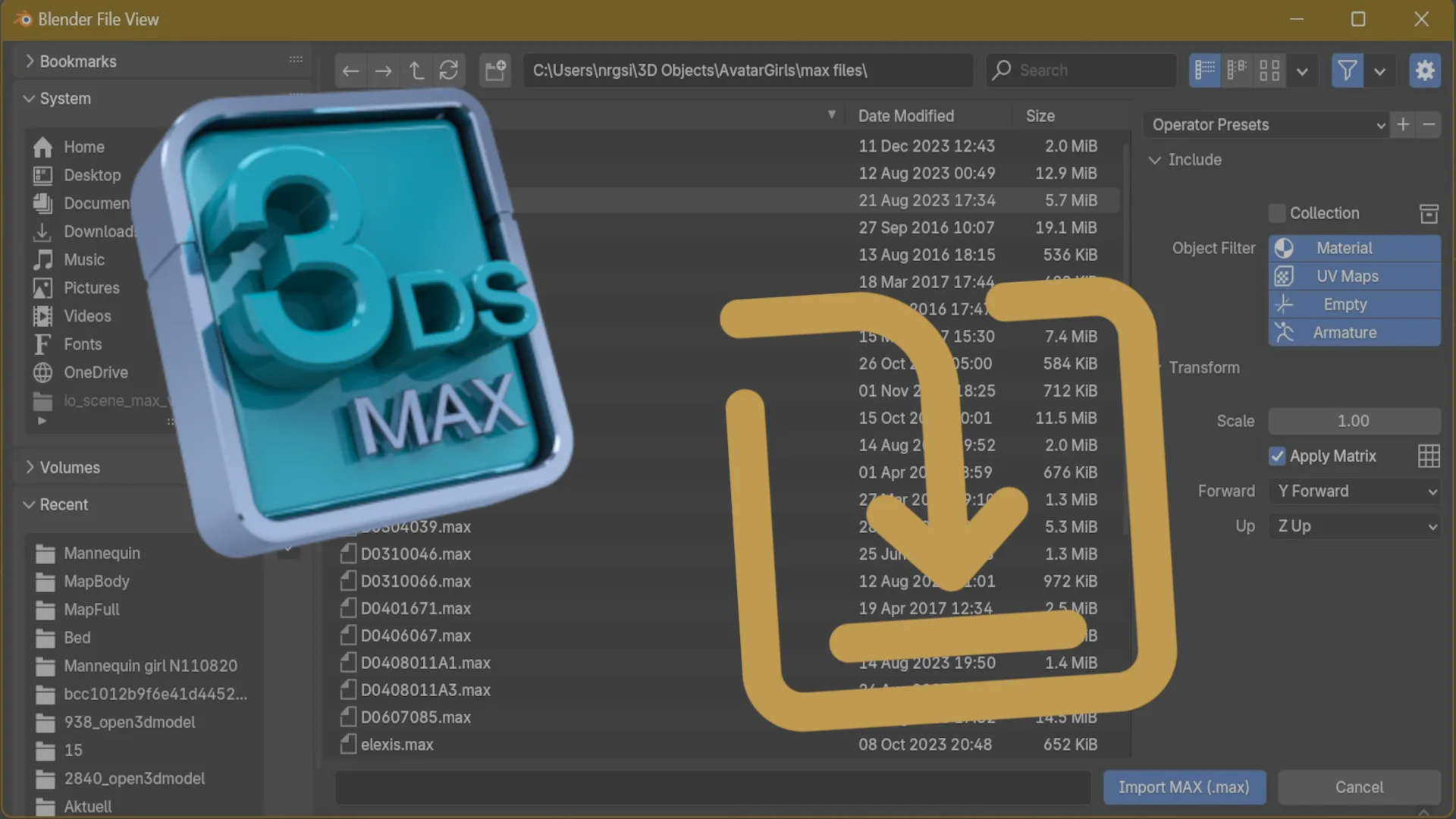
Import Autodesk MAX (.max) brings meshes, material data, and texture coordinates from Autodesk 3ds Max scene files into Blender. It is for artists who receive a .max model and want to continue working with it in Blender. The Blender Extensions listing identifies version 1.9.2 and a Blender minimum of 4.2.0. The add-on is maintained by NRGSille and uses the GNU GPL v3.0 or later.
What it imports
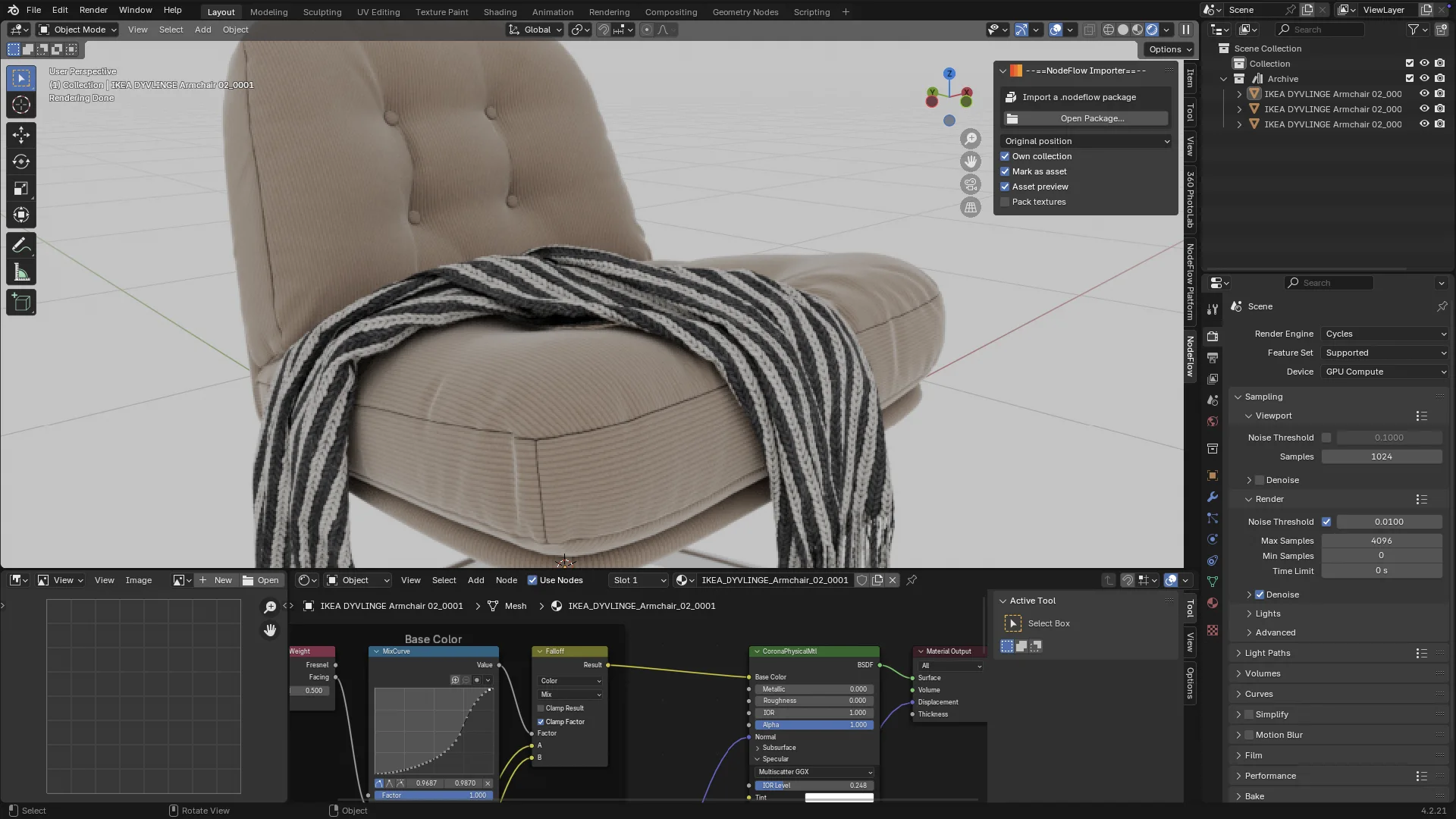
The importer supports a range of 3ds Max material types, including Legacy, StandardMtl, Standard Surface, PhysicalMtl, Multi-Sub, RaytraceMtl, Shellac, Arch & Design, V-Ray, VRay2Sided, and CoronaMtl. Listed Corona types include HairMtl, SkinMtl, LayeredMtl, and CoronaPhysicalMtl. For supported materials, it reads properties such as base color, roughness, metallic, specular, alpha, and refraction. Supported texture channels include base color, roughness, specularity, transparency, and normal maps. See the product details for the documented material and texture coverage.
Prepare the scene and textures
Texture images must be linked, and the importer looks for them in the same folder as the .max file or in a subfolder. Keep the scene and its texture folders together before importing. If a material arrives without an expected image map, check where the linked image is stored and whether the scene points to that file.
The product details list support for compressed or partly compressed files in .zip format when they were saved with 3ds Max 2023 or earlier. Other archive formats and files saved by later 3ds Max versions fall outside that stated support.
Import the file in Blender
After installing the extension, use File > Import/Export > Autodesk MAX (.max) and choose the scene file. The maintainer's repository provides the project source and issue tracker. Check the extension listing for the current Blender requirement and release before installing, since version details can change.
Material conversion expectations
The listed material support describes which material families, properties, and texture channels the importer reads. It does not promise a pixel-identical match to a render from 3ds Max. If a scene depends on a precise V-Ray or Corona look, inspect the imported materials in Blender and compare them with the source render before relying on the result.