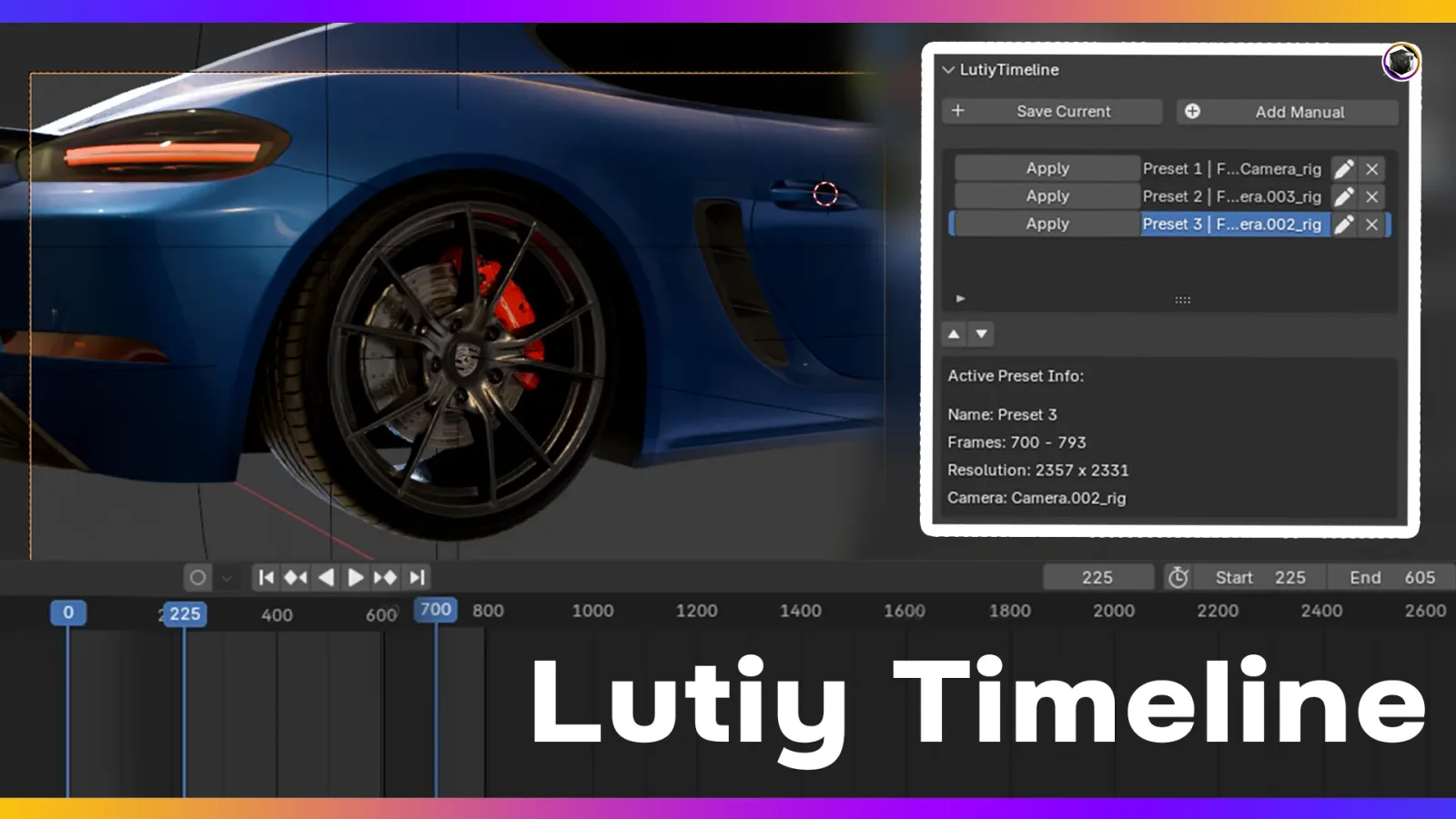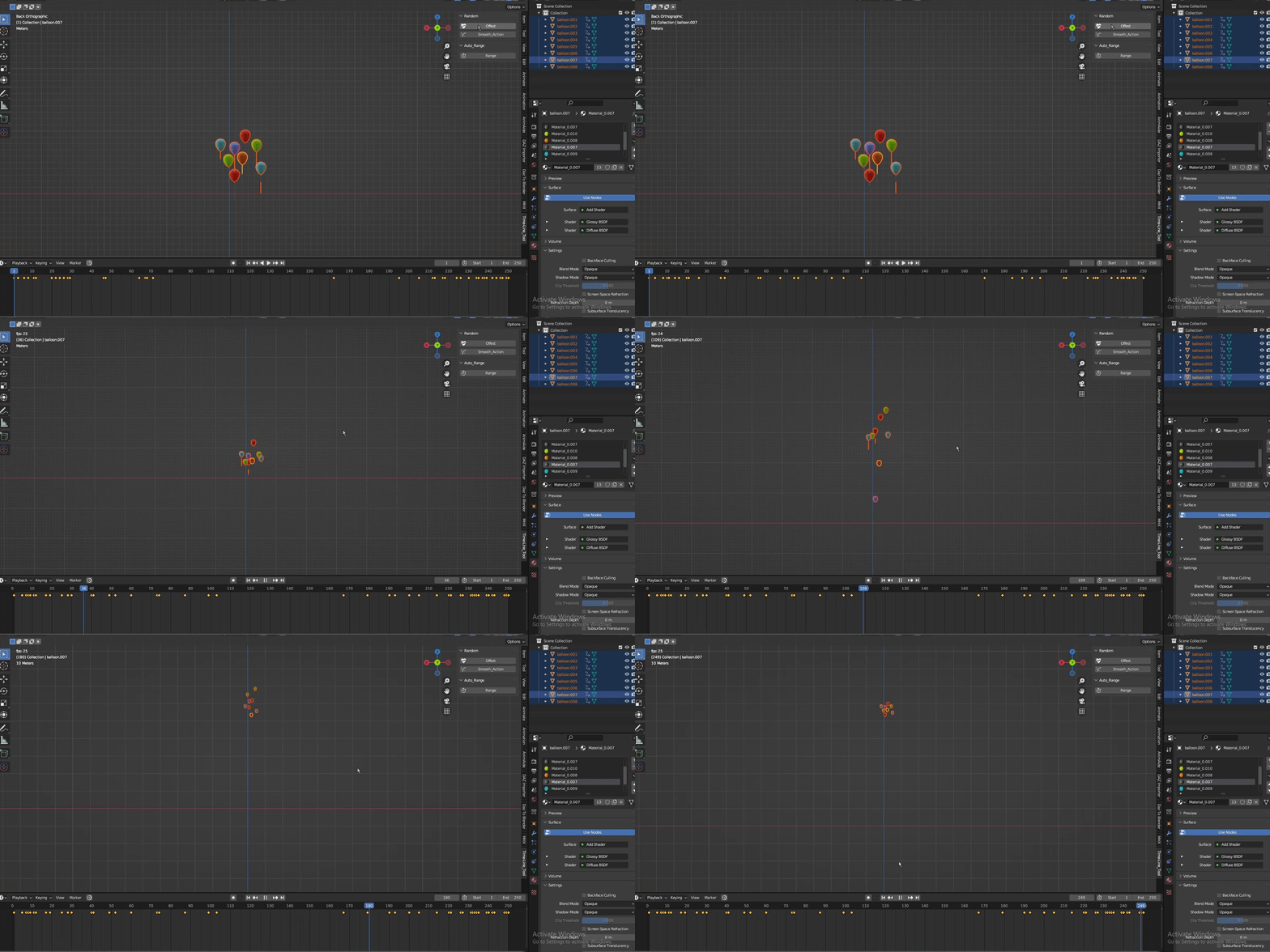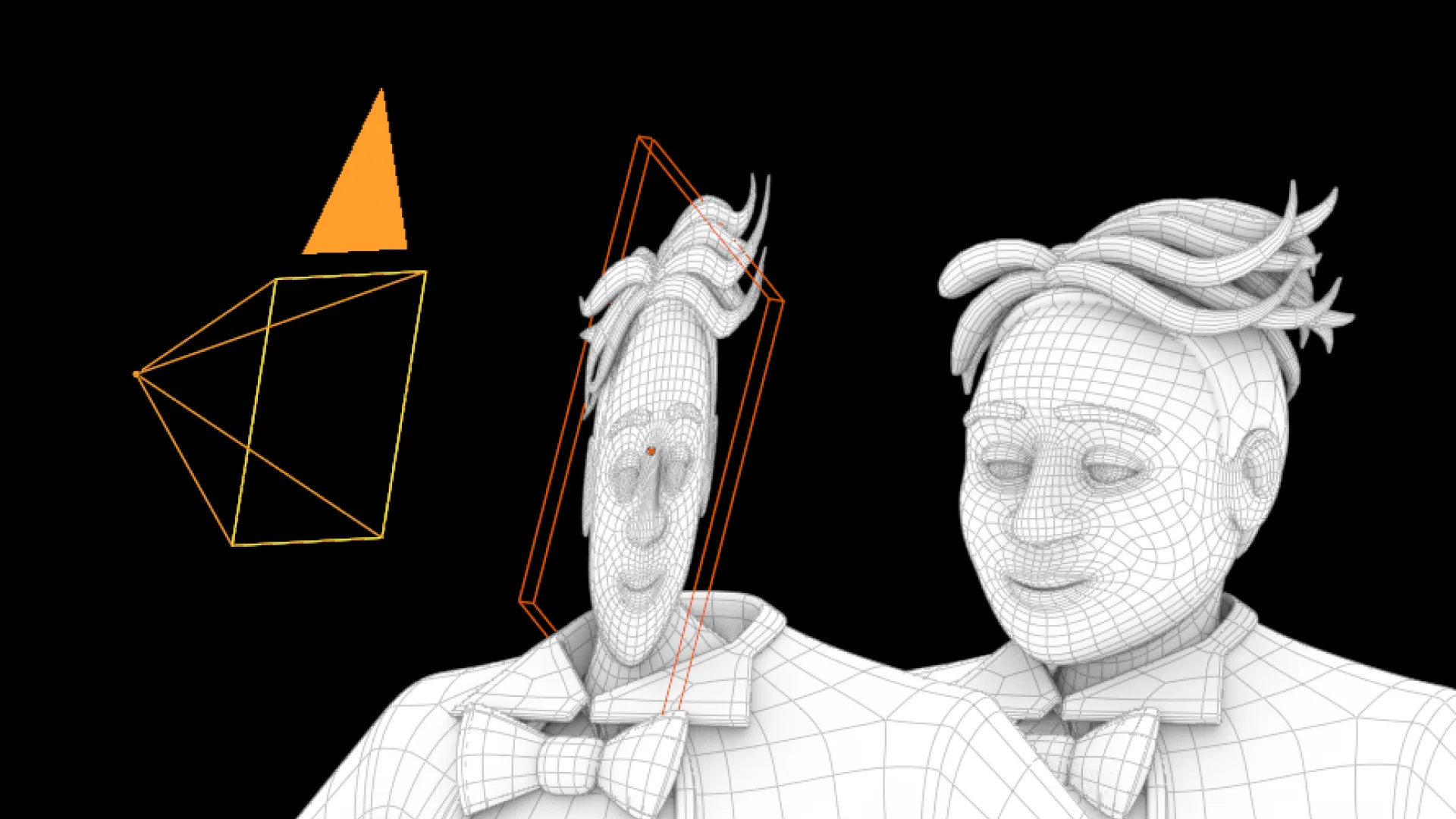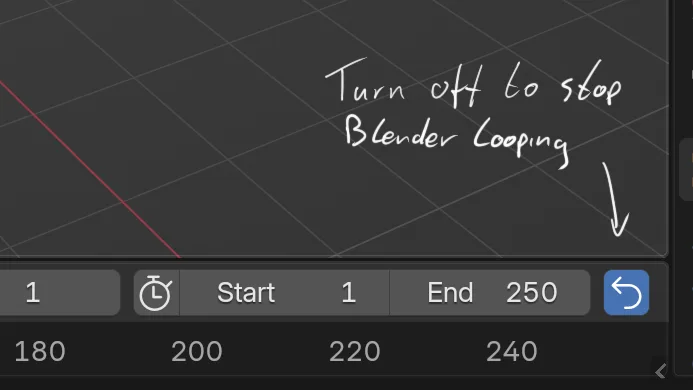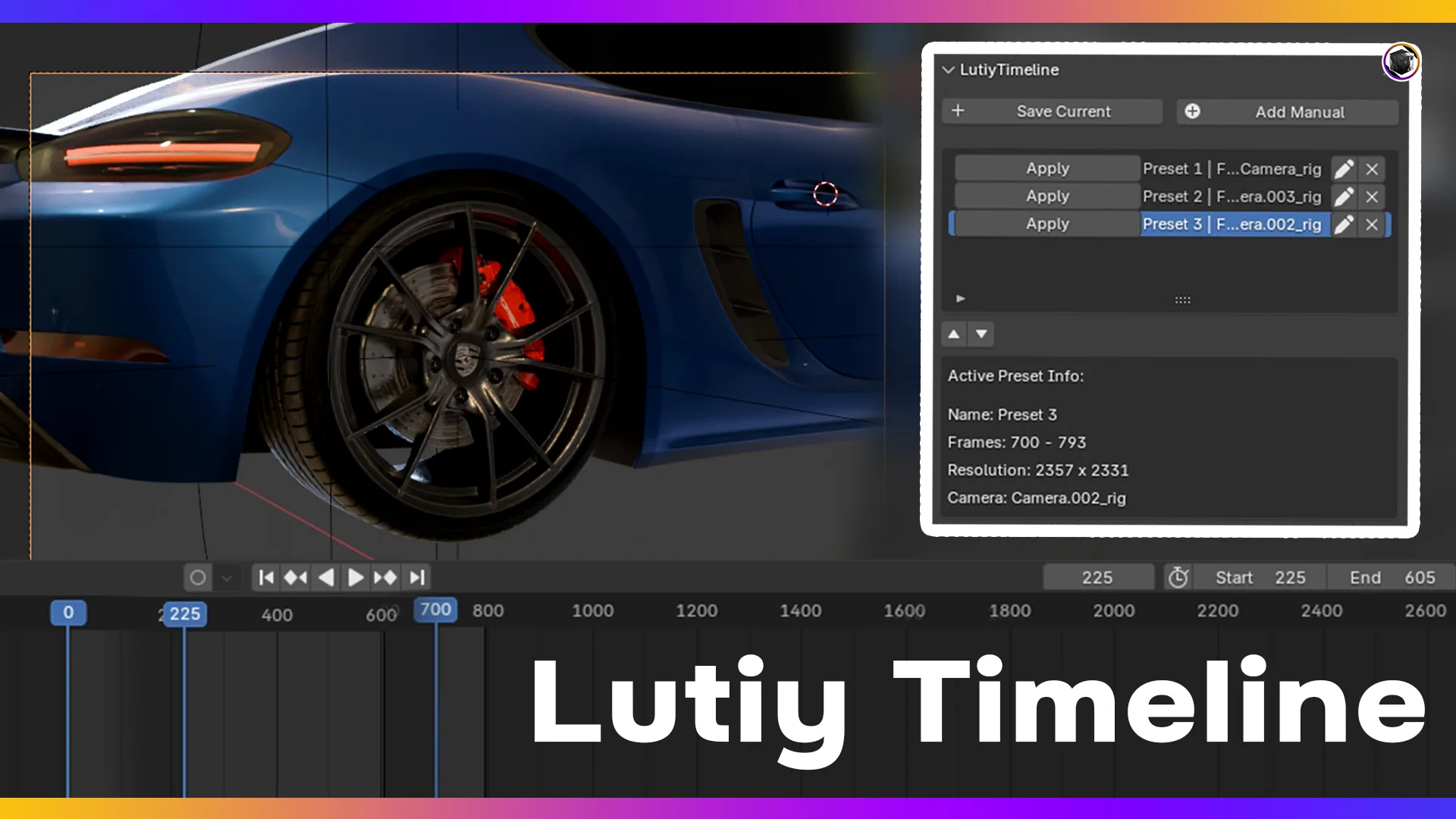
Lutiy Timeline is a Blender add-on for saving and switching between camera and timeline presets. Each preset can bring together a camera, frame range, and render resolution, which can help when an animation scene uses different setups for different shots.
Save and apply scene presets
Save a preset from the active camera and timeline, then apply it to switch the scene to that setup. Applying a preset also moves the timeline to its start frame. The add-on adds a LutiyTimeline tab to the 3D Viewport's N panel, where presets appear in a list. Read Lutiy Timeline's feature summary.
When it may help
The preset workflow suits animation scenes with multiple cameras or shots that use different frame ranges and output resolutions. Keeping those settings together can reduce the steps involved in switching between recurring scene setups.
Version and file access
The Blender Extensions listing identifies version 1.0.1, sets Blender 4.2.0 as the minimum version, and lists the GNU General Public License v3.0 or later. It also declares file access for saving and loading preset configurations. Check the listing for current release details before installing.