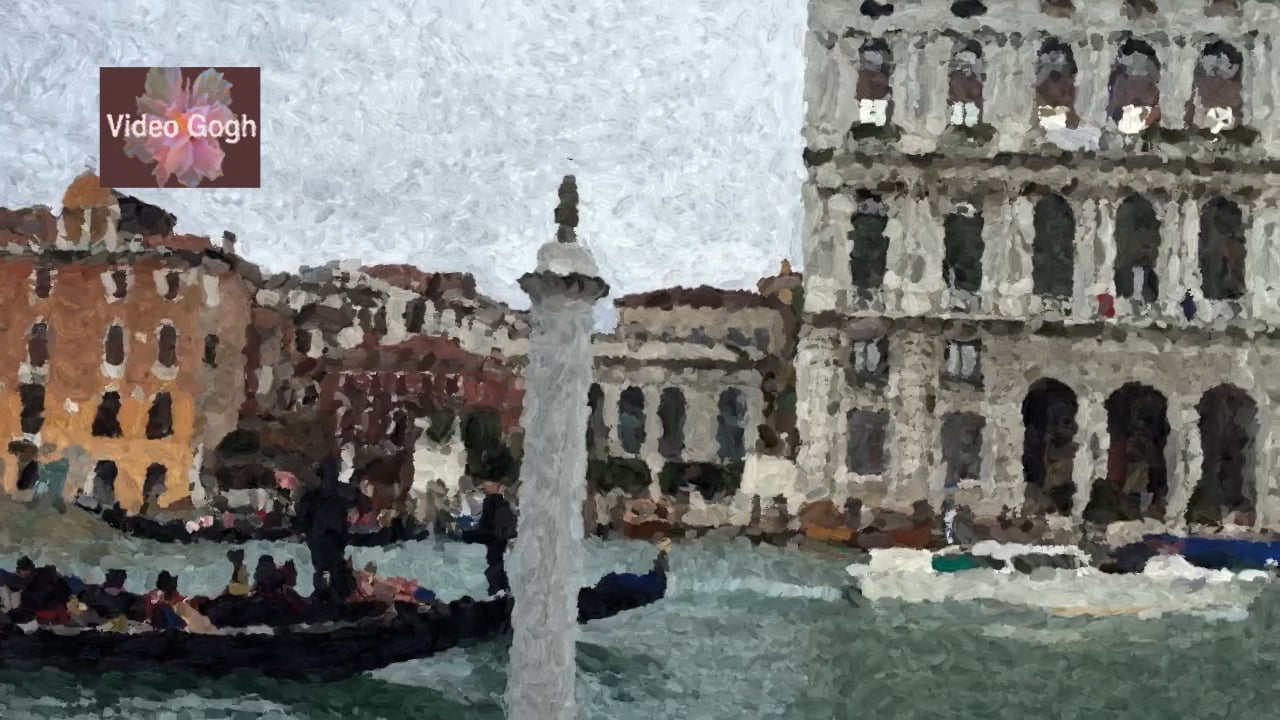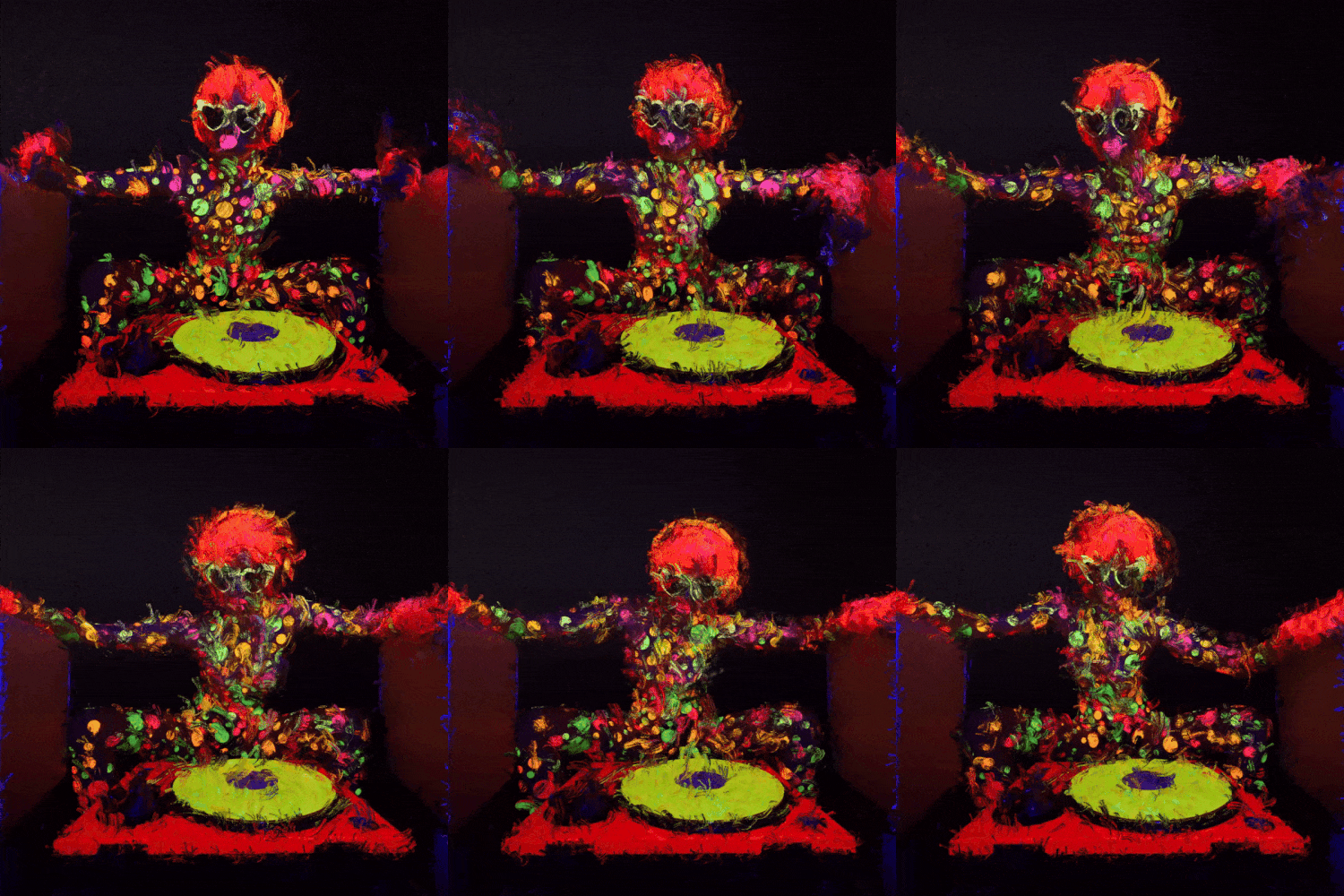
MAD PAINTER is a GPU-rendered effect for turning footage into a brush-stroke painting. It places large strokes in flat areas, medium strokes along contours, and smaller strokes at fine edges. Paint accumulates over repeated passes; on moving footage, each pass samples an earlier frame, which can leave motion smears in the image.
Shape the brush treatment
Choose a procedural brush or one of six painted brush textures. The preset menu includes Default, Sloppy, Pointillism, Pointillism (Precise), Spatula, and Crayon. A seed control changes where strokes land.
Set separate stroke sizes for fills, contours, and details, then adjust thickness and length to change the strokes from round dabs to longer marks. Paint Thickness controls how much stroke color mixes with its neighbors. Spill lets color cross edges, while Randomize varies stroke length. Multiple paint passes build denser coverage, with more smear on moving footage.
For the finish, enable lighting to give strokes relief, and adjust the light and depth controls. Choose whether strokes sit over the original image, black, white, or transparency; Paint Amount controls how complete the paint coverage is.
Compatibility and GPU requirements
MAD PAINTER runs in After Effects and Premiere Pro, with an OFX version for DaVinci Resolve and Nuke. It requires GPU rendering and lists Metal on macOS and DirectX 12 or Vulkan on Windows. The aescripts product listing also names CUDA or OpenCL for Windows; because the listing and manual name different backends, check the GPU requirements for the release you plan to use if compatibility depends on a particular backend. The listing specifies macOS 12.0 or later on Intel or Apple Silicon; the manual specifies 64-bit Windows. Computers without hardware acceleration are unsupported.
Trial and license
The trial draws a red X over the image. To register in After Effects, use Register at the top of the effect controls and enter the license key. Premiere Pro shares the license with After Effects on the same computer; the aescripts + aeplugins manager can also register the plugin. In Resolve or Nuke, click Register Now in the effect controls and enter the license key. The listing's EULA allows one copy on one computer at a time; additional users or computers require appropriate separate licenses.