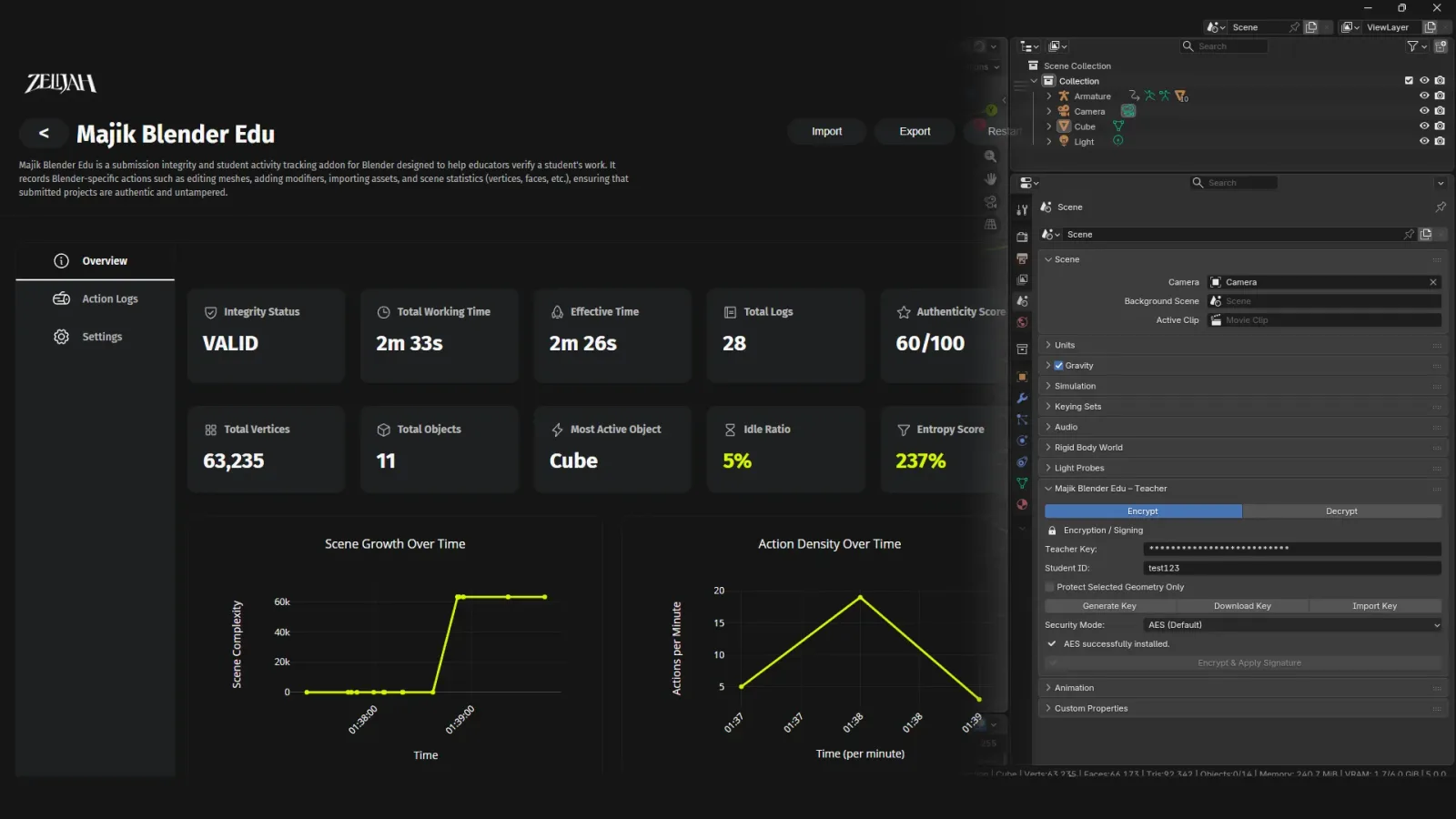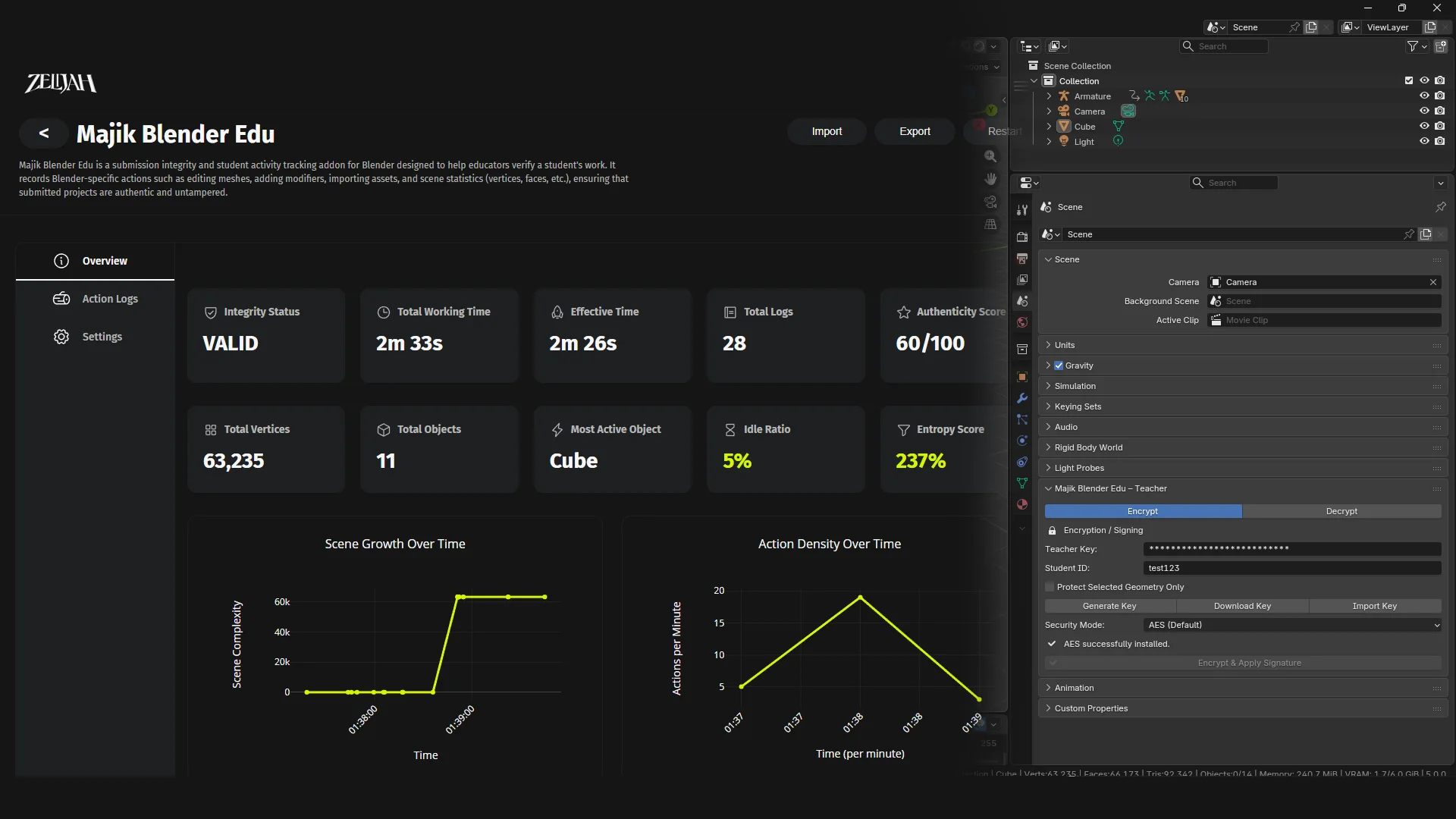
Majik Blender Edu is a Blender add-on for educators who want a record of how a student worked on a project. During an active session, it logs operations such as mesh edits, modifier changes and asset imports, along with scene statistics such as vertex and face counts. Teachers prepare a project, then decrypt and validate its logs with their key.
Prepare and record a session
In Scene Properties, the teacher selects Teacher mode, enters or generates a key, adds a student identifier and clicks Encrypt & Apply Signature. The student selects Student mode and starts the timer before working. A red rectangle in the viewport indicates that logging is active.
Logging records active sessions only. Stopping the timer saves the logs, and manual saves with Ctrl+S also store progress. Students submit the .blend file to the teacher and can optionally download encrypted logs as a backup.
Review a submitted project
The teacher opens the submitted project, goes to the Decrypt tab in Scene Properties, imports or enters the key and clicks Decrypt & Validate. For a valid log, the add-on displays a confirmation banner and the signing timestamp. Teachers can export the action log as JSON for further analysis or upload it to the developer’s Majik Blender Edu Analyzer.
After decrypting and validating a project, the teacher can use Reset Key to remove its existing logs and settings. The listing warns that this reset is irreversible.
What the records contain
The published feature list names mesh edits, modifier changes, asset imports and scene statistics, including vertices and faces. Each log entry includes a hash of the previous entry, forming a chain intended to make tampering evident. Logs are encrypted with AES Fernet, and the teacher’s key is required to decrypt them. Teachers can reuse a key across projects, so it should be stored securely.
The Blender Extensions listing identifies the cryptography library as a mandatory dependency. It also declares file access for reading and writing keys and JSON logs, plus network access for JSON file analysis. Review these requirements before using the add-on in a classroom.
Compatibility and project limits
The listing specifies Blender 4.2 LTS and newer and provides packages for Windows, macOS Intel, macOS Apple Silicon and Linux. Its notes say the add-on has only been tested with Blender 5 on Windows; support for other Blender versions and platforms is planned. The developer reports reliable operation on light-to-medium projects of about 60,000 vertices. Higher-complexity projects have not been tested, and the listing notes that stress testing has not been performed.
The installation instructions say to download the ZIP file, install it through Blender Preferences > Add-ons > Install, then enable Majik Blender Edu.