Two ways to make circular mesh geometry
Make Circle is a Blender add-on by Haoyan Shi with two edit-mode operations. Use Add Circle to create a circle with one selected vertex as its center, or Set Circle to fit three or more selected vertices to a circle. The developer documentation describes the selection and menu steps for both tools.
Create a circle from one vertex
In Edit Mode, select a vertex, open the right-click menu, and choose Add Circle. The selected vertex becomes the circle's center. The generated circle is perpendicular to the current camera view plane, and its radius and segment count are adjustable. This operation suits a new circular shape positioned from a point in the mesh.
Fit selected vertices to a circle
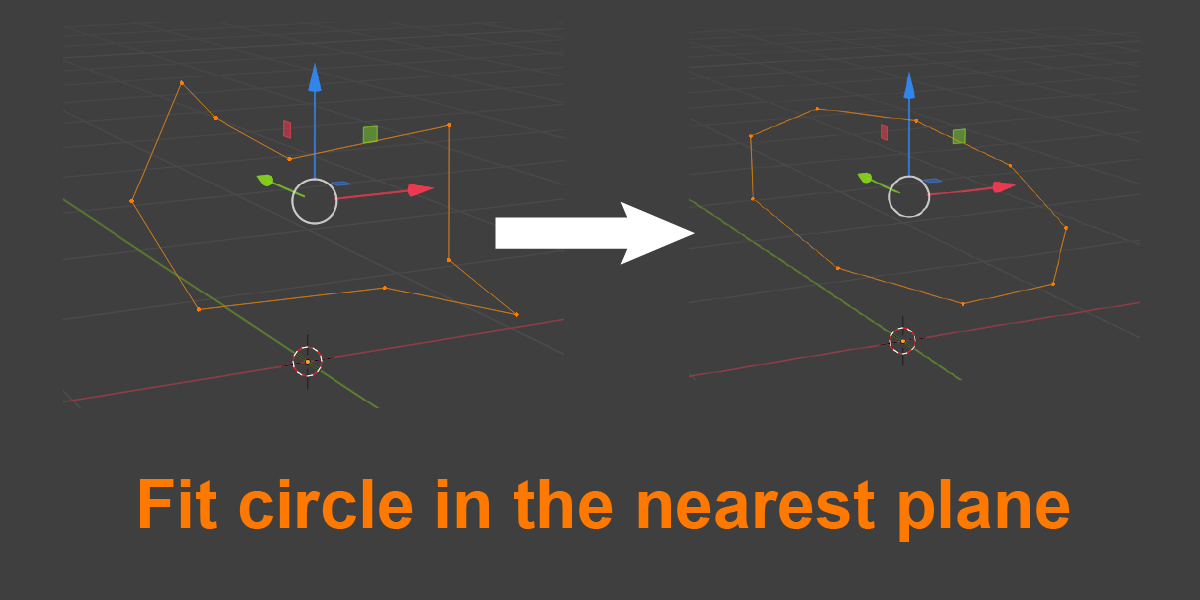
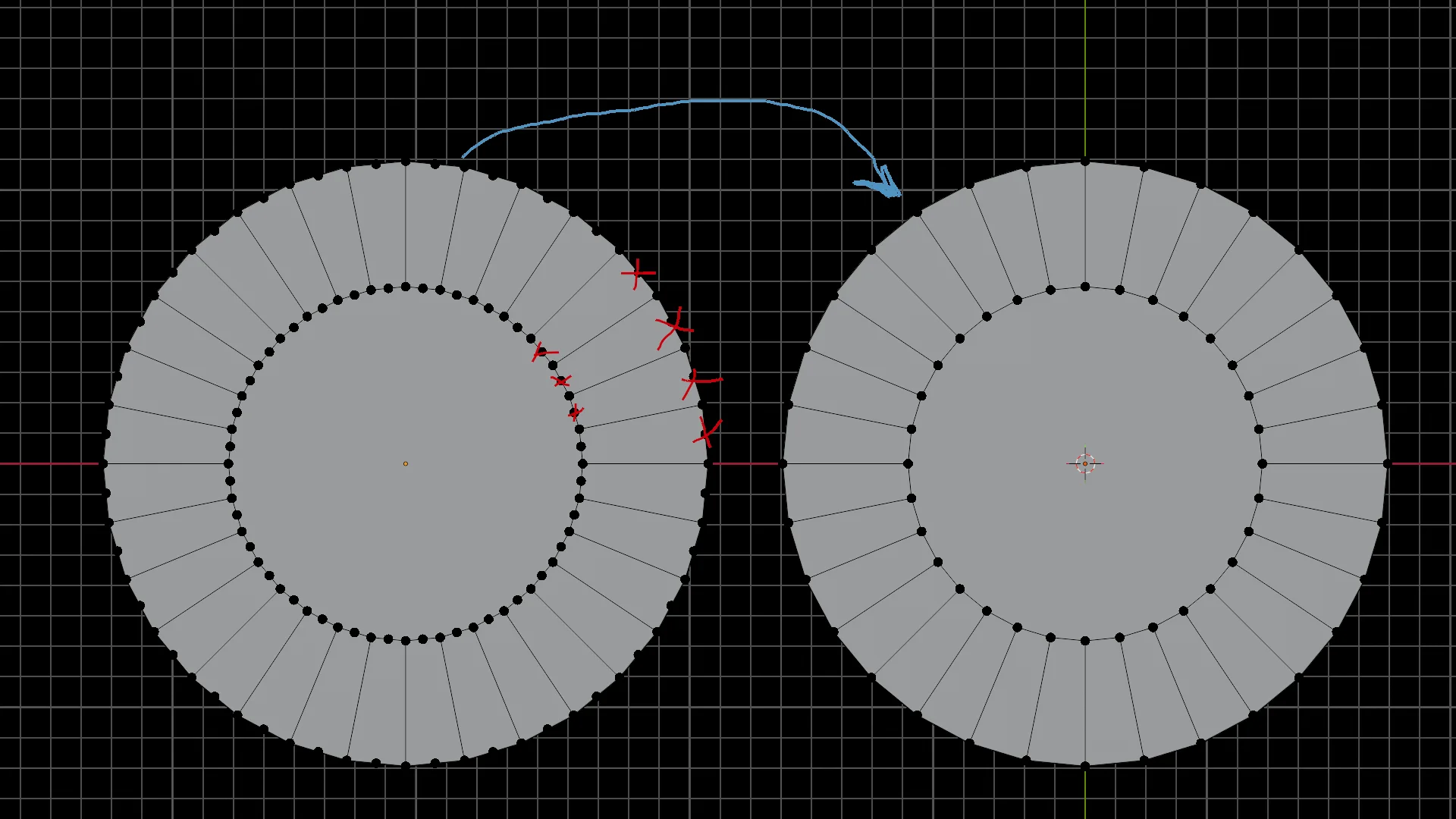
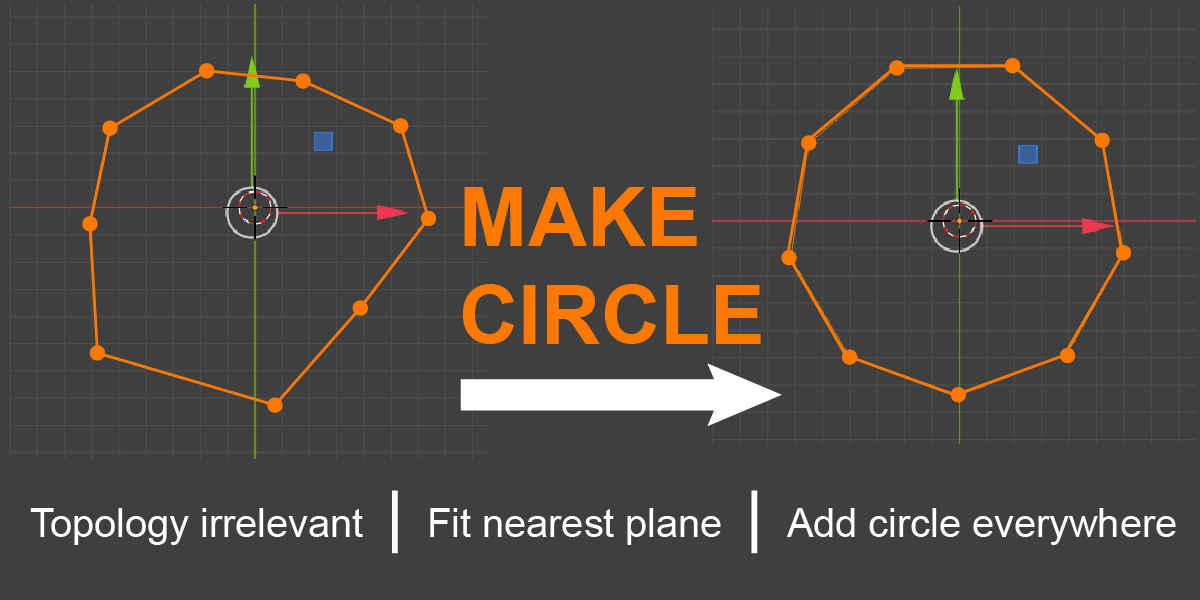
To circularize existing mesh points, select at least three vertices in Edit Mode and choose Set Circle from the right-click menu. Make Circle automatically fits the closest circle to the selection. This gives you a separate workflow for adjusting existing vertices rather than creating a new circle from a center point.
Version and license
The product listing names Blender 2.8 and the GPL license. The listing does not specify support for later Blender versions; check it for an update before relying on the add-on in a newer release.