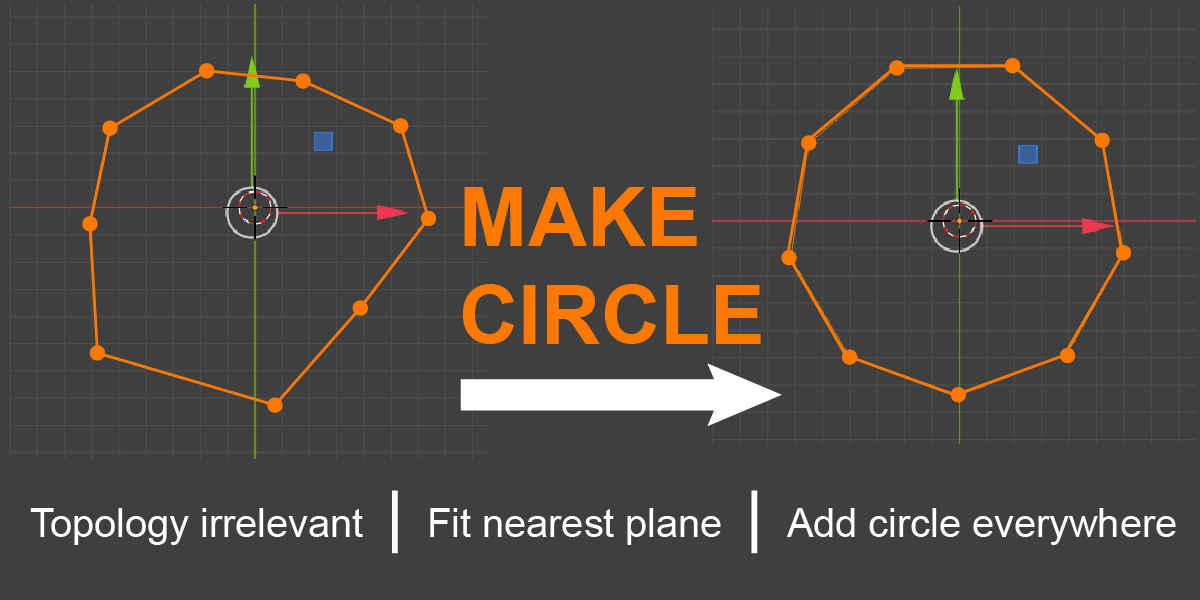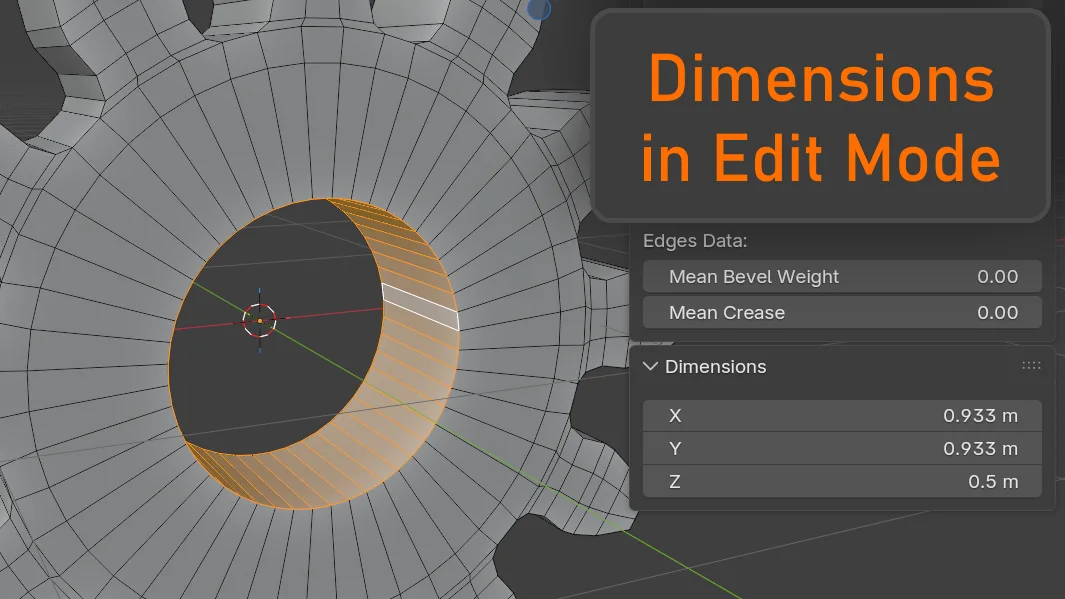
To Square is a Blender add-on that turns selected mesh vertices into square arrangements. Open its operator from the 3D Viewport Sidebar's Square tab or the Edit Mode context menu. The official Blender Extensions listing lists version 2.2.3 for Blender 4.2 LTS and newer.
Choose how the selection becomes squares
To Square accepts selections as input and provides three methods for arranging them:
- Multi makes a square for each selected loop.
- Around builds one or more squares from vertices surrounding the selection.
- Mono makes one square from all selected vertices of the objects in Edit Mode.
In Mono mode, the Position property sorts vertices by their position rather than by their links. This gives you a different way to order the square's vertices.
Set the center, corner, and dimensions
You can place a square's center at the geometric center of its vertices, the center of their bounding box, or the 3D cursor. The start corner can use a vertex location, the cursor, or the projection of that vertex onto the selected loop's average plane.
Scale resizes squares around their centers. To give every square the same side length, enable Size and enter a common value. Spin rotates squares around their normals, diagonals, or medians. Offset shifts corners toward the next vertices; with a four-vertex square whose start corner is set to Plane, changing Offset has no effect.
Zigzag changes the order of vertices so edges in open-loop results can alternate instead of overlap. Reverse inverts vertex order. You can also lock local X, Y, or Z coordinates and adjust the operator's force.
Adjust multiple squares and loops
When a selection produces several squares, Select Square N° lets you choose one to edit. You can edit squares individually or together, and lock a square to protect it from Edit All At Once changes. Show Selected Square limits the visible selection to the current square; turning it off restores the original selection.
For intersecting loops, arrows let you change the order in which loops are squared. Square Before After clears custom order changes and inverts the order of the intersecting loops. The Outcast option handles selected vertices that are not part of a loop. No Mix prevents open loops that intersect closed loops from being squared.
Install and check compatibility
The extension listing provides a drag-and-drop option and a download you can install from disk. Check the official To Square page for the listed release and Blender compatibility before installing, since extension details can change.