Automation Blocks is a block-based automation tool for Adobe After Effects and Premiere Pro. It includes ready-to-run scripts and lets you adapt them or build your own. It suits editors and motion designers who repeat project setup, batch changes, animation or rendering tasks. Each host has its own set of application-specific blocks, so choose the edition for the Adobe app you use.
Workflows in After Effects and Premiere Pro
After Effects
- Use spreadsheet data to duplicate compositions and replace text, footage, colors or other properties.
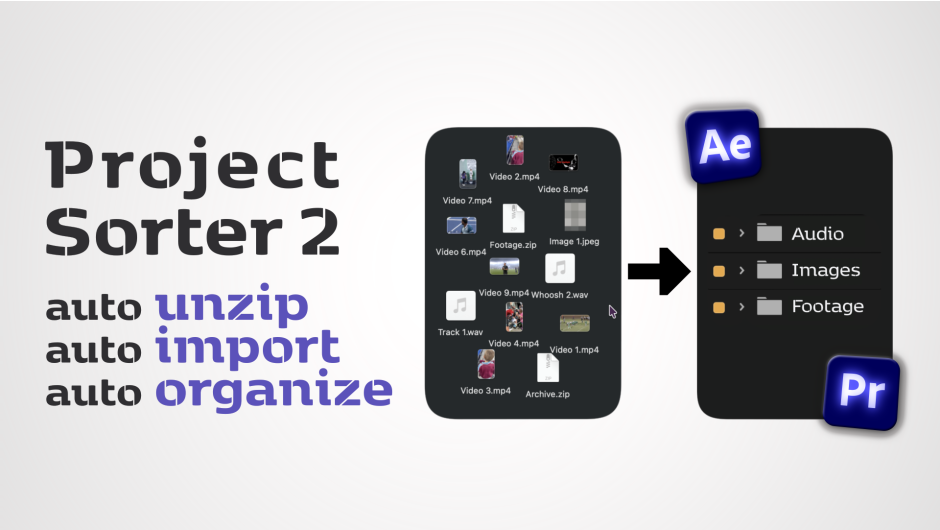
- Organize projects by syncing system folders into project bins, cleaning up project items, or searching and replacing expressions.
- Adjust composition timing by inserting frames while shifting layers, keyframes and markers. Save keyframe combinations as presets that adapt to existing keyframes when applied.
- Manage the After Effects render queue and send queued compositions to Adobe Media Encoder.
Premiere Pro
- Sync a folder of footage into a project bin. The documented tool creates bins for subfolders and skips files already imported into the target bin.
- Work with sequences and clips, including clip parameters, effect controls, keyframes and text in Motion Graphics templates.
- Export sequence markers as YouTube chapter text, or use markers to render still frames at chosen points.
- Add sequences or clips to the Adobe Media Encoder queue. The documented clip-render workflow queues each clip itself, without overlapping tracks or sequence effects.
Using and adapting scripts
Scripts appear in a library panel, where you can inspect a tool's short description and open its detailed help. Depending on the script, controls appear in the Inputs panel or in a dialog; some run without extra input. The editor lets you arrange blocks to customize existing scripts or create new ones. More advanced workflows use concepts such as variables, loops and logic, so building a custom tool can take some learning.
You can save scripts as XML files in a user library. The documentation also describes community libraries for both hosts; copy a shared script into the matching library and reopen the Automation Blocks panel to reload it.
Trial and fit
A free trial is available from the product page; the aescripts manager app is another installation option. Automation Blocks is a practical fit when you have repeatable project or sequence tasks to automate and want to reuse or adjust the workflow. For one-off tasks, an included tool may be enough; building a custom script is most useful when the existing tools do not match your process.