mamoworld Still Exporter exports still images from frames marked with Premiere Pro sequence markers. Mark the frames you need, choose an image format and filename pattern, select a destination folder, then export the marked set together. It is suited to tasks such as preparing reference images or client approval frames.
Choose an output format
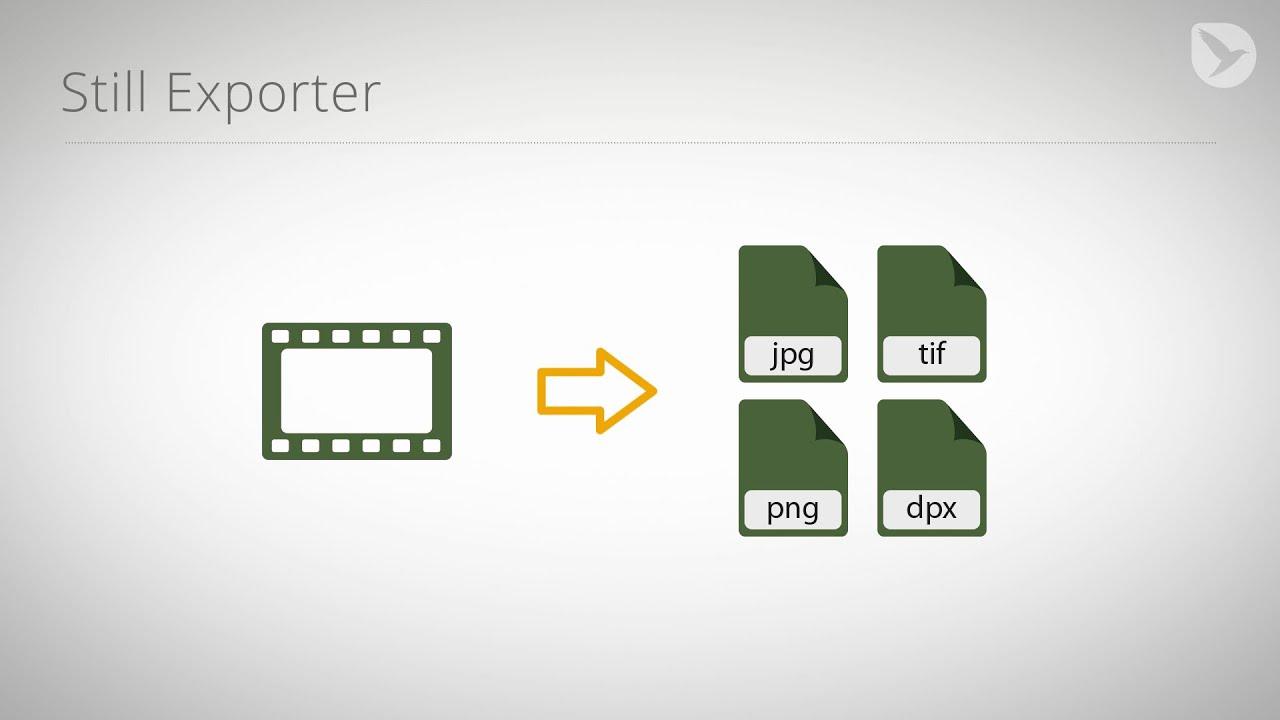
Still Exporter supports JPG, PNG, TIFF and DPX. JPG is an option for smaller files; PNG supports transparency or lossless output. TIFF and DPX are also available when those formats fit the project’s delivery needs.
Build filenames from timeline details
Filename patterns can use marker numbers, marker names and comments, along with the project name, sequence name or frame timecode. This lets the exported images carry context from the edit without naming each file by hand. Timecode patterns can use a custom separator between hours, minutes, seconds and frames, or omit separators.
Use markers to select the frames
Place a sequence marker at each frame you want to export. The markers define the set of stills, so you can prepare several reference or review frames in one pass. Still Exporter is also included in mamoworld’s Editing Essentials Bundle with QuickImporter and BeatEdit.
The listed Premiere Pro compatibility covers versions 2026 through 2020, plus CC 2019, CC 2018, CC 2017, CC 2015.3 and CC 2015. Check Toolfarm’s Still Exporter listing for current compatibility and licensing details before installing.