Transform mask paths with numeric controls
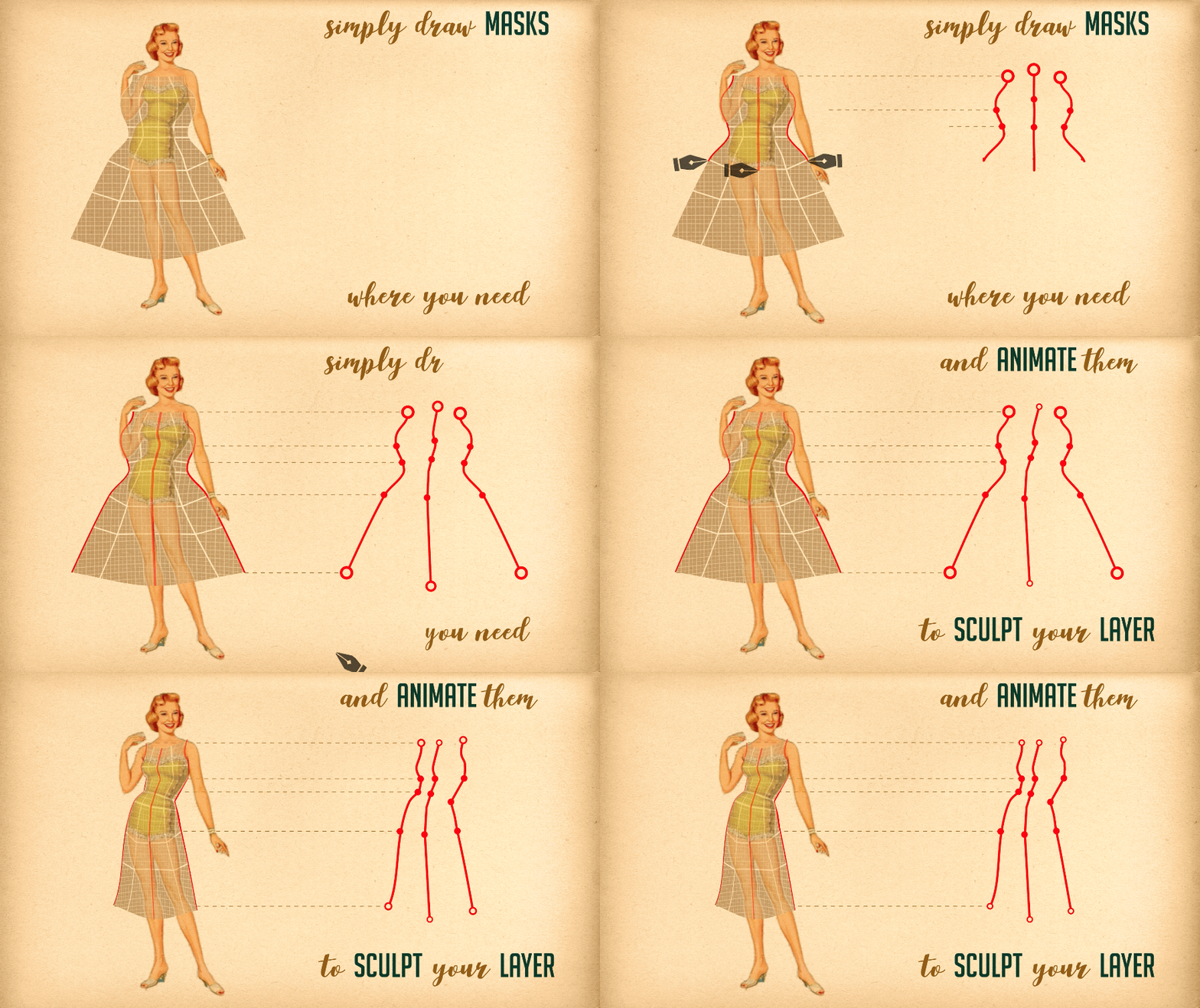
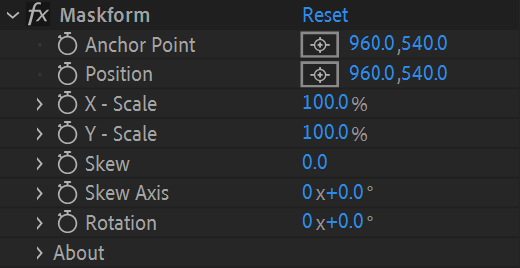
Maskform 2 adds numerical controls for mask Anchor Point and Position, separate X and Y Scale values, Rotation, Skew, and Skew Axis in After Effects. These controls let editors enter values to reposition, scale, rotate, or skew a mask. The tool also supports motion paths for mask animation and works with paths from simple shapes to complex Bézier curves.
Version 2 includes a redesigned interface, the Skew and Skew Axis controls, and commands for toggling, baking, or removing transformations.
Preview and commit transformations
Toggle lets you preview a mask with or without its transformations while editing. Remove clears transformations, while Bake applies them permanently when you are ready to commit. This workflow suits After Effects users who animate masks or need precise control over a path's position, scale, angle, or skew.
Compatibility and licensing
The product listing names After Effects 2025, 2024, 2023, 2022, 2021, 2020, CC 2019, and CC 2018 as compatible versions. It also lists a free trial.
The product EULA grants one copy and restricts use across multiple computers at the same time. aescripts' license guide says a Single User License can cover up to two computers if they are not used simultaneously, so check the license type selected for Maskform before purchasing. If you choose a floating license, it requires the Floating License Server on your network; the server is a command-line application, and remote use may require a VPN connection to that network.
Maskform 1 owners have a date-based upgrade offer: the listing says purchases made after June 11, 2025 qualify for a free upgrade, while other upgrades are listed at $14.99. Sign in with the account used for the original purchase to see the applicable upgrade price.