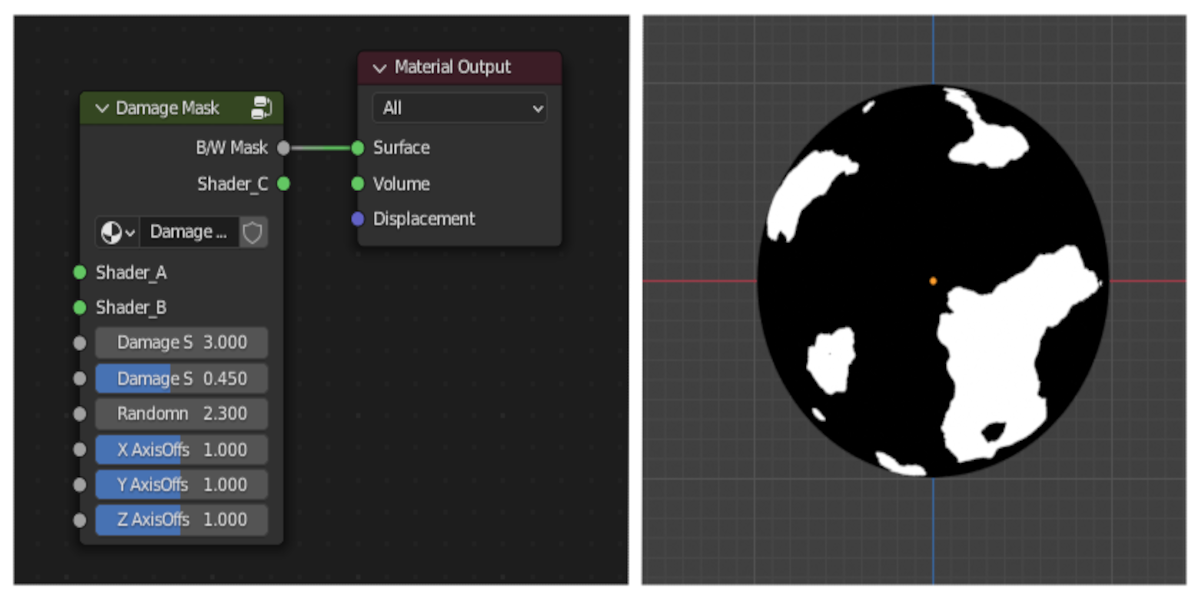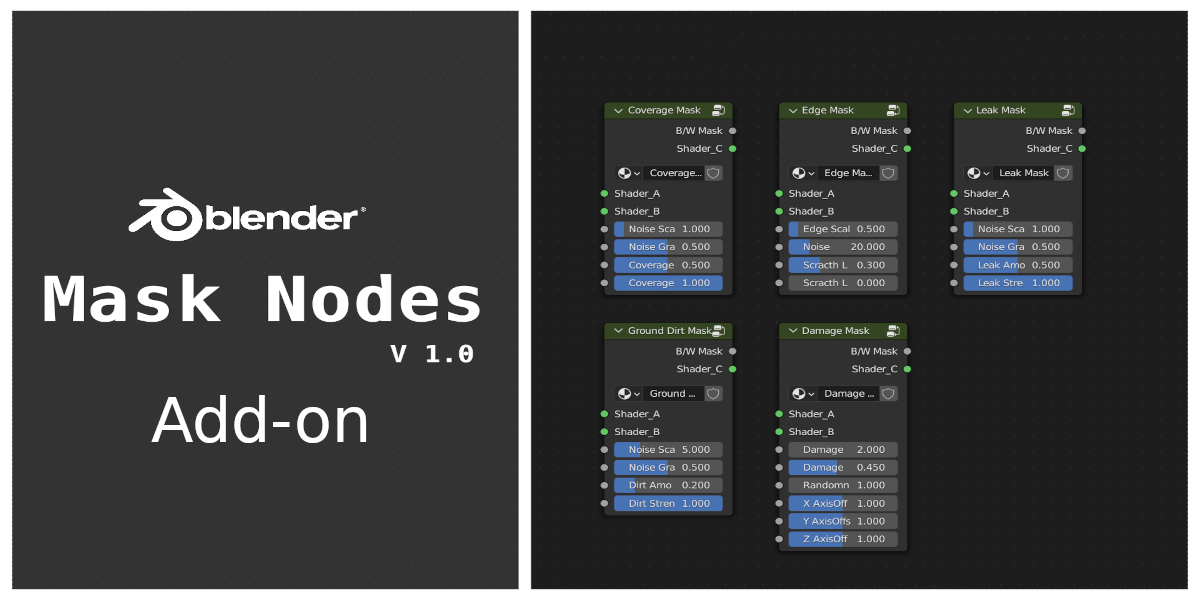
Masknode, listed as MaskNodes on Superhive, is a Blender add-on by CGCocktail. Its custom node groups generate black-and-white textures for adding detail to materials and objects. The set includes Coverage, Damage, Edge, Ground Dirt, and Leak masks.
The download includes the add-on and a blend file with the mask nodes marked as assets. The listing identifies the license as GPL and marks the add-on as compatible with Cycles and Eevee. The Edge Mask works only with Cycles.
Find and use the mask nodes
Install the ZIP from Blender's Edit > Preferences > Add-ons panel, then check that the add-on is enabled. In the Shader Editor, enable the Use Node checkbox. Open the Add menu with Shift+A and choose a mask from the Mask category. The product documentation notes that the custom group does not appear when you search for its name in that menu.
Applying the object's scale and rotation can improve results. For the Leak Mask, the product FAQ recommends selecting the object and using Ctrl+A > Rotation & Scale.
Choose the build for your Blender version
Superhive's build guide assigns v1.0 to Blender 2.93 through 3.6, v1.1 to 4.0 and 4.1, and v1.2 to 4.2 and above. Its separate compatibility field lists Blender 3.0 through 5.2, so it does not establish compatibility for the guide's releases below 3.0 or above 5.2. The supplied product version is 1.2. Check the listing when choosing a build for your Blender release.
For installation steps and the full usage notes, see the Masknode documentation. The product FAQ covers troubleshooting, and the Superhive listing has the current product details.