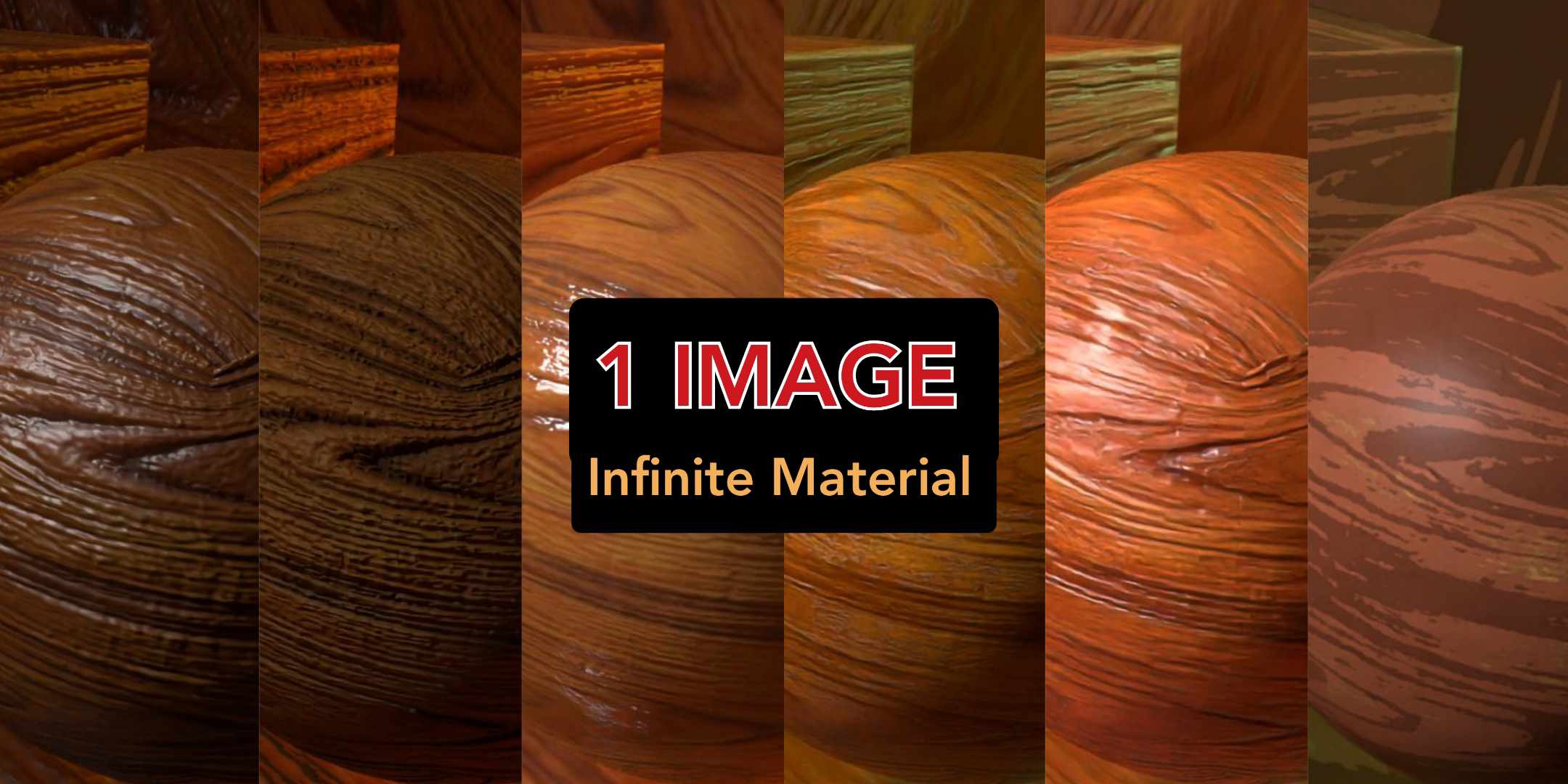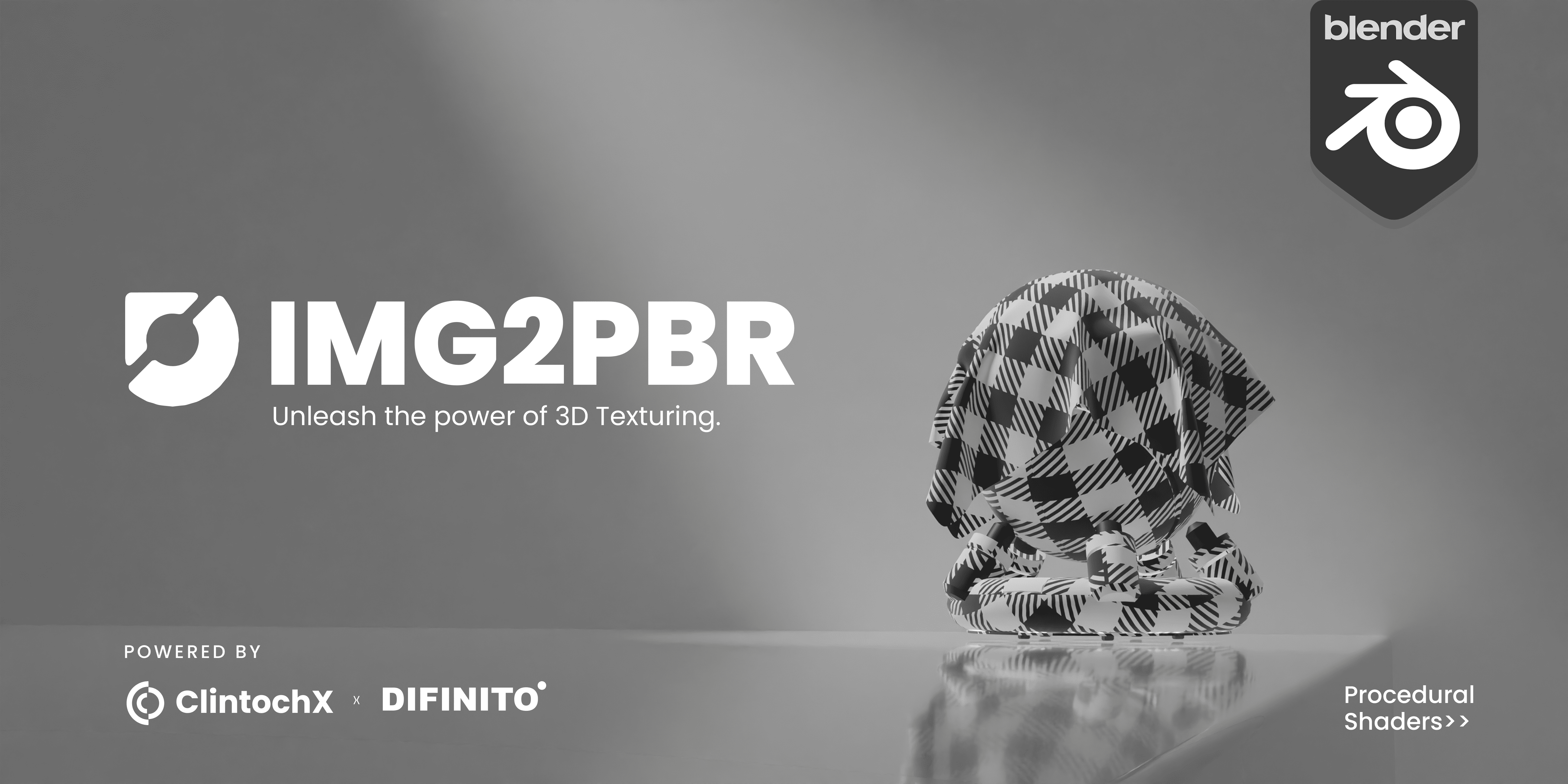
Img2Pbr is a Blender add-on for turning images into PBR materials in the Shader Editor with its Image to PBR Texture node. Its listed workflow covers Base Color/Diffuse, Metallic, Specular, Roughness, Emission, Normal, Alpha, Ambient Occlusion, and Displacement. The add-on works in both EEVEE and Cycles. It also includes procedural textures made with math and shader techniques, which can be generated without external image files. See the Superhive product listing for the product details.
Work from images or procedural textures
Img2Pbr includes tools for adjusting source images before using them in a material. Remove Shadow addresses shadows in images and Base Color, while Remove Specular Light removes specular highlights affecting an image. Colorize turns black-and-white images into color; Hue changes an image's hue; and Color Tint blends in another color. Posterize simplifies the colors in the generated material.
Separate effect nodes include Blur, Distort, Pixelate, and Paint. The release notes say these nodes use UVs by default when no Texture Coordinate node is connected. Procedural textures provide another option for creating patterns and surfaces without an image input.
Blender versions and setup
The Superhive compatibility details list Blender 3.3, 3.4, 3.5, 3.6, and 4.1. The IMG2PBR 2.0 release notes state a minimum requirement of Blender 3.0 and note a Blender bug for 4.0. Check the current product page for compatibility with your installed version.
The documented Asset Library setup starts by extracting the downloaded files. In Blender, open Preferences, go to File Paths, add the folder containing the extracted files under Asset Libraries, and save the changes. Then access the installed shader in the Assets section. The version notes also describe adding nodes from the Shader Editor's Add menu under IMG2PBR. The creator's documentation covers the asset library, and a tutorial video is linked from the product page.
AnyPlugins lists Img2Pbr as free, and Superhive identifies its license as GPL. Check the seller listing for current download availability and terms.