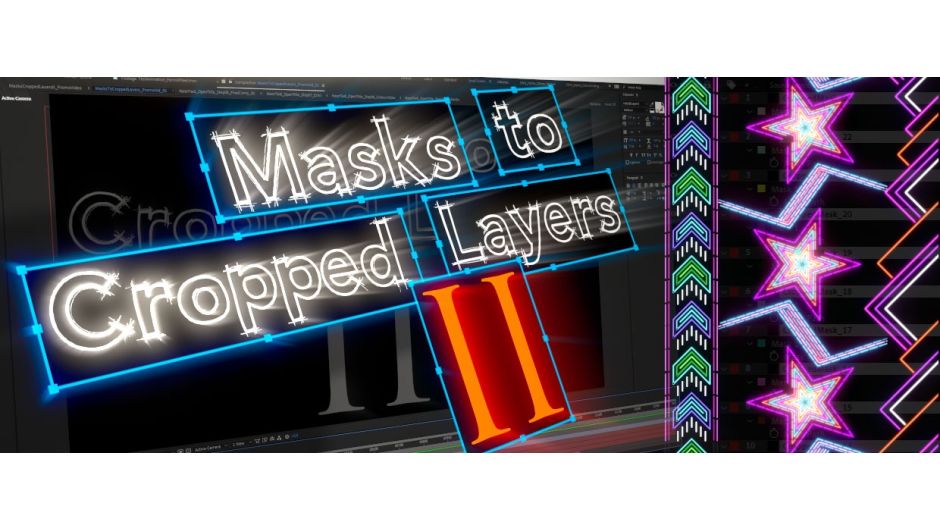
Masks to Cropped Layers II is an After Effects script for layers with multiple masks. It creates a separate, cropped solid or pre-comp for each mask, giving each masked area its own layer. The two main uses are splitting vector artwork for animation and preparing smaller pre-comps for localized visual effects work.
Separate vector artwork for animation
When artwork pasted from Illustrator has several masks on one layer, the script can turn them into individual solids. Each solid has one mask and can take stroke or fill effects, then be animated like a conventional After Effects layer.
Prepare localized effects work
For rotoscoping, cleanup or tracking confined to a small part of a plate, create pre-comps cropped to the mask area and use them as the source for effects. Cropping removes unused frame area from those sources, reducing the pixels After Effects needs to process for this workflow. The product listing describes faster effects work and longer RAM previews as intended benefits, but gives no quantified performance result.
Control the crop and mask selection
Mask bounds can be calculated with basic rectangles, which are faster, or Bézier paths, which take longer but provide pixel-accurate bounds. The calculation can use a single frame, the composition work area or the layer's duration. New layers can include extra padding, and their position values can be rounded to integers.
If no masks are selected, the script uses all masks on the layer. Select specific masks to process only those, or use the panel buttons to select all open masks or all closed masks.
Compatibility and licensing
The product listing names After Effects 2026, 2025, 2024, 2023, 2022, 2021, 2020, CC 2019, CC 2018, CC 2017, CC 2015.3, CC 2015, CC 2014, CC and CS6 as compatible versions.
The aescripts license FAQ says a Single User License generally permits installation on up to two computers or user accounts when they are not used at the same time, unless otherwise noted. The EULA on this product's listing says the software is licensed as one copy and bars installation on more than one computer at a time, allowing multiple copies only under an appropriate licensing agreement; the listing does not explain how these terms interact. Floating licenses can be installed on multiple computers on the same network, with one user per license at a time; they require the Floating License Server. Remote users need VPN access to that network. Check the license type and its terms before purchase.