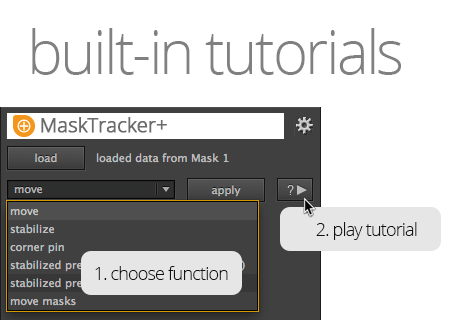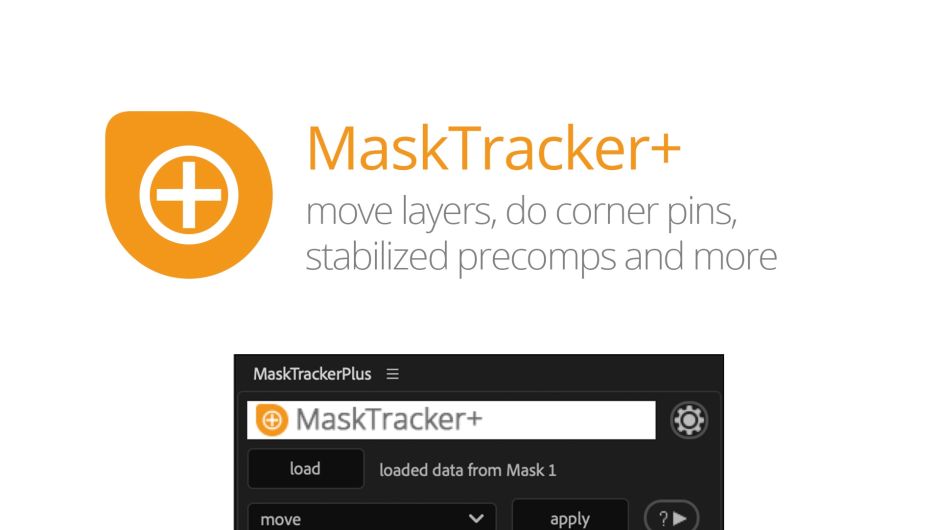
MaskTracker+ turns movement in After Effects mask paths into tracking data you can apply to layers, corner pins, masks, or footage stabilization. The workflow stays in After Effects: track a mask, select it in MaskTracker+, load its data, choose an operation, then apply it.
Apply mask motion to layers and corners
Use a mask track to animate a layer’s position, scale, and rotation. For a surface replacement or overlay, place the corners where they should sit on the current frame, then create keyframes that follow the mask. Supported corner pin options include the standard effect, CC Power Pin, and Red Giant Warp corner pin.
If several masks need to follow the same movement, track one and apply its tracking data to the others.
Stabilize footage or work on a tracked object
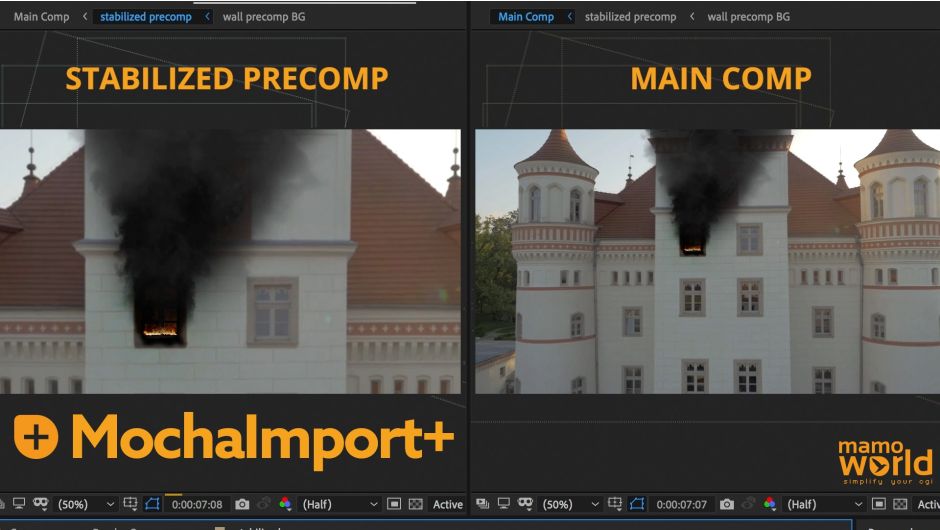
For shaky footage, MaskTracker+ can remove movement or create a stabilization rig with separate smoothness controls for position, scale, and rotation. It can also create a stabilized precomp around a tracked object. Work inside that stabilized view for tasks such as retouching, painting, or removing an object; changes are also applied to the original perspective.
Mask sources and a tracking limit
The tracking data can come from an After Effects Mask Tracker track, a mask pasted from mocha, manually keyframed masks, or another source. The mask must keep the same number of vertices over time. For an After Effects Mask Tracker track, the product page suggests avoiding perspective tracking or using straight-edged masks to keep the vertex count fixed.
You can load several masks at once to average their movement. This can also help when the tracking area changes during a shot: track one mask, stop when the region changes, and continue with a new mask.
When to use MaskTracker+ or MochaImport+
MaskTracker+ suits simpler tracks when you want to work inside After Effects. Its developer describes MochaImport+ as a better fit for difficult tracks involving motion blur or reflections, foreground elements, several simultaneous tracks, or X-Splines. The aescripts Tracking Bundle includes both products, allowing a track to move to mocha when the mask track is not giving the needed result.
Compatibility and licensing
The product page lists After Effects CC, CC 2014, CC 2015, CC 2015.3, CC 2017, CC 2018, CC 2019, and versions 2020 through 2026 as compatible. A free trial is listed.
The current product listing displays a Floating License Server requirement. aescripts’ license FAQ says floating licenses require a server on the same network and allow one user per license at a time; remote use requires VPN access to that network. Confirm the selected license type and checkout requirements before ordering.