MaterialHelper is a Blender add-on for assigning and organizing materials through the Asset Browser. The Blender Extensions listing shows version 1.4.8, and its catalog record sets Blender 4.5.0 as the minimum version.
Assign materials from the Asset Browser
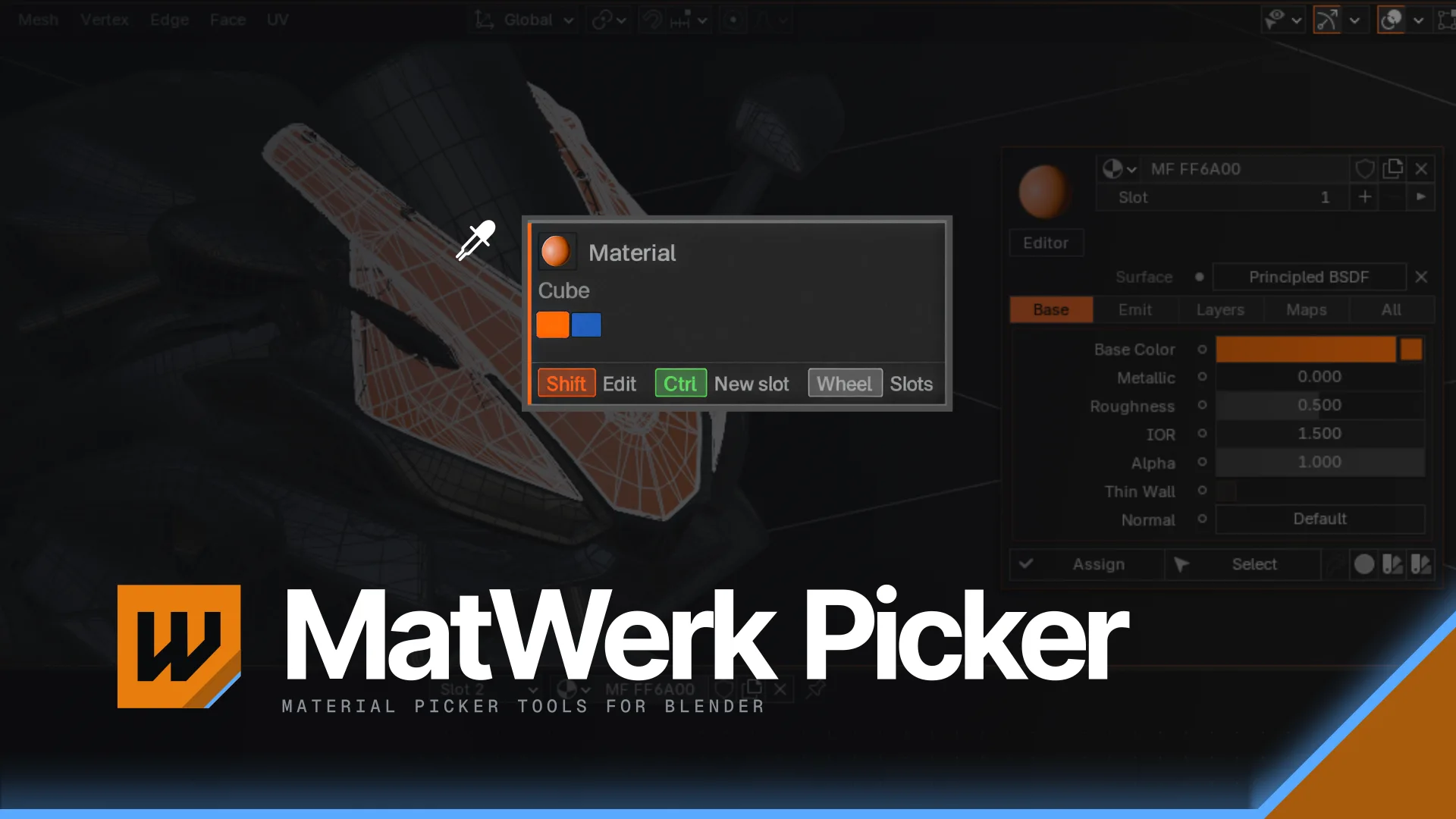
Ctrl + Alt + Shift + Mouse Button 4 opens the quick bar, and Ctrl + Alt + Shift + Drag transfers materials between objects. A material board gathers materials and assigns them to selected objects. Ctrl scopes the pick to all materials in an asset, Shift to materials from selected objects, and Alt to every material in the scene.
Edit and organize materials
Double-clicking a material opens an editor, with previews updating automatically. Editing is limited to materials in the current file. Asset header tools include cleaning unused materials, adding, duplicating, renaming, batch replacing and deleting them, as well as converting a MaterialHelper material asset into a regular asset. Selection sync connects the 3D view and Asset Browser in both directions.
Getting started
After installing the add-on, restart Blender and open an Asset Browser workspace to use its tools.
Permissions and license
The official catalog record lists the GNU General Public License v3.0 or later. It also lists file access to load the preview material file and to access and modify the asset catalog file.