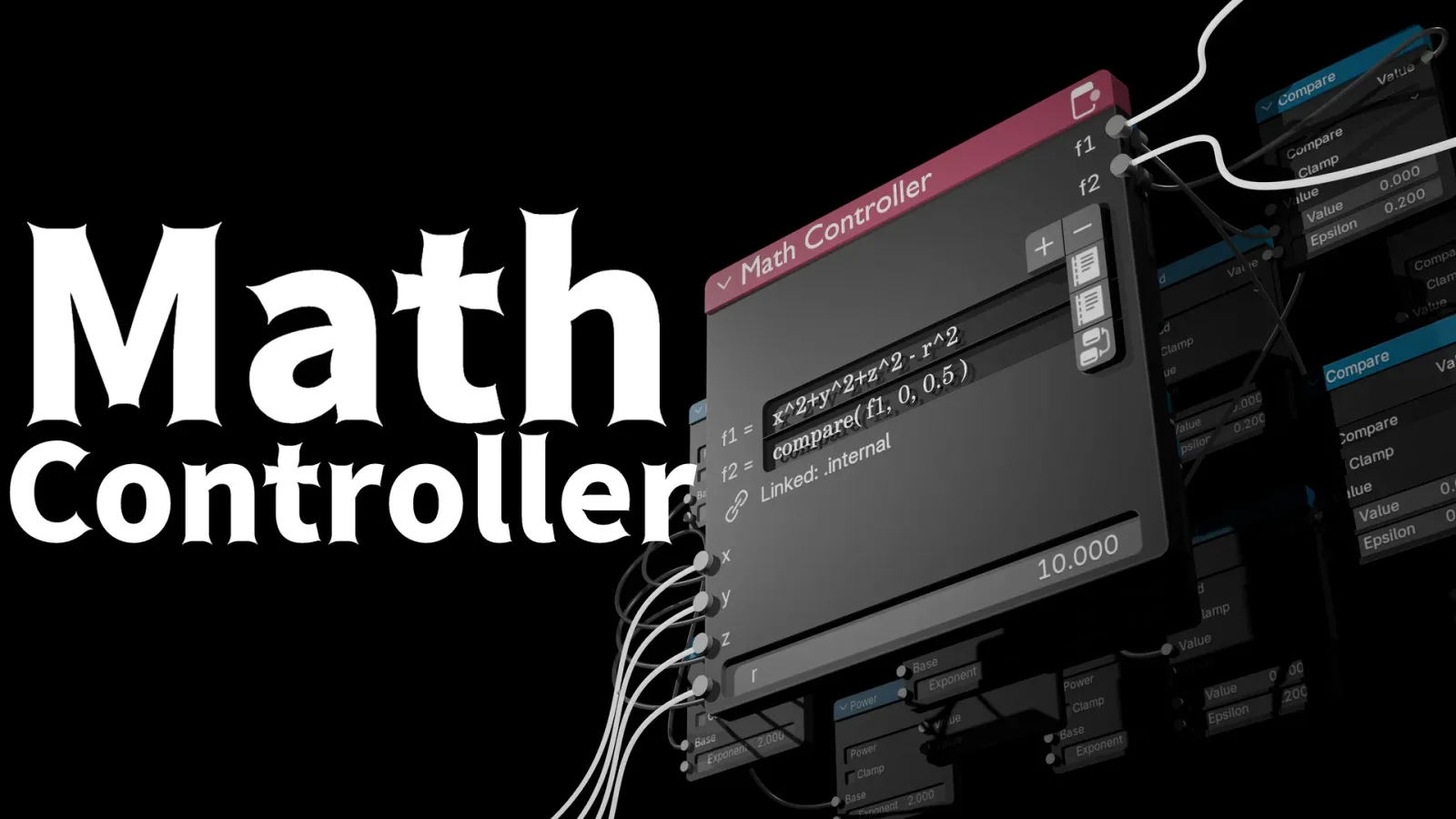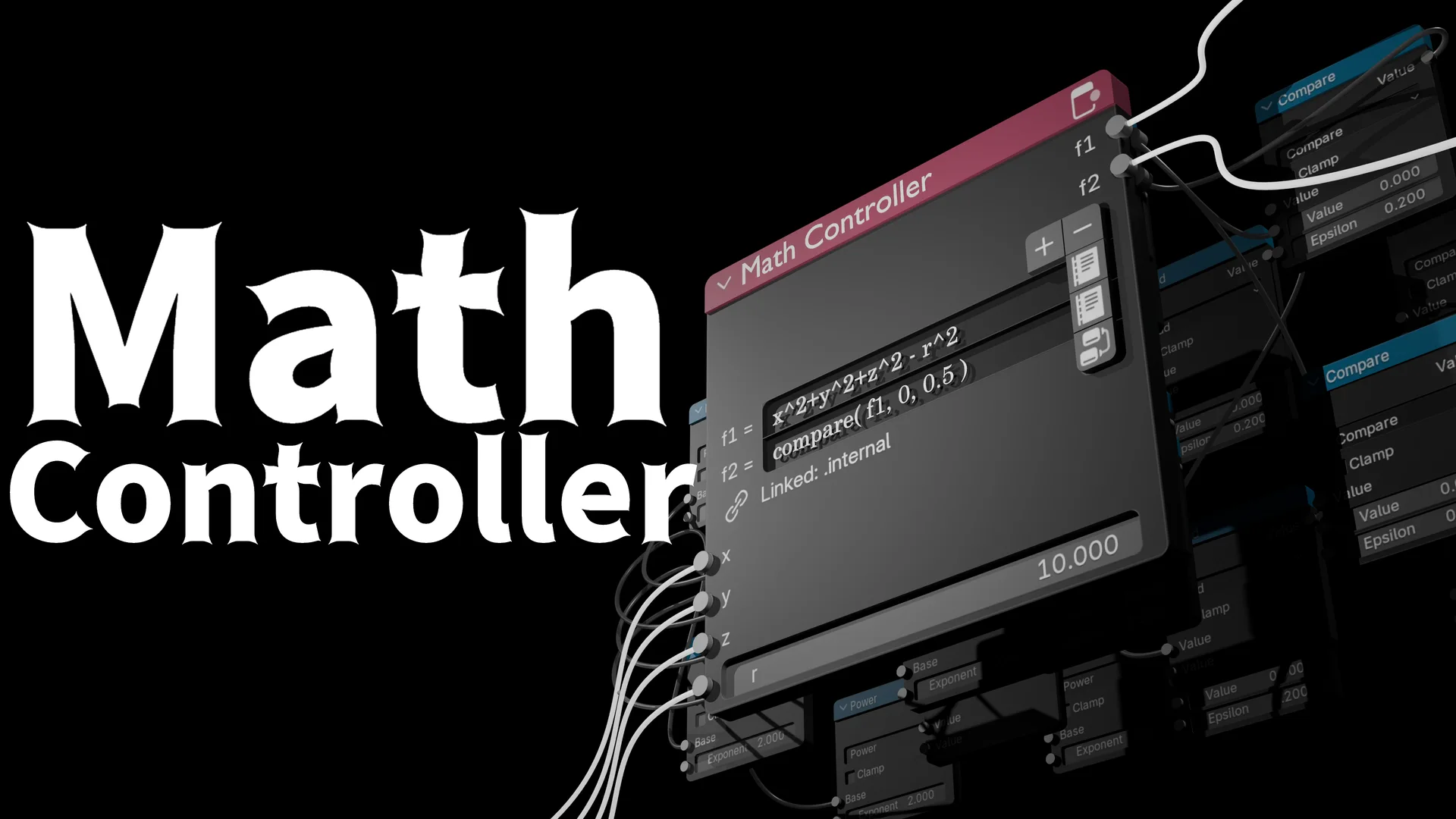
Math Controller is a Blender add-on that lets you enter numerical expressions in a custom math group node. It builds a network of math nodes from the formulas, so you can work with expressions and their inputs instead of assembling every operation by hand.
Build formulas with dynamic inputs
A formula can use numbers, variables, and functions from the add-on's built-in list. Each formula field is named, such as f1 or f2, and its result can be used in another field. Variables in an expression become input sockets automatically. A socket is removed when its variable is no longer used and the socket has no incoming connection.
The function list covers arithmetic, comparisons, rounding, trigonometry, and conversions. For longer expressions, the Advanced Formula Editor helps with nested parentheses and lets you browse the available functions.
Use it in several node editors
The add-on works in Blender's Shader Editor, Geometry Node Editor, Compositor, and Texture Node Editor. There is a Texture Node Editor limitation: sockets appear on the subgroups Math Controller generates, rather than on the main node. That difference may affect how you expect to connect the node in a texture workflow.
Understand how generated groups update
Generate Node Group creates a standard node group that stays synchronized with Math Controller. Updates overwrite the group's internal structure. If you edit that structure manually and need to keep those changes, the product documentation recommends deleting the Math Controller node or breaking its link first. Manual edits made while the controller remains active may also leave orphaned nodes.
Version and license
The Blender Extensions record lists Math Controller version 0.4.8, with Blender 4.2.0 as the minimum version and the GNU General Public License v3.0 or later. The repository README warns that copying Math Controller nodes in Blender 5.0+ crashes Blender immediately. Check the official Blender Extensions listing for the current release and compatibility details.