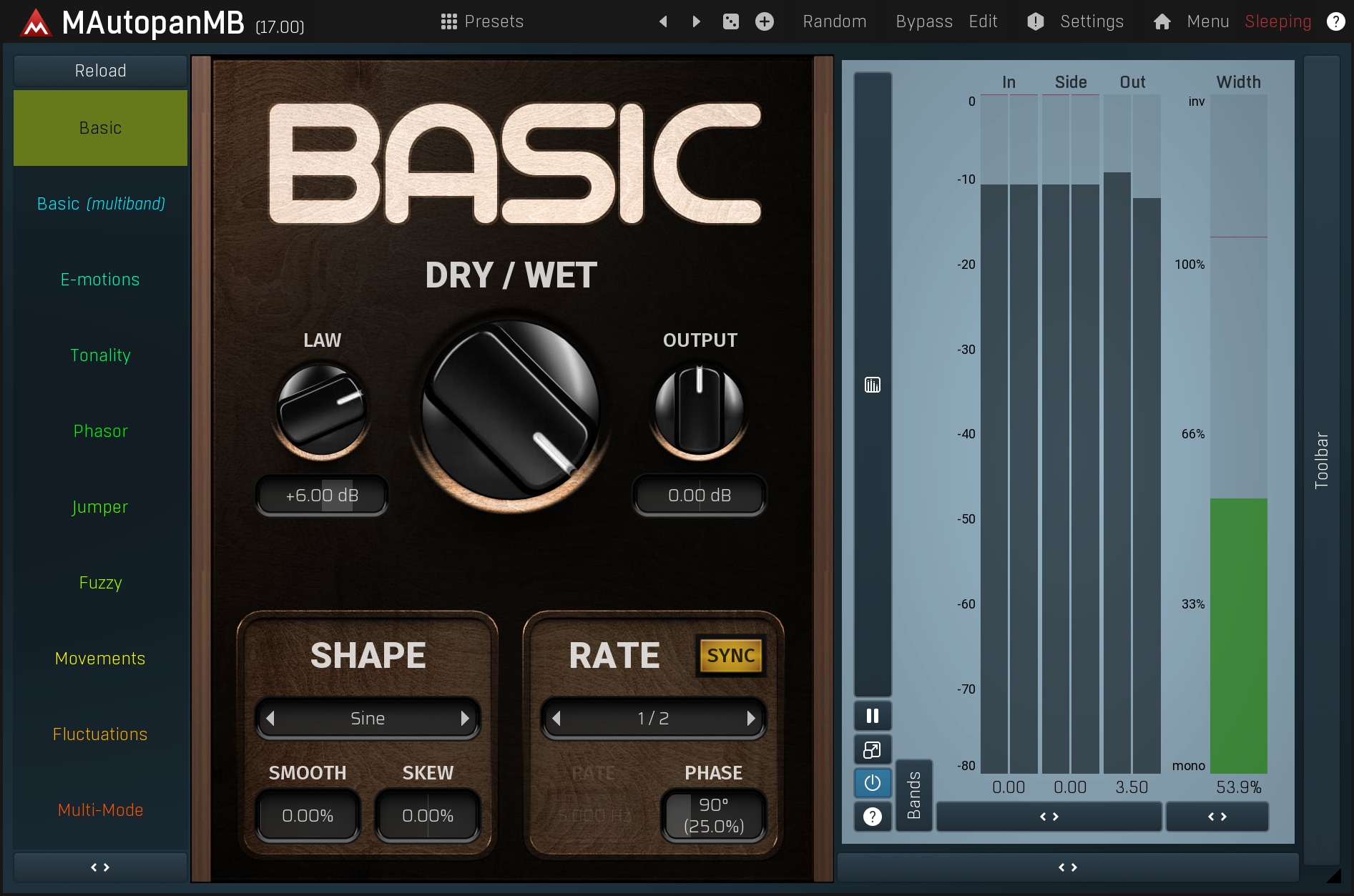
MAutopan is an automatic panning effect that moves audio across channels with a repeating oscillator. The oscillator can follow your DAW’s tempo or run at a chosen rate, and its editable shapes let you control how the movement changes over time. MeldaProduction lists it as a free effect and offers it through the MFreeFXBundle.
Build a panning pattern
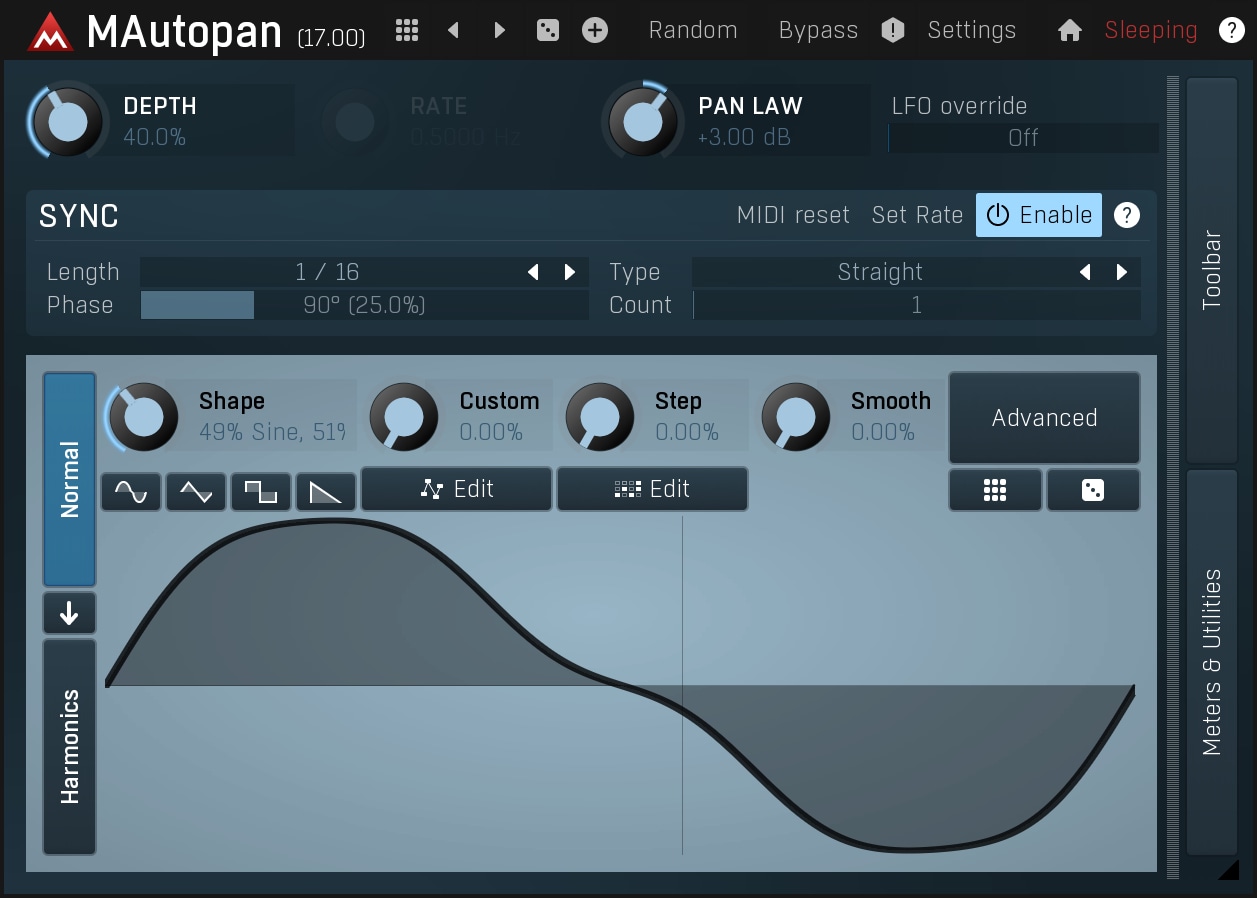
You can start with a preset oscillator shape, draw a custom curve with the MeldaProduction Envelope System, or blend in a step sequence with a variable number of steps. Each step can have its own value and shape. Smoothness softens abrupt transitions, while further shape controls let you transform the repeating pattern. This gives you options ranging from a steady sweep to more rhythmic, segmented panning.
Set the rate and depth
When host synchronization is off, the Rate control sets the oscillator speed from 0.01 to 20 Hz. With synchronization on, the oscillator can follow the host tempo; choose a note length, straight or triplet timing, and a phase offset. Depth controls the balance between the dry and processed signals, from 0% to 100%, with a documented default of 50%.
For a directly controlled gesture, LFO override exposes the modulation value for automation or modulation. The manual notes that this uses one value instead of separate per-channel values, so the per-channel stereo movement is unavailable in that mode.
Check the pan law
Pan law determines how the input channels are mixed and how gain changes as the sound moves toward one side. MAutopan’s documented default is +6 dB. The manual suggests 0 to -3 dB when you want to avoid a peak-level increase; +6 dB is described as a way to preserve energy. Check the level as you adjust this setting, since the choice changes gain as well as pan position.
Channels and compatibility
MAutopan supports mono and stereo signals, separate left and right processing, with two instances in series for different settings on each side, mid/side modes, up to 8-channel surround, and up to 64-channel, 7th-order ambisonics. Surround processing in VST2 requires enabling a global setting and restarting the host. VST3, AU, and AAX do not need that activation. Ambisonics support is uncommon among DAWs; enable the global Ambisonics setting in a MeldaProduction plugin and restart the host before using it on an Ambisonics track.
MeldaProduction lists 64-bit VST, VST3, and AAX support for Windows 10 and 11, with an Intel or AMD processor supporting SSE2. On macOS 10.14 or newer, it lists 64-bit VST, VST3, AU, and AAX support for Intel, AMD, and Apple Silicon processors. Linux is not directly supported; MeldaProduction says plugins may run through Wine if the .wine/drive_c/windows/Fonts/ directory contains Microsoft True Type Fonts. Check the system requirements for host details and the MAutopan manual for control and channel-mode instructions.