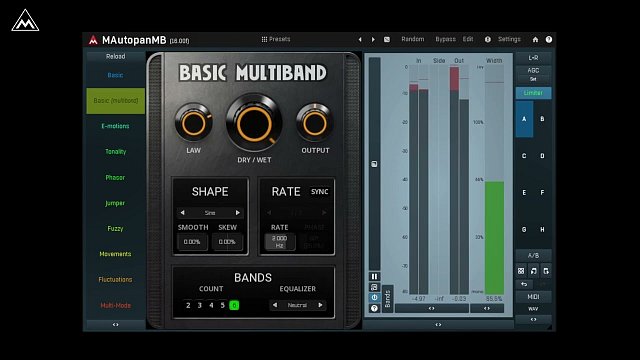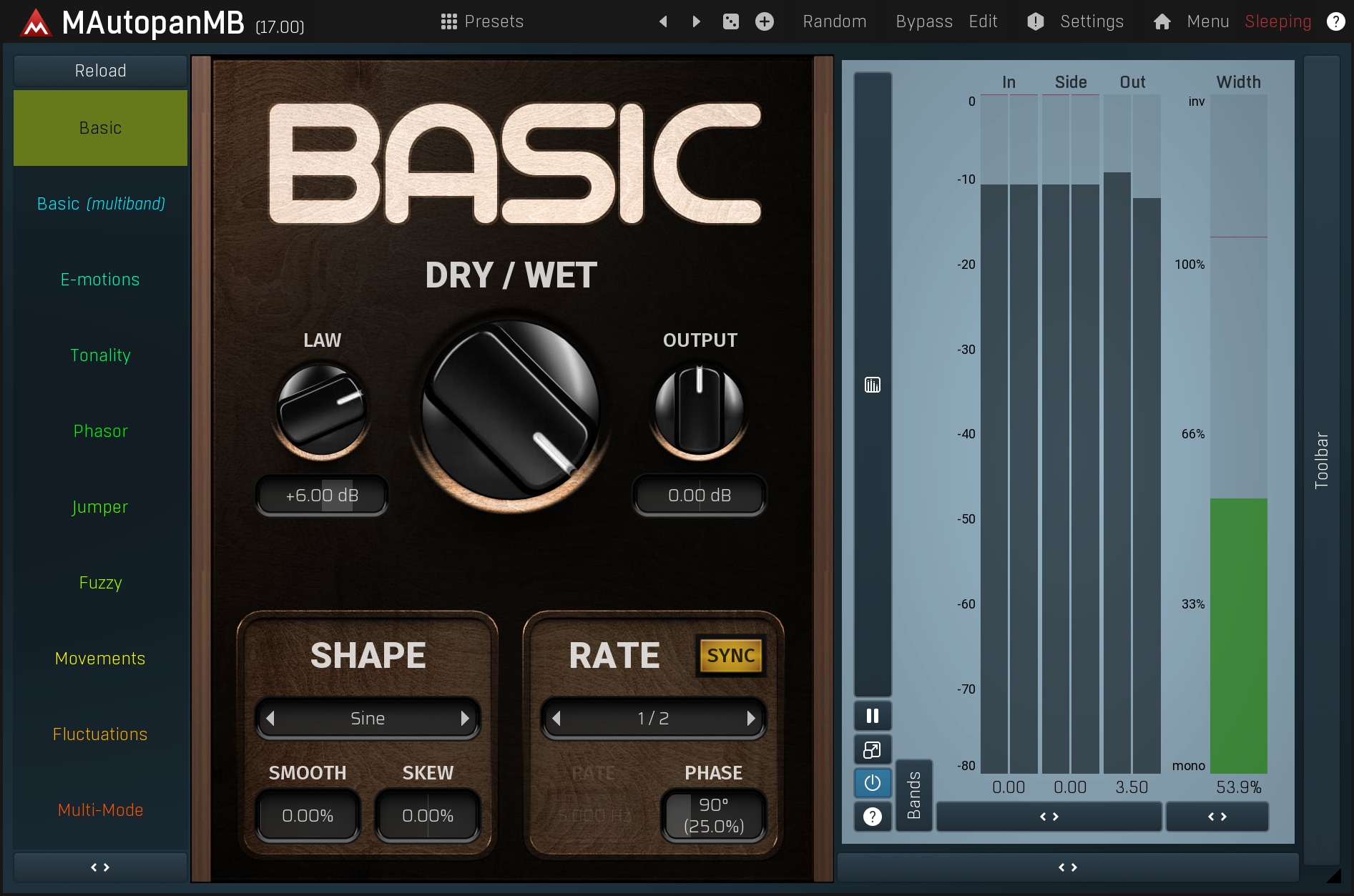
MAutopanMB is MeldaProduction’s automatic panning effect for adding movement to instruments and other audio. Its main distinction is band-level control: split a signal into as many as six bands, then process them separately. That can suit keyboards, guitars, drums, pads and other sources that need more movement than a single repeating pan across the whole signal.
Shape motion by frequency, level or stereo position
A frequency crossover can separate low, middle and high content for different panning treatment. Other crossover modes divide the signal by level, panorama, mid/side position, transient content or tonal/noise behavior. These options let you base movement on what a sound is doing or where it sits in the stereo field, as well as on its frequency range. In parallel mode, each band receives the full input, so layered processing can raise the output level. Check the gain when using that mode.
The crossover choice also affects timing and phase. MeldaProduction’s quick-start guide describes analog crossovers as zero-latency options that can shift phase, while linear-phase crossovers generally add latency without shifting phase. It notes that the 6 dB/octave crossover has zero latency and zero phase shift.
Set the movement and modulation
Oscillators can use built-in shapes, custom-drawn curves and a step sequencer; the plugin also has a harmonic mode for controlling harmonic content. Oscillators and modulators can synchronize to the host tempo. Four modulators can work as LFOs, level followers, MIDI or audio-triggered envelopes, randomizers or pitch detectors, and can respond to a sidechain. This supports movement that follows the input level or pitch, as well as tempo-based patterns.
For a quick start, the Easy Screen provides a small set of macro controls and purpose-built devices. The Edit Screen exposes the full parameter set for adjusting bands, crossovers and modulation. The band editor lets you adjust band boundaries and audition bands with solo, mute or bypass controls. You can compare up to eight stored settings and morph between the first four with an X-Y pad. Automatic gain compensation helps keep output level comparable while changing settings, and a safety limiter keeps the output below 0 dB, according to the feature list.
Channel and system compatibility
MeldaProduction lists mid/side, separate left and right, surround processing up to eight channels, and ambisonics up to 64 channels. The support page lists 64-bit VST, VST3 and AAX hosts on Windows 10 or 11, with an Intel or AMD processor supporting SSE2. On macOS 10.14 or newer, it lists 64-bit VST, VST3, AU and AAX hosts, with Intel, AMD or Apple Silicon CPUs. Its system-requirements listing recommends Rosetta mode for Logic because native mode does not function properly, and VST3 in Live 11 or 12 on Mac because of reported AU issues. Linux is not directly supported; MeldaProduction says its plugins may run through Wine if the Wine fonts directory contains Microsoft TrueType Fonts before installation.
Trial and licence terms
MeldaProduction’s licensing information says commercial software has a fully functional 15-day trial, then switches to demo mode with limitations until licensed. Activation uses a personal licence file and does not require a dongle or internet connection. A licence can be activated on any number of computers personally owned by its licence holder.
MAutopanMB is a fit for producers who want to shape panning by band, signal behavior or stereo position and are willing to work with its crossover and modulation controls. For a simple pan across an entire track, much of that control may go unused.