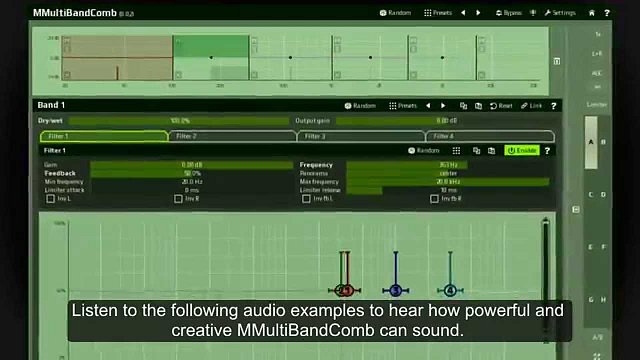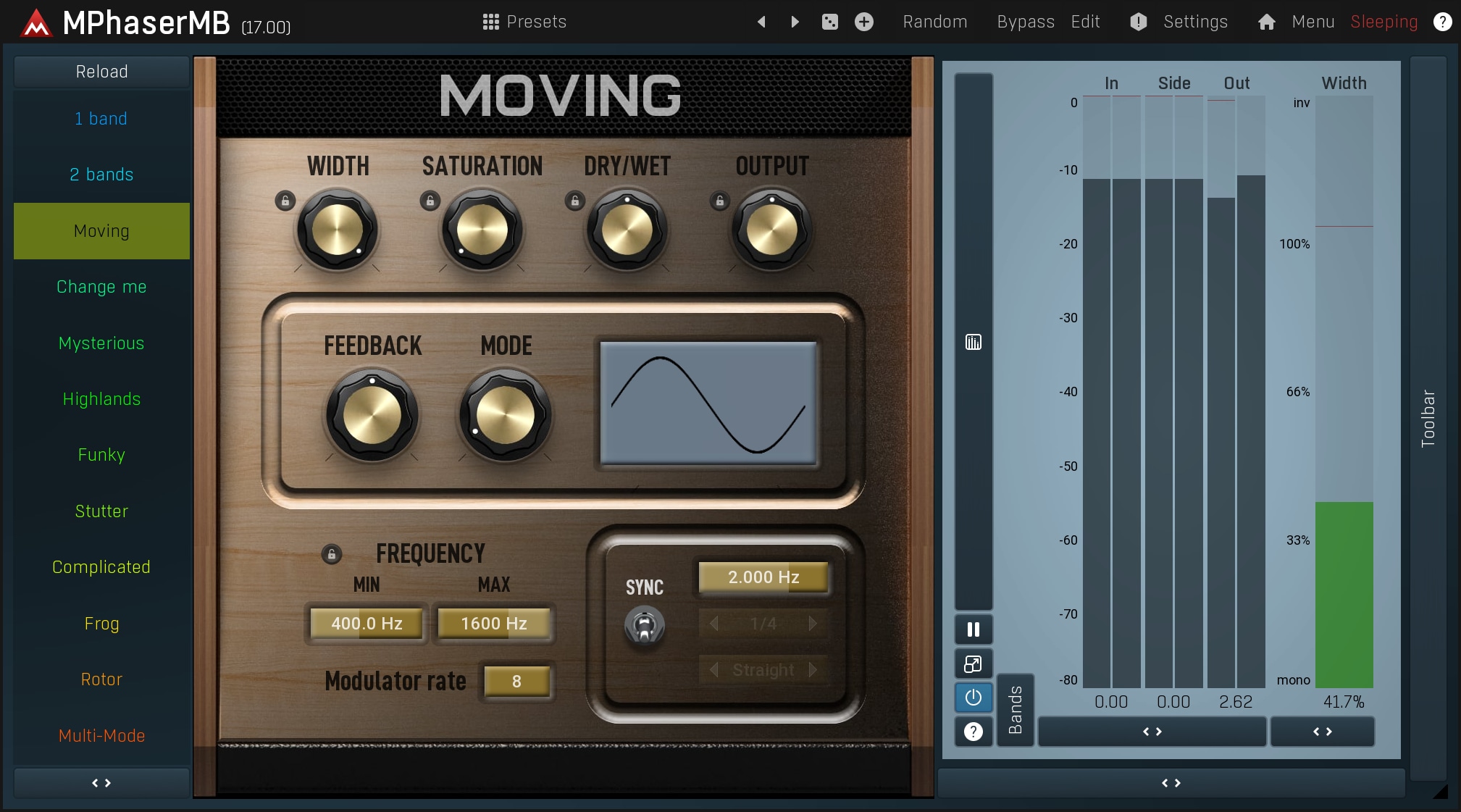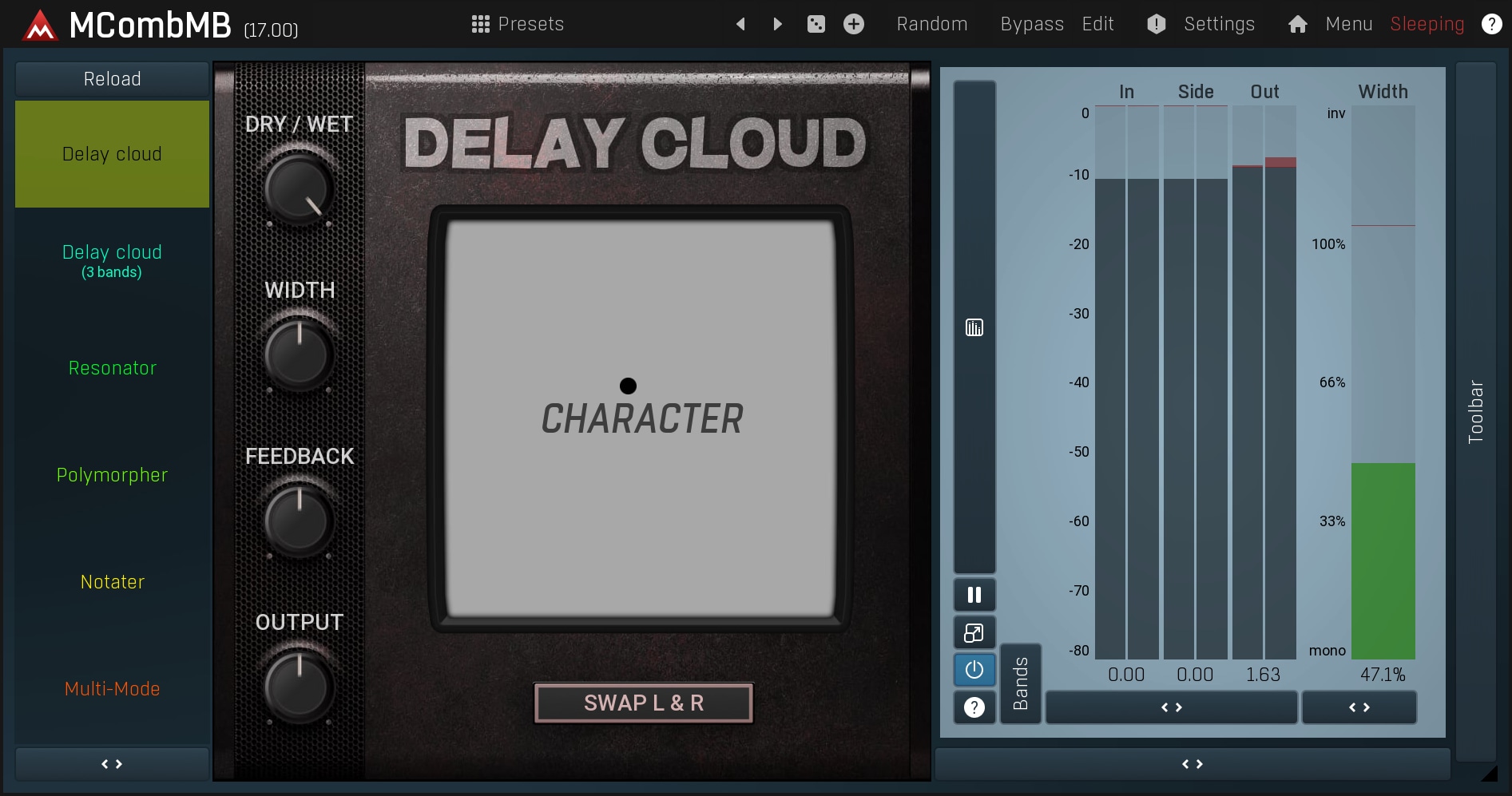
MCombMB is a multiband comb-filter plug-in for producers and sound designers who want resonant movement on drums, leads or pads. It can split a signal into up to six bands, with up to four comb filters in each band. This lets you shape different parts of a sound separately, creating pitched percussion, moving textures or rhythmic loops.
Work with bands and filters
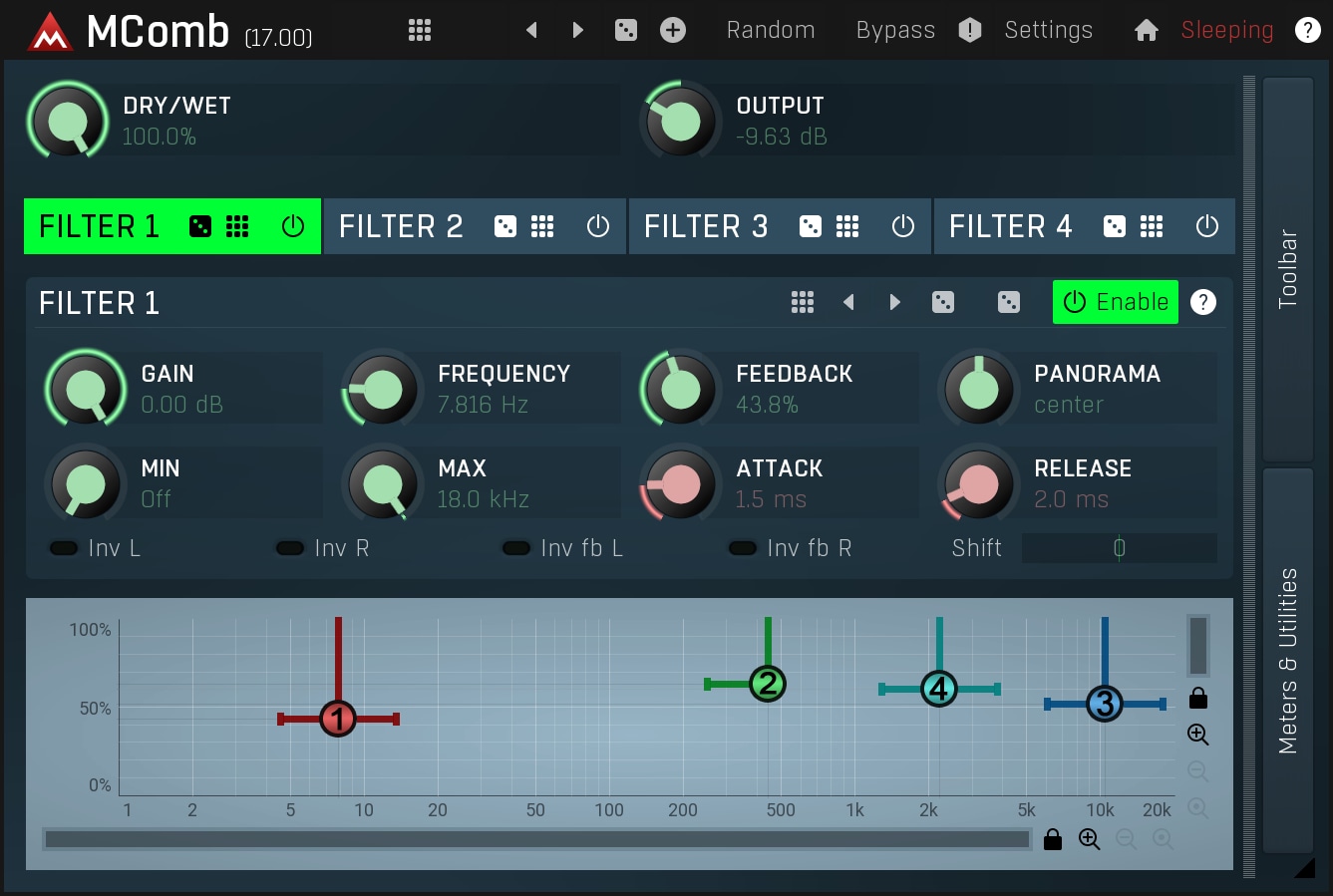
You can divide audio by frequency, level, panorama, mid/side position, transients or tonal/noise content. Within each band, arrange its filters in series, in parallel or in a mix. Filter controls include frequency, feedback, gain and panorama, with separate phase inversion options for the channels.
The Parallel crossover sends the full input to each band, which can raise the combined output level. Lower the output before auditioning this mode. Other crossover choices have different phase and latency behavior, so consult the MCombMB documentation when those details matter to your session.
Add movement and compare settings
MCombMB has four modulators. They can work as LFOs, level followers, envelopes, randomizers or pitch detectors, and can respond to MIDI, audio or a sidechain signal. Assign one to a filter parameter to make the sound change over time or follow the input.
The Easy screen gives you a smaller set of device controls; Edit opens the full control set. Smart randomization can make small changes to a current setting or generate broader variations, and parameter locks let you exclude selected controls. A-H slots help compare settings, while the first four can be blended with an X-Y pad.
Compatibility and licensing
The supported 64-bit plug-in formats are VST, VST3 and AAX on Windows 10 or 11, and VST, VST3, AU and AAX on macOS 10.14 or newer. Melda lists Intel or AMD processors with SSE2 support for Windows, and Intel, AMD or Apple Silicon for macOS. Melda notes that a computer below these minimum requirements may still run the plug-ins and recommends using the trial period to check. Linux is not directly supported; the developer says running the plug-ins through Wine may be possible. Check the system requirements for host notes.
Melda describes its licenses as personal and usable on all of the license holder's computers, provided that person is the user. Activation does not require a dongle or internet access, and purchased software includes free updates for life. A trial is available from the MCombMB product page. The quick start guide explains the interface and band editor.