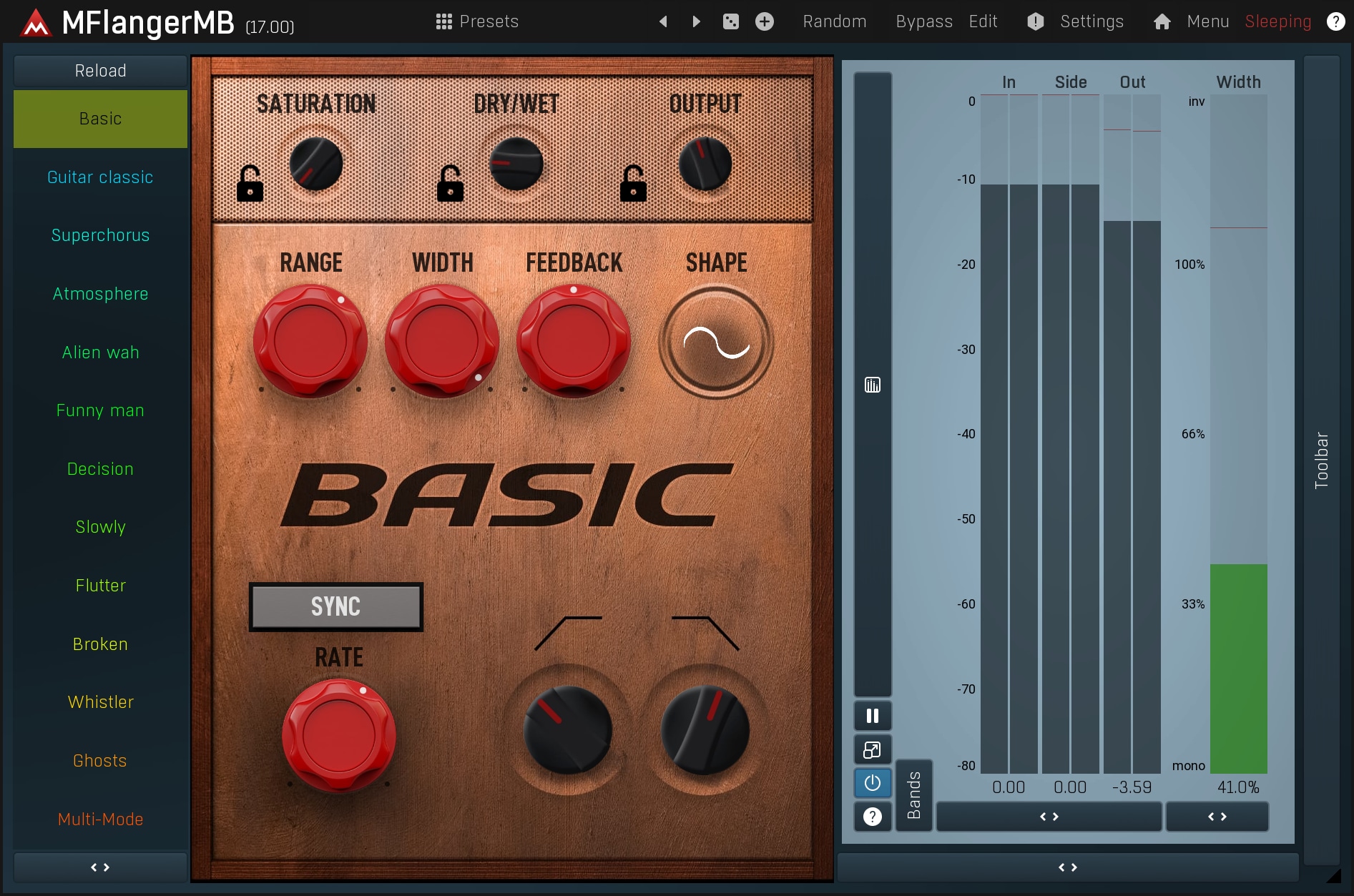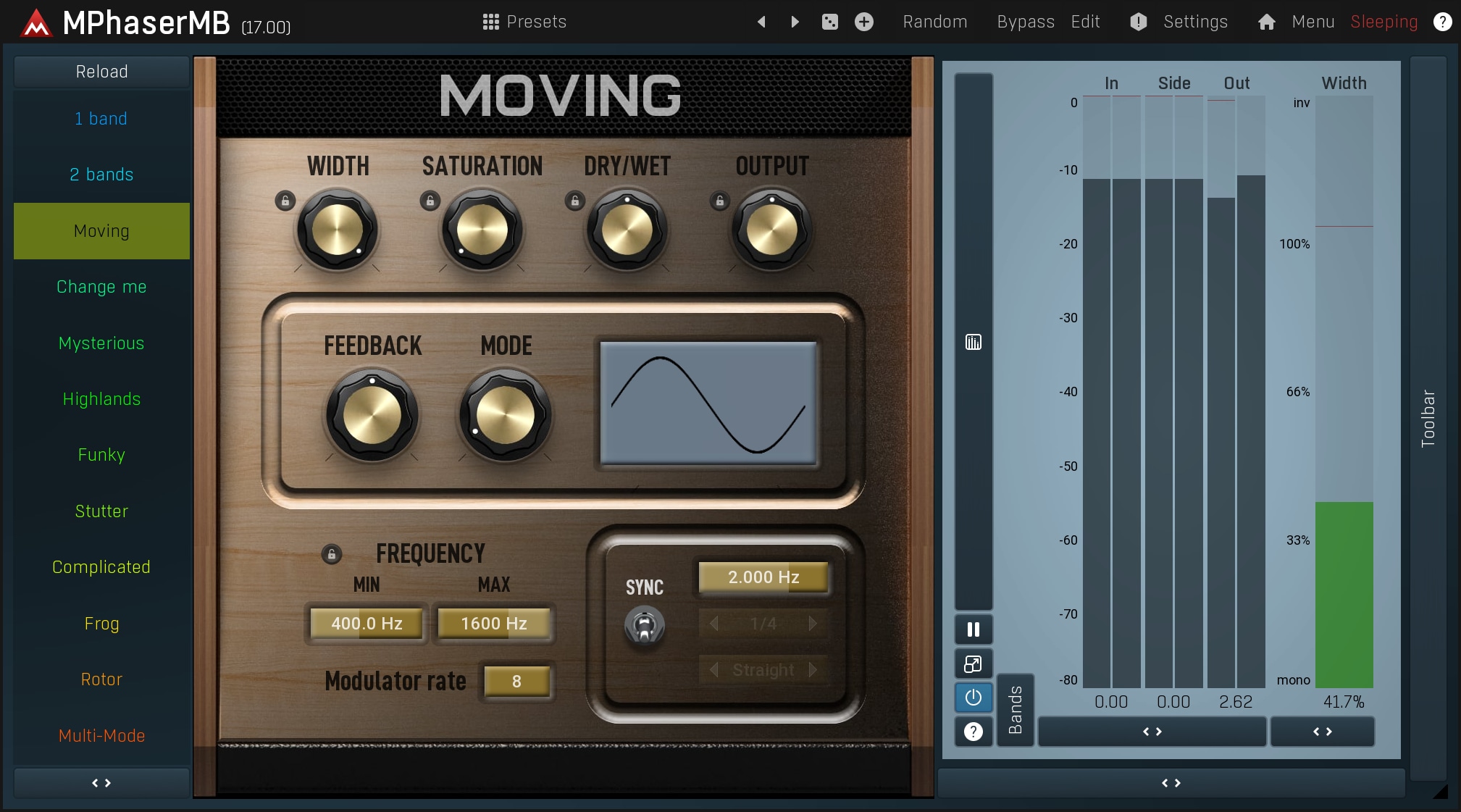
MPhaserMB is a MeldaProduction phaser for adding movement to guitars, keyboards and other instruments. With a frequency crossover, it can split a signal into up to six bands and process them separately, so you can shape a sweep in one frequency range while leaving another steadier. See the product overview for its current trial and purchase options.
Shape the effect by band
For each band, you can set the phaser’s frequency range, rate, feedback, width, saturation and number of phase delays. The delay count ranges from 1 to 100. Frequency crossovers can use analog or linear-phase modes. Most analog crossovers add no latency but introduce phase shift. The 6 dB/oct crossover is zero-latency and zero-phase; other linear-phase modes avoid phase shift but add latency.
Other crossover modes split audio by level, panorama, mid-side position, transients, tonal or noise content, or parallel paths. These options let you build effects around more than frequency alone. The MPhaserMB quick start guide explains the band editor and crossover controls.
Animate sweeps and compare settings
Oscillators and modulators can sync to the host tempo. You can shape oscillator movement with custom waveforms, a step sequencer or harmonic controls. Four modulators can work as LFOs, level followers, envelopes, randomizers or pitch detectors. They can respond to MIDI, audio or a sidechain and control other parameters. This suits tempo-locked movement as well as sweeps that follow a performance or input signal. The multiparameters let one control adjust several parameters.
The Easy screen presents a smaller set of controls for common adjustments; the Edit screen exposes the full parameter set. A-H slots help compare settings, and the first four can be morphed with an X-Y pad. Automatic gain compensation keeps the output level near the input level while you compare changes. A safety limiter keeps output below 0 dB.
Compatibility and licensing
Melda lists Windows 10 and 11 (64-bit) with VST, VST3 or AAX hosts, and macOS 10.14 Mojave or newer (64-bit) with VST, VST3, AU or AAX hosts as its minimum requirements. The plugins may still work below these requirements, so use the trial period to check compatibility. Its support page lists processor requirements and links to a supported-host list; check the MPhaserMB support page before installing.
Activation uses a personal license file. Melda says activation needs no dongle or internet access, and the license can be used on all your computers while you remain the user. Purchases include free updates. For current installation requirements, see MeldaProduction’s system requirements.