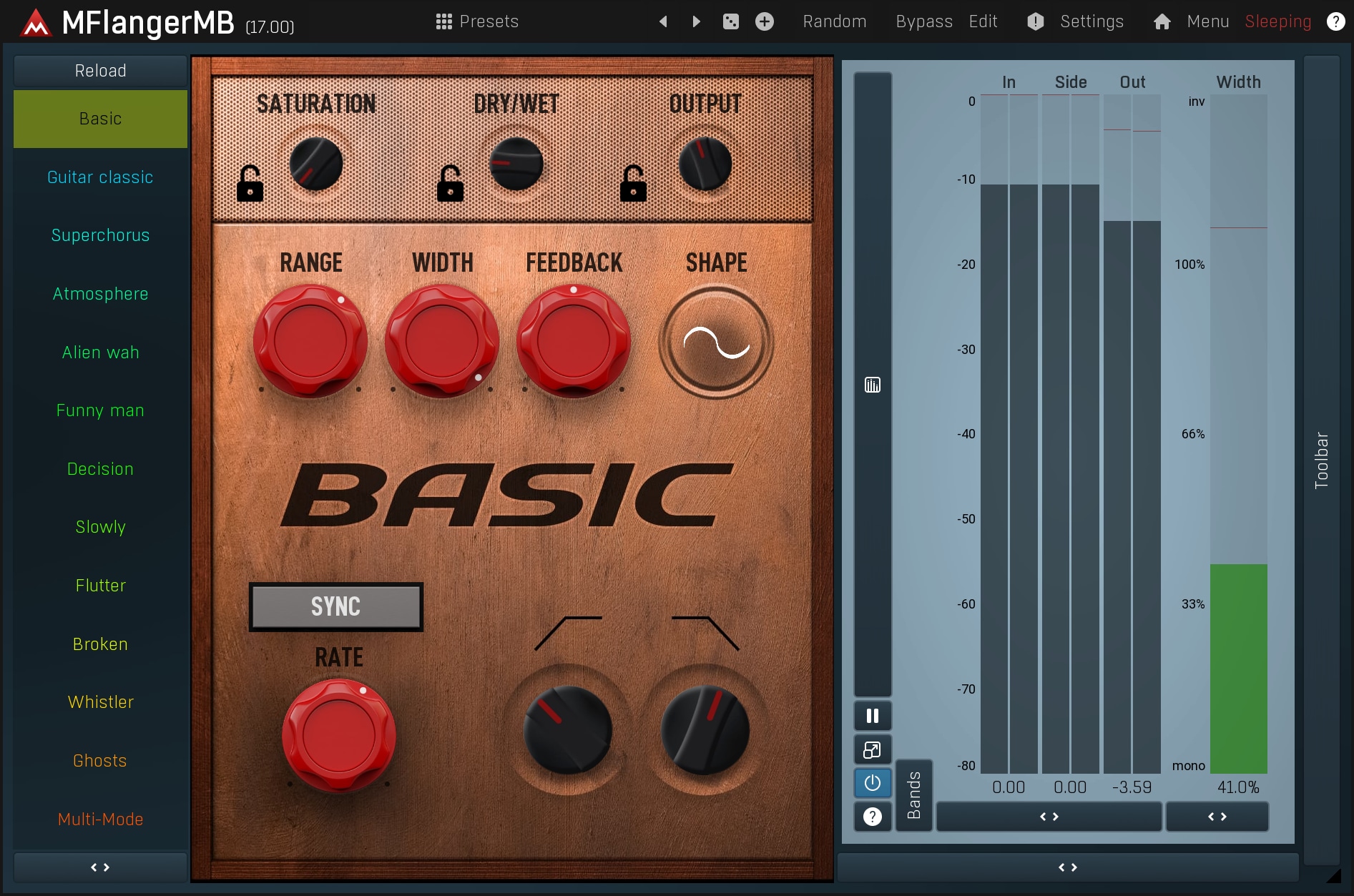
MFlangerMB is a multiband flanger effect from MeldaProduction. Its crossover can split audio into six bands for separate processing, with divisions based on frequency, level, stereo position, or transient and tonal content.
Shape the motion
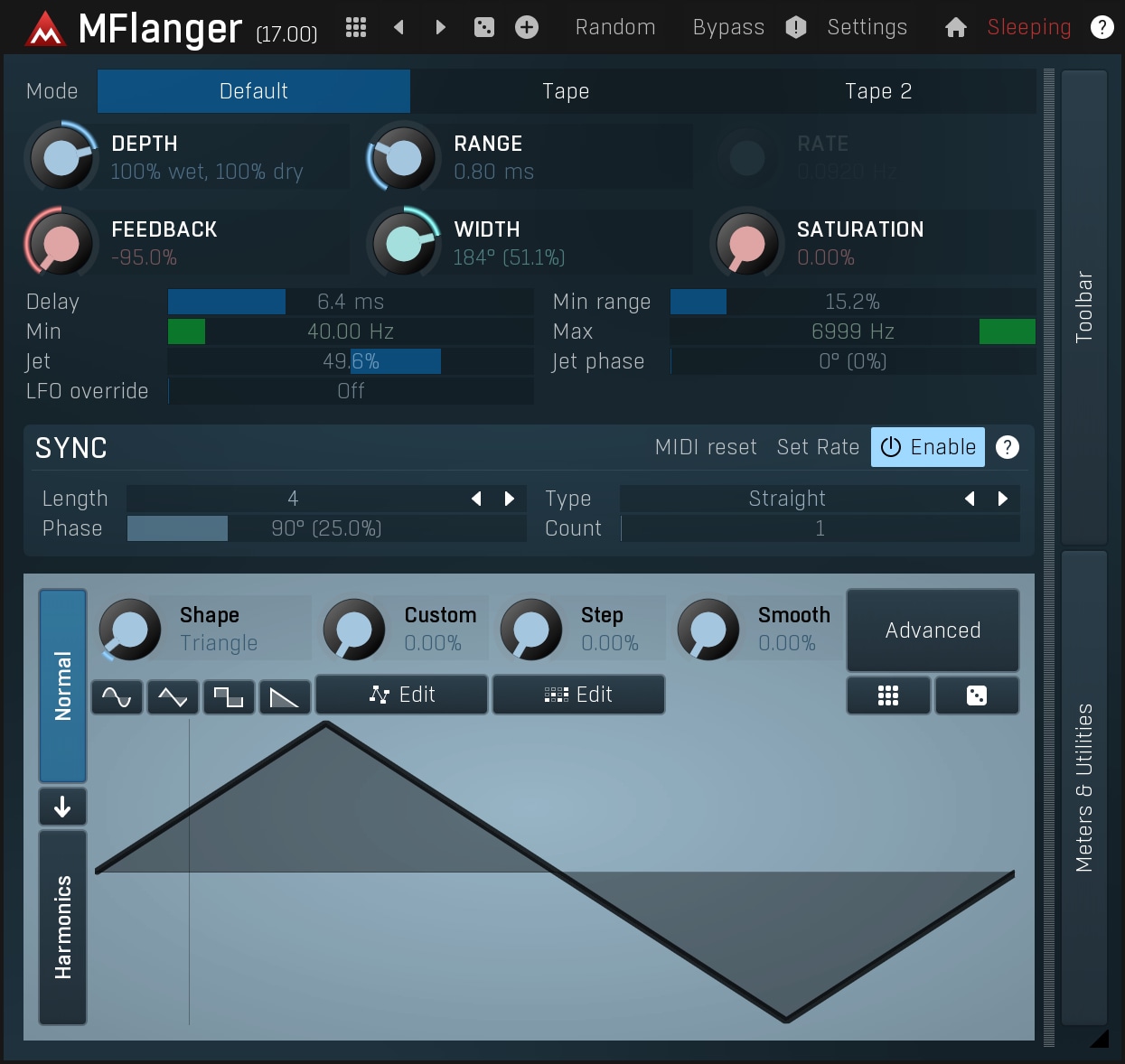
Each oscillator and modulator can sync to the host tempo or run independently. Oscillator controls include predefined shapes, editable waveforms, a step sequencer and harmonic mode. The Jet control adds a tremolo component to the flange, and the Saturation control sets how much tube saturation is applied to the flanging signal.
Four modulators can control plugin parameters as an LFO, level follower, MIDI or audio-triggered envelope, randomizer, or pitch detector. They can also listen to the sidechain. For example, a level follower can make a parameter respond to the input level, while a pitch detector can make modulation follow the notes in a performance.
Multiband processing options
The crossover can split by frequency, level, panorama, mid-side position, transients, tonal or noise content, or parallel paths. Frequency crossovers include analog and linear-phase options. These choices let you focus the effect on selected frequency bands, stereo regions or transient and tonal material.
MFlangerMB also supports mono, stereo and mid-side processing, plus surround audio up to 8 channels and ambisonics up to 64 channels. Automatic gain compensation helps keep output level matched to the input while comparing settings. A safety limiter is included to keep output below 0 dB.
Who it suits
The six-band splits and modulation options suit producers and sound designers who want the flanging to respond differently across a signal or change with the music. The Easy screen exposes a smaller set of macro controls; the Edit screen gives access to the full parameter set. Wet and dry audio examples cover bass guitar, distortion guitar, lead, organ and Suitcase.
Compatibility and licensing
The listed Windows requirements are Windows 10 or 11 (64-bit), a 64-bit VST, VST3 or AAX host, and an Intel or AMD processor with SSE2 support. On macOS 10.14 or newer, it lists 64-bit VST, VST3, AU and AAX support, with Intel, AMD or Apple Silicon CPUs. Linux is not directly supported; Melda says running the plugins through Wine may be possible if the .wine/drive_c/windows/Fonts/ directory contains Microsoft True Type fonts before installation. Check the system requirements and supported hosts
Melda describes its licenses as user-specific: the license holder can use the software on all their computers as long as they are the user. Activation uses a license file and does not require a dongle or internet access. A trial is available to check compatibility before buying. The quick-start guide explains the plugin's controls.