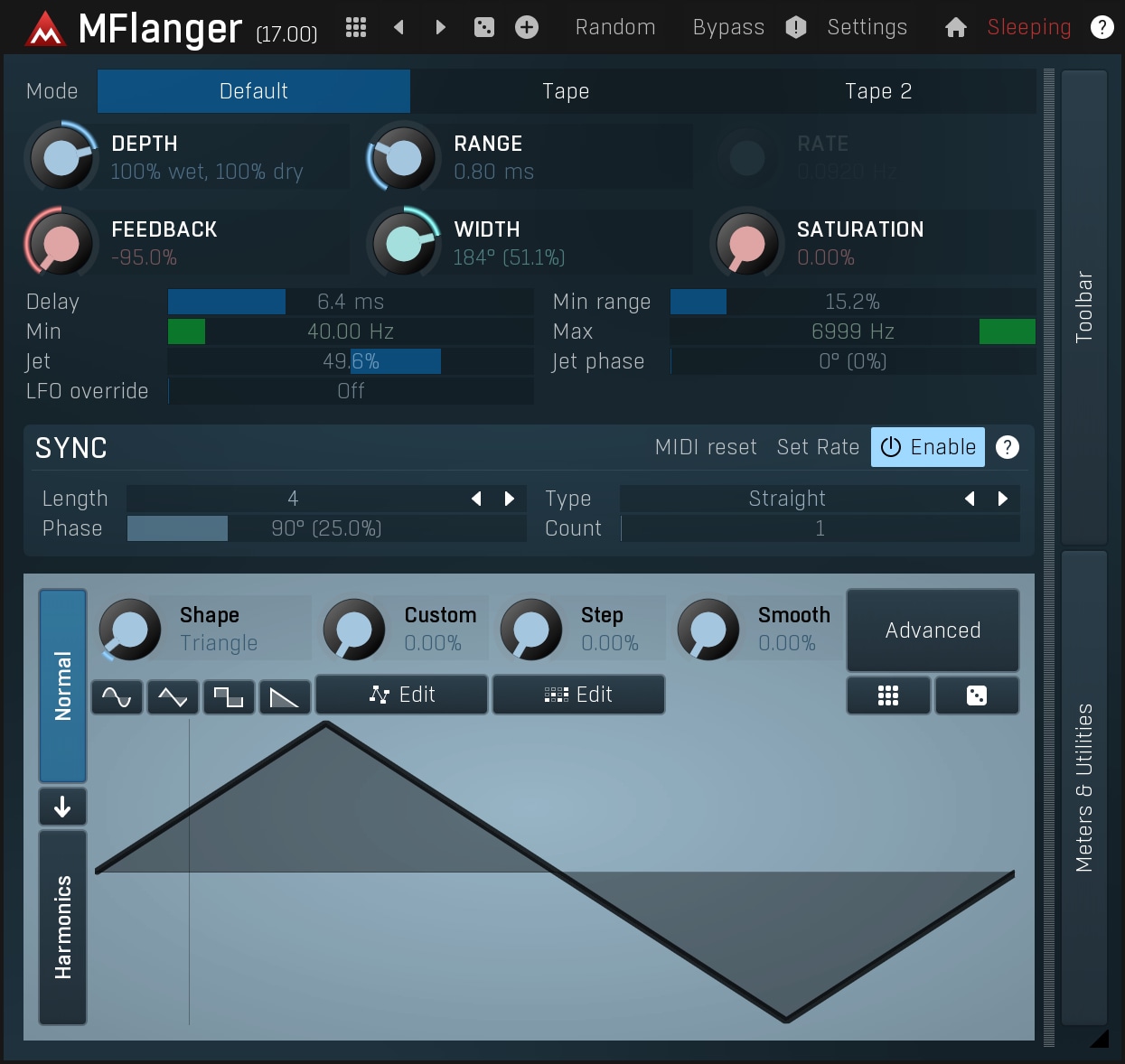
MFlanger is MeldaProduction's flanging effect for audio tracks. Its default mode mixes the original signal with a variably delayed signal. Tape modes also delay the input, creating the through-null behavior described in the MFlanger manual.
Choose the flanging character
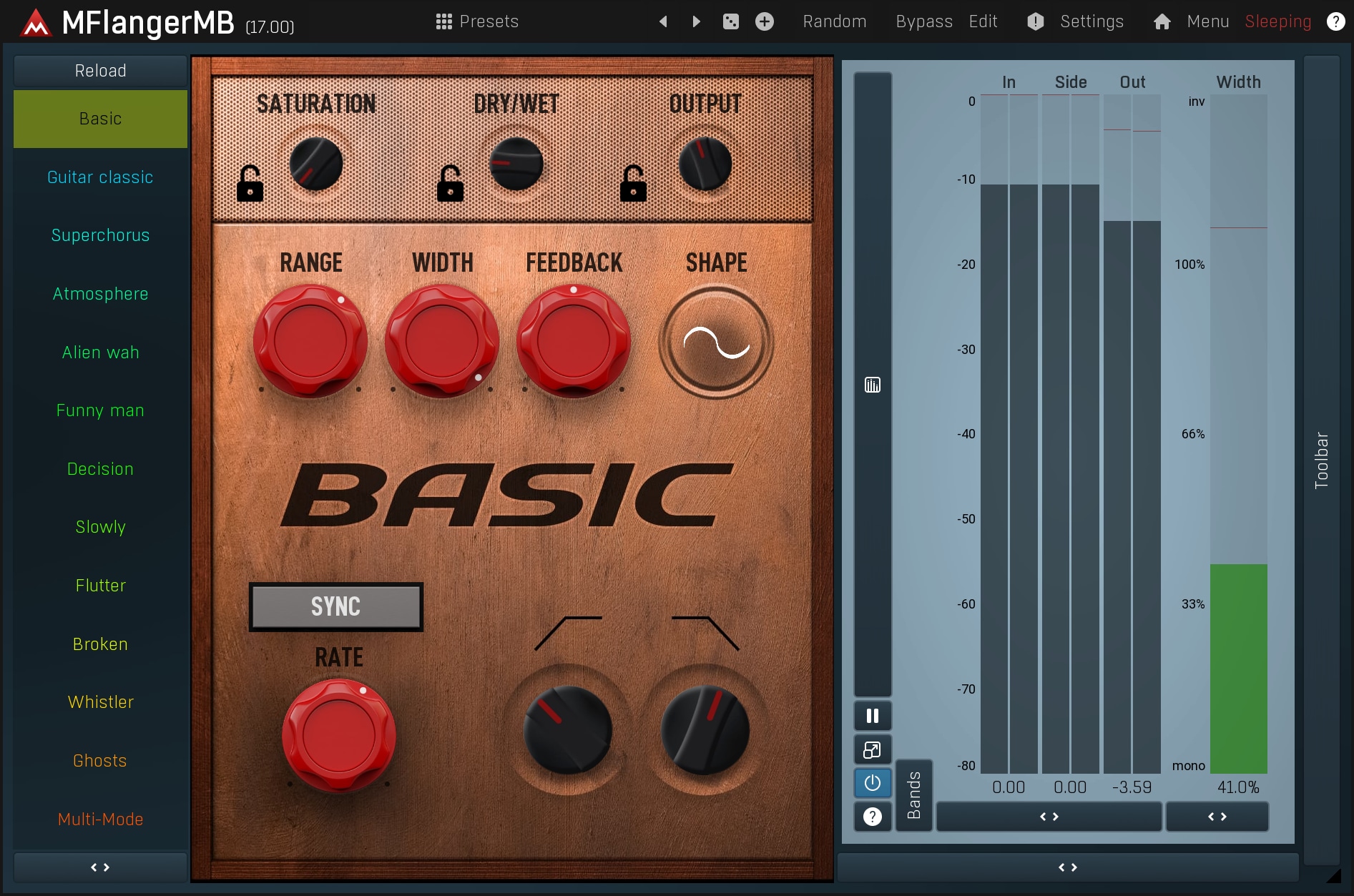
Depth changes the effect strength and the amount of dry signal. Range sets the size of the moving delay line, while Feedback returns part of the delayed signal to its input. When heavy feedback creates high-end whistling, Min range can limit it. The Saturation control applies the integrated tube saturation to the flanging signal.
Automatic gain compensation can bring the output closer to the input level, making comparisons between settings and presets less dependent on loudness. MFlanger also has a safety limiter to keep peaks below 0 dB. The manual notes that the limiter changes the output and uses extra processing, so it is best reserved for cases where you need to control peaks above 0 dB.
Shape and synchronize the movement
The oscillator can follow the host tempo, with controls for note length, straight or triplet timing, and phase. You can choose a predefined shape, edit a custom waveform with MeldaProduction's Envelope System, or add a step sequence. Harmonic mode lets you shape harmonic content directly. These options suit both regular repeating sweeps and more unusual movement.
MIDI notes can reset the LFO. LFO override lets you automate the modulation value directly, though the manual notes that using it removes separate values for each channel and can limit stereo shaping. Multiparameters can link several controls to one controller, including for coordinated changes between stored settings.
Use it in stereo or multichannel sessions
The Width control changes the phase difference between channels for stereo widening. MFlanger also supports left/right and mid/side processing, up to eight-channel surround, and ambisonics up to 64 channels. The manual notes that ambisonics requires a compatible DAW and activation in its settings. VST2 surround also needs a global activation step.
Check compatibility and access
The support page lists Windows 10 or 11 (64-bit), an Intel or AMD processor with SSE2 support, and a 64-bit VST, VST3, or AAX host. On macOS it lists version 10.14 Mojave or later (64-bit), an Intel, AMD, or Apple Silicon CPU, and a 64-bit VST, VST3, AU, or AAX host. The support page also says the plugins may work below these minimums and recommends using the trial period to check compatibility. Linux is not directly supported; MeldaProduction says running the plugins through Wine may be possible with Microsoft TrueType fonts installed in Wine's fonts directory.
MeldaProduction labels MFlanger a free effect and lists it with the MFreeFXBundle. Its feature page describes personal, file-based licences that do not require a dongle or an internet connection for activation, with use on the licence holder's computers.