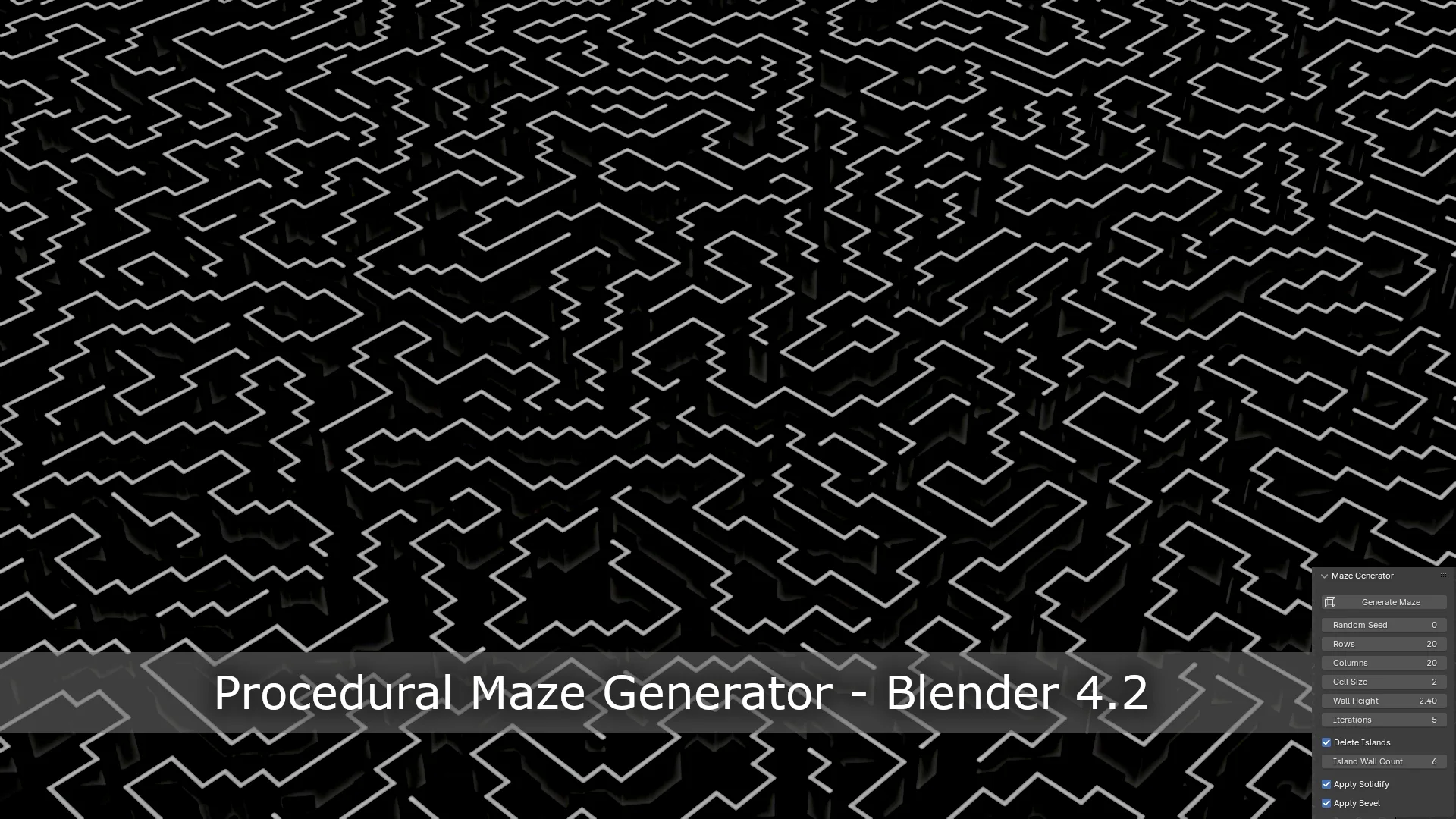
Maze Generator creates configurable random maze meshes inside Blender. Set the row and column counts, cell size, and wall height, then generate the maze in the 3D View. The Blender Extensions catalog lists version 0.3.1 with Blender 4.2.0 as its minimum version. Check the extension listing and the project documentation for the current details.
Set the layout and maze variation
Rows and columns control the grid dimensions, while cell size and wall height set the maze's proportions. Using the same random seed lets you reproduce a maze, and controls let you remove isolated sections and adjust complexity through iterations. Optional solidify and bevel modifiers add adjustable wall thickness and softened edges.
Add a floor, ceiling, or boundary
The add-on can create a floor and ceiling as separate objects, so you can assign materials or remove either one independently. An optional boundary wall encloses the maze; its offset is adjustable in cells. You can place entrance and exit openings by choosing a boundary side and position, then set their width. Randomise controls reshuffle an opening and rebuild the boundary.
An entrance and exit mark start and end areas, but the add-on does not guarantee a solvable route between them. Check the generated layout if the maze needs a continuous path.
Generate and edit the maze in Blender
After installing the add-on, open the Sidebar in Blender's 3D View and select the Create tab. Adjust the Maze Generator settings, choose any room elements or openings, and generate the maze. The resulting objects can be edited further, including with materials and other Blender modifiers.
Compatibility and license
The extension catalog sets Blender 4.2.0 as the minimum version, and the project documentation lists Blender 4.2 or later as supported; earlier versions are untested. The add-on is licensed under GPL-3.0-or-later. Its documentation also warns that generating an extremely large maze could cause Blender to crash, so start with manageable dimensions when exploring the settings.