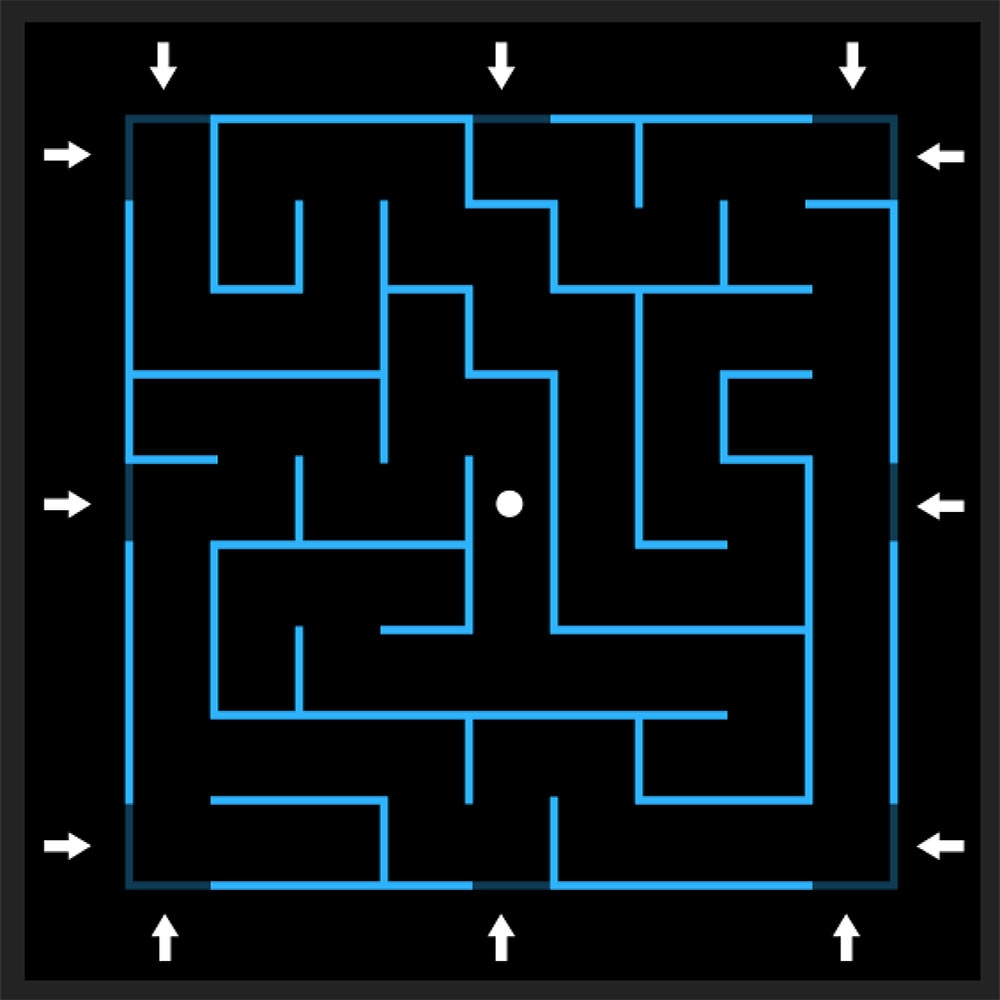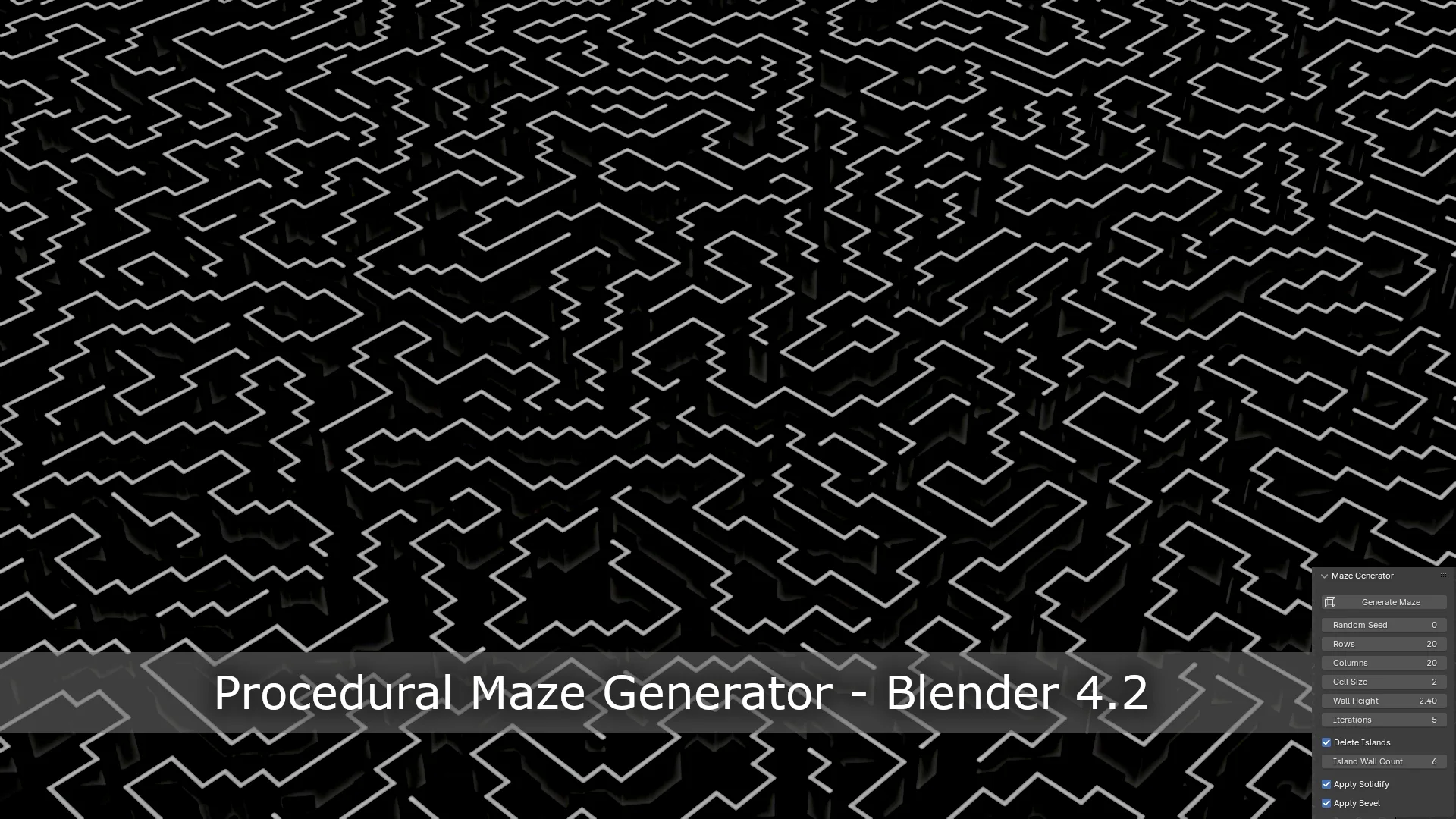
mazeFX generates random vector mazes and a solution path in Adobe After Effects. Its effect controls let you adjust the maze's appearance, and it requires no third-party plugins.
Shape the maze and its solution path
Set the X and Y grid dimensions to make the pattern denser or more open. Use a mask to define the maze's shape; mazeFX supports masks with Bezier vertices. Start and end positions for the solution path can be selected independently.
Choose layers and repeat a layout
Generate the maze in one shape layer or put each part on a separate shape layer. A static seed reproduces the same maze, while the random seed option generates a different layout. mazeFX can also create a null helper attached to the tip of the solution path, which is useful for parenting another layer to that moving point. The null helper requires After Effects CC 2018 or newer.
Maze graphics, game maps and built-in effects
mazeFX suits motion designers creating vector maze graphics, solution-path visuals or simple maze game maps. Its shape-layer output can be combined with After Effects effects such as Polar Coordinates and CC Sphere for alternate treatments.
Compatibility and licensing
The aescripts listing names After Effects 2027, 2026, 2025, 2024, 2023, 2022, 2021, 2020, CC 2019, CC 2018, CC 2017, CC 2015.3, CC 2015, CC 2014 and CC. The null helper has the narrower CC 2018 and newer requirement.
The product EULA grants one copy; use by additional users or on additional computers requires an appropriate license for each. If you choose a floating license, aescripts requires its Floating License Server. Single-user licenses do not require that server.